Products
Features
YouTube Video Summarizer
Summarize YouTube videos
Web & PDF Highlighter
Highlight web pages & PDFs
Chat with PDF
Ask any PDF questions with AI
Ask AI Clone
Chat with your highlights & memories
Audio Transcriber
Transcribe audio files to text
Glasp Reader
Read and highlight articles
Kindle Highlight Export
Export your Kindle highlights
Idea Hatch
Hatch ideas from your highlights
Integrations
Obsidian Plugin
Notion Integration
Pocket Integration
Instapaper Integration
Medium Integration
Readwise Integration
Snipd Integration
Hypothesis Integration
Apps & Extensions
Chrome Extension
Safari Extension
Edge Add-ons
Firefox Add-ons
iOS App
Android App
Discover
Discover
Ideas
Discover new ideas and insights
Articles
Curated articles and insights
Books
Book recommendations by great minds
Posts
Essays and notes from readers
Quotes
Inspiring quotes collection
Videos
Curated videos and summaries
Explore Glasp
Glasp Newsletter
Weekly insights and updates
Glasp Talk
Interview series with great minds
Glasp Blog
Latest news and articles
Glasp Use Cases
Learn how others use Glasp
Build & Support
Glasp API
Access Glasp's API for developers
MCP Connector
Connect Glasp to Claude & ChatGPT
Community
Glasp Reddit Community
Students
Student discount and benefits
FAQs
Frequently Asked Questions
AboutPricing
DashboardLog inSign up

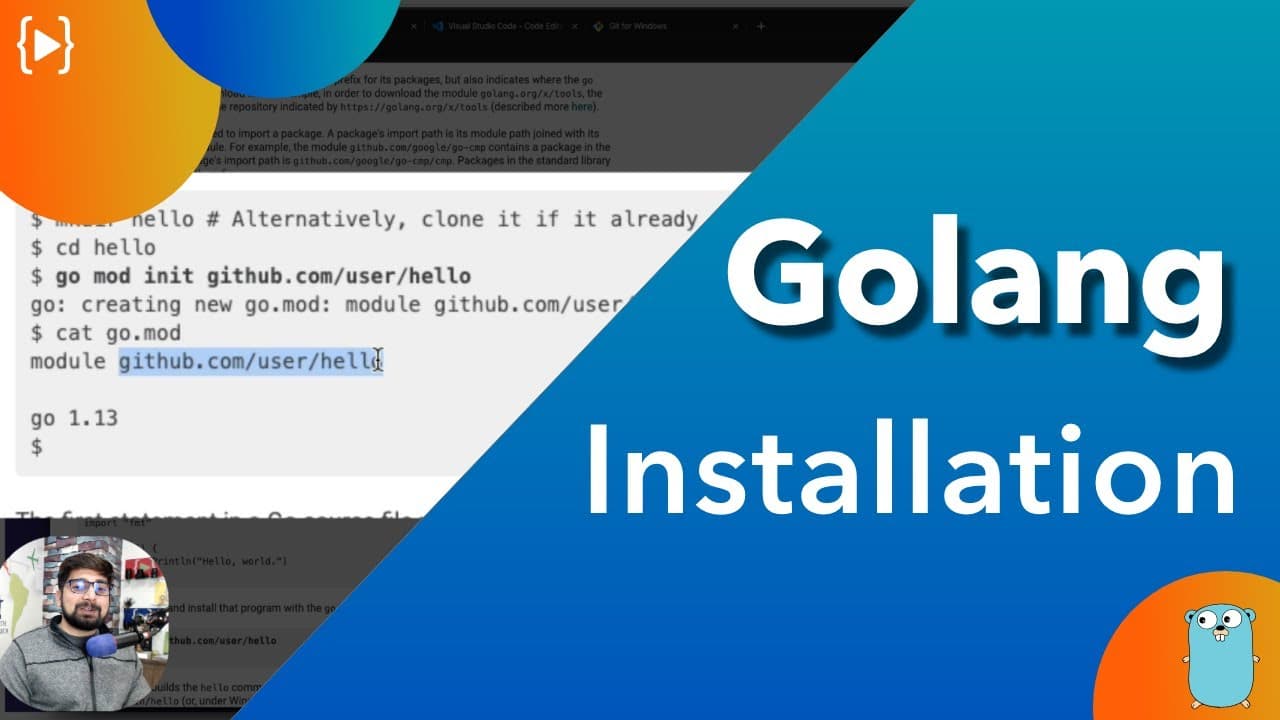
How to Install Go Language and Run Your First Program
12.9K views
•
February 5, 2020
by
Hitesh Choudhary
YouTube video player
How to Install Go Language and Run Your First Program

TL;DR

To install the Go programming language, download the Go installer, set up Git Bash for Windows users, and use VS Code as your code editor. After installation, organize your code in a structured directory and ensure your environment variables are set correctly to run your first program smoothly.

Transcript

hey there everyone had a shear back again with another video and in this video off of her go series we're gonna learn how to install go and run our very first program in case you have watched the video somewhere else or maybe in some other courses where you have already know about the go installation I still would recommend you to watch this video ... Read More

Key Insights

  • 🔨 Efficient installation using tools like Go, VS Code, and Git Bash ensures a smooth Go programming experience.
  • 📁 Understanding the directory structure and environment variables is essential for successful Go language setup.
  • 💁 Go language prioritizes code efficiency and simplicity through strict formatting rules and error detection mechanisms.

Install to Summarize YouTube Videos and Get Transcripts

Explore YouTube Video Summarizer or Get YouTube Transcript Extractor

Questions & Answers

Q: What are the essential tools needed to install and run Go language?

The essential tools required are Go language itself, VS Code for coding, and Git Bash for Windows users to have an efficient command prompt.

Q: What is the significance of the directory structure in Go programming?

The directory structure in Go programming is crucial for organizing code and storing binaries, packages, and source files according to Go's guidelines for efficient coding practices.

Q: How does Go language ensure code efficiency and simplicity?

Go language ensures code efficiency and simplicity by enforcing strict formatting rules, providing tools like fmt for code restructuring, and detecting unused variables for optimized performance.

Q: What are the key Environment Variables set up by Go language during installation?

Two key environment variables set up by Go language are go root, where binaries are stored, and go workspace, the directory for organizing code files for efficiency and optimization.

Summary & Key Takeaways

  • Shear Back guides viewers through efficiently installing Go language.

  • Tools required: Go, VS Code, and Git Bash for Windows users.

  • Understand the directory structure and environment variables for successful Go installation.


Read in Other Languages (beta)

English

Share This Summary 📚

Summarize YouTube Videos and Get Video Transcripts with 1-Click

Download browser extensions on:

Try YouTube Summary with ChatGPT & Claude or YouTube Transcript Generator

Explore More Summaries from Hitesh Choudhary 📚

creating a video player in java at 4 in morning thumbnail
creating a video player in java at 4 in morning
Hitesh Choudhary
Capacitor by Ionic - Successor of Cordova and phonegap thumbnail
Capacitor by Ionic - Successor of Cordova and phonegap
Hitesh Choudhary
Android studio 3 - Create hello world App in Kotlin thumbnail
Android studio 3 - Create hello world App in Kotlin
Hitesh Choudhary
God Father of AI warns about AI risks thumbnail
God Father of AI warns about AI risks
Hitesh Choudhary
WildCard Character Regular expressions thumbnail
WildCard Character Regular expressions
Hitesh Choudhary
Sunday Live 3 September, 2017 thumbnail
Sunday Live 3 September, 2017
Hitesh Choudhary

Summarize YouTube Videos and Get Video Transcripts with 1-Click

Download browser extensions on:

Try YouTube Summary with ChatGPT & Claude or YouTube Transcript Generator

Apps & Extensions

  • Chrome Extension
  • Safari Extension
  • Edge Add-ons
  • Firefox Add-ons
  • iOS App
  • Android App

Key Features

  • YouTube Video Summarizer
  • Web & PDF Summarizer
  • Web & PDF Highlighter
  • Chat with PDF
  • Ask AI Clone
  • Audio Transcriber
  • Glasp Reader
  • Kindle Highlight Export
  • Idea Hatch

Integrations

  • Obsidian Plugin
  • Notion Integration
  • Pocket Integration
  • Instapaper Integration
  • Medium Integration
  • Readwise Integration
  • Snipd Integration
  • Hypothesis Integration

More Features

  • APIs
  • MCP Connector
  • Blog & Post
  • Embed Links
  • Image Highlight
  • Personality Test
  • Quote Shots

Company

  • About us
  • Blog
  • Community
  • FAQs
  • Job Board
  • Newsletter
  • Pricing
Terms

•

Privacy

•

Guidelines

© 2026 Glasp Inc. All rights reserved.




