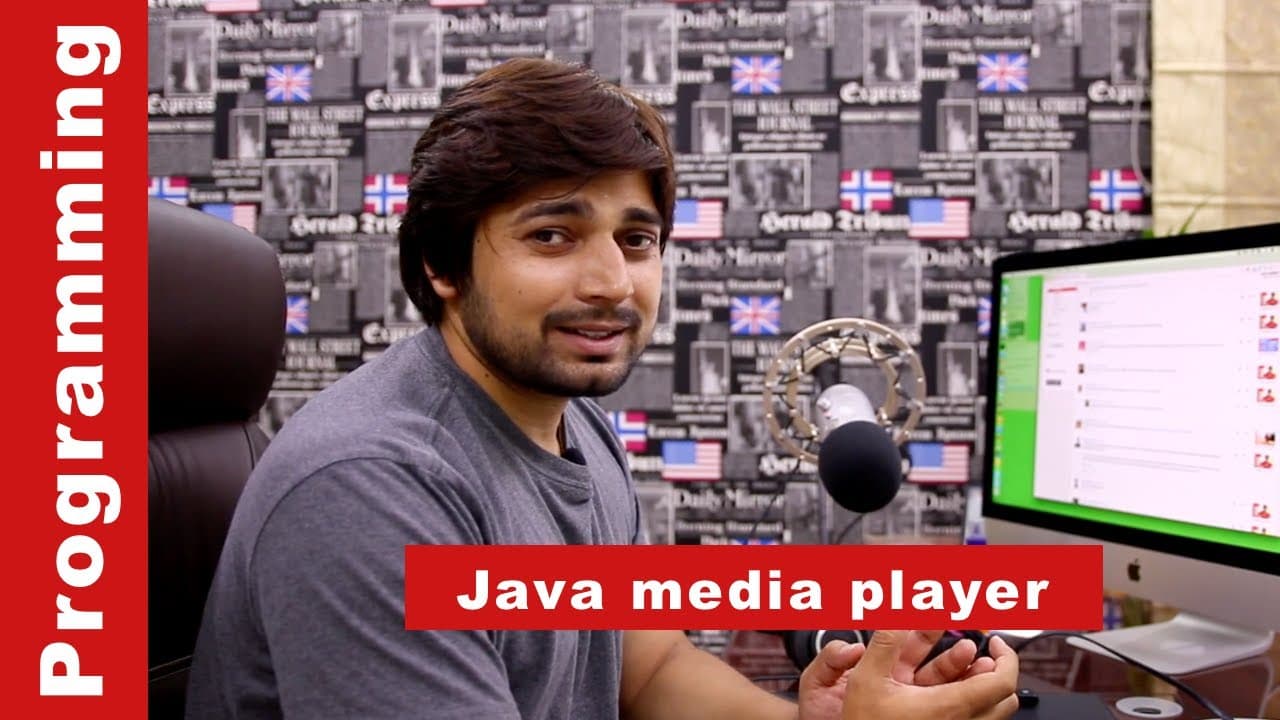
creating a video player in java at 4 in morning
TL;DR
The content discusses the annoyance of receiving calls from friends at 4 AM and the steps taken to create a Java media player.
Transcript
okay there people now this is not a usual video that I post regularly on my YouTube channel but this time I'm going to be posting this this one uh directly out there now you can see directly that there is an ed beans open up in my screen but before before we move on I would like to share this incident now you might be having good friends so do I ha... Read More
Key Insights
- 😪 Annoying friends can disrupt sleep and cause inconvenience.
- 🔉 Developing a Java media player involves setting up the project, designing the user interface, and implementing functionality for opening and playing media files.
- 🦻 Tools like NetBeans and Scene Builder can aid in the development process.
- 🍵 Handling errors and troubleshooting is an important aspect of programming.
- 🍰 It is possible to create a functional media player within a short period of time.
- 📽️ Projects developed out of annoyance can still be valuable learning experiences.
- 💦 Developing a media player in Java requires knowledge of JavaFX and the ability to work with different file types.
Install to Summarize YouTube Videos and Get Transcripts
Explore YouTube Video Summarizer or Get YouTube Transcript Extractor
Questions & Answers
Q: Why did the narrator create the Java media player project?
The narrator created the project because their friend called them at 4 AM, asking for help with a media player project that needed to be delivered the next morning.
Q: What tools did the narrator use to develop the media player?
The narrator used NetBeans as the development environment and Scene Builder from Gluon HQ to design the user interface.
Q: What steps did the narrator take to create the media player?
The narrator started by setting up the project in NetBeans, designing the user interface with a border pane, horizontal and vertical boxes, and a button. Then, they implemented functionality to open and play media files using a file chooser and media player.
Q: Did the narrator encounter any challenges during the development process?
Yes, there were some challenges, such as importing the necessary packages, defining the media player variable correctly, and ensuring the file path was valid. However, the narrator was able to resolve these issues.
Summary & Key Takeaways
-
The content begins with the narrator talking about an annoying call from a friend at 4 AM, asking for help with a Java media player project.
-
The narrator reluctantly agrees to help and proceeds to showcase the process of creating the media player using Java and NetBeans.
-
The tutorial covers how to set up the project, design the user interface, implement functionality for opening and playing media files, and handle any errors or issues that may arise.
Read in Other Languages (beta)
Share This Summary 📚
Summarize YouTube Videos and Get Video Transcripts with 1-Click
Try YouTube Summary with ChatGPT & Claude or YouTube Transcript Generator
Explore More Summaries from Hitesh Choudhary 📚






Summarize YouTube Videos and Get Video Transcripts with 1-Click
Try YouTube Summary with ChatGPT & Claude or YouTube Transcript Generator