Master Fast Typing: Boost Your Speed Now!
TL;DR
To significantly enhance your typing speed, focus on techniques such as optimal finger placement and the strategic use of keyboard shortcuts. Practicing regularly using online tools like 10 fast fingers can help track your progress. Additionally, implementing typing Snippets can streamline your workflow and increase efficiency.
Transcript
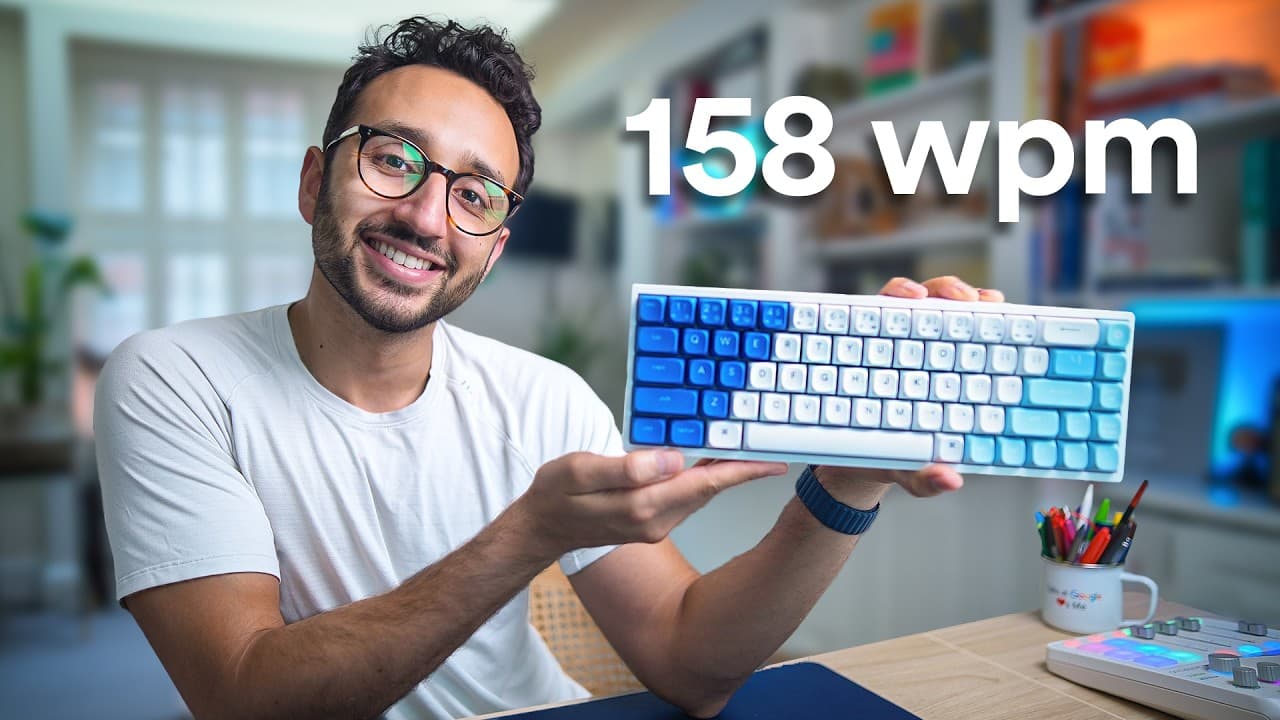
everyone wants to be able to type faster but it's not that easy to learn and so in this 1hour video I'm going to teach you everything I know about how to type really fast 157 words per minute there we go world record hey friends welcome back to the channel if you're new here my name is Ali I'm a Dr turned entrepreneur and the author of this book Fe... Read More
Key Insights
- 💨 Proper finger placement and muscle memory are essential for fast and accurate typing.
- 🐎 Using keyboard shortcuts and Snippets can significantly improve typing speed and efficiency.
- 🗯️ Choosing the right keyboard, whether mechanical or membrane, depends on personal preference and typing style.
- 👋 Good posture, including ergonomic setups, helps reduce strain and discomfort during typing.
- 🐎 Regular practice and benchmarking typing speed are crucial for continuous improvement.
- 🪡 Keyboard shortcuts and Snippets can be customized to individual needs and preferences.
- 🐎 Typing speed can be improved by minimizing mouse usage and adopting a keyboard-first mentality.
Install to Summarize YouTube Videos and Get Transcripts
Explore YouTube Video Summarizer or Get YouTube Transcript Extractor
Questions & Answers
Q: How can proper finger placement help improve typing speed?
Proper finger placement, such as using the home position with the index finger on F and J keys, allows for faster and more accurate typing. It facilitates muscle memory and helps reduce the distance fingers need to travel between keys.
Q: What are some useful keyboard shortcuts for improving typing speed?
Keyboard shortcuts like option/command + backspace for word deletion or option/command + arrow keys for navigation can significantly boost typing speed. These shortcuts minimize the need to use the backspace key repeatedly or navigate using the mouse.
Q: What are Snippets, and how can they improve typing efficiency?
Snippets are text replacements or shortcuts that automate frequently used phrases. By creating Snippets for phrases, email addresses, website links, or specific responses, you can save time and type faster by simply typing the designated shortcut.
Q: How does proper posture contribute to faster and more comfortable typing?
Sitting in a correct posture with feet flat on the ground and maintaining a 90° angle between hips, knees, and feet helps prevent strain and discomfort. It promotes better alignment of the spine and allows for relaxed and efficient typing.
Summary & Key Takeaways
-
This one-hour video tutorial by Ali, a Dr turned entrepreneur and fastest typist, provides comprehensive tips and techniques for improving typing speed and efficiency.
-
The tutorial covers various topics, including choosing the perfect keyboard, finger placement, the use of keyboard shortcuts, and proper posture for comfort and speed.
-
Ali emphasizes the importance of practicing typing regularly, using online platforms like 10 fast fingers to benchmark and improve typing speed.
-
The tutorial also introduces the concept of Snippets, apps that help automate and speed up typing by replacing frequently used phrases or text with shorter shortcuts.
Read in Other Languages (beta)
Share This Summary 📚
Summarize YouTube Videos and Get Video Transcripts with 1-Click
Try YouTube Summary with ChatGPT & Claude or YouTube Transcript Generator
Explore More Summaries from Ali Abdaal 📚






Summarize YouTube Videos and Get Video Transcripts with 1-Click
Try YouTube Summary with ChatGPT & Claude or YouTube Transcript Generator