How to Automate Instagram Posts for Consistency
TL;DR
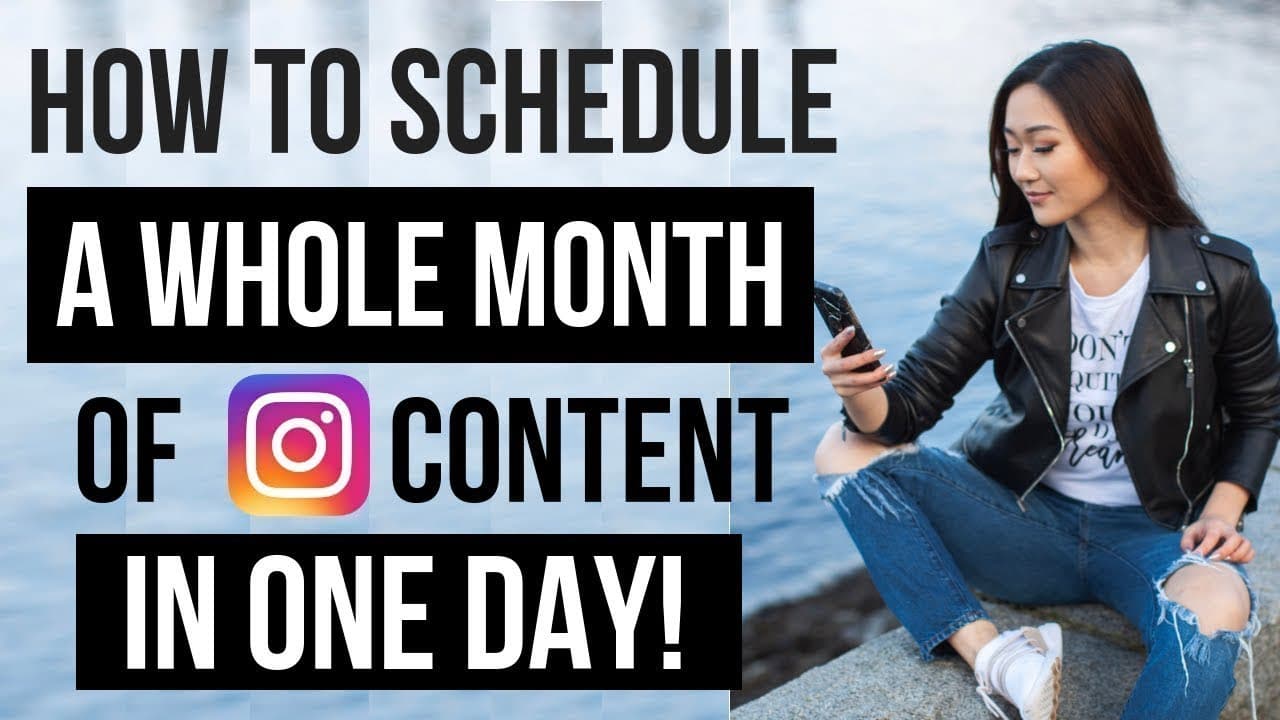
To maintain a consistent Instagram presence, automate your posting schedule using tools like Later. Start by editing your photos with apps like VSCOcam and Facetune, then use a scheduling app to plan and auto-publish your content. This process allows you to focus on creating engaging captions and hashtags, ensuring a cohesive feed.
Transcript
Welcome back, everyone. Welcome back to my channel. Now let me ask you a question. Have you ever struggled to think about a caption or maybe scrambled last minute to put something together for Instagram just for the sake of posting and staying consistent? Well, if you've encountered any of these problems, then this video is perfect for you. This vi... Read More
Key Insights
- Batch creating content allows you to prepare a month's worth of Instagram posts in one day.
- Using VSCOcam and Facetune can enhance your photos, making them stand out in your feed.
- Scheduling apps like Later help automate your posting schedule, saving time and maintaining consistency.
- Later's desktop version simplifies the process of writing long captions and managing your feed.
- Auto-scheduling features in Later allow posts to be published without manual intervention.
- Saved hashtag groups in Later streamline the process of adding relevant tags to your posts.
- Auto-publish features in Later can tag users and set locations automatically for posts.
- Scheduling Instagram stories is also possible with Later, aiding content creators in managing their workload.
Install to Summarize YouTube Videos and Get Transcripts
Explore YouTube Video Summarizer or Get YouTube Transcript Extractor
Questions & Answers
Q: How to automate Instagram posts effectively?
To automate Instagram posts effectively, use a scheduling app like Later. Start by editing your photos with tools like VSCOcam and Facetune. Upload the edited photos to Later's desktop or mobile app, then use its auto-scheduling feature to plan your posts. Set specific days and times for posting, and Later will automatically publish your content, allowing you to maintain a consistent feed without manual posting.
Q: What apps can enhance Instagram photos?
VSCOcam and Facetune are popular apps for enhancing Instagram photos. VSCOcam offers features like HSL adjustments to tweak colors, while Facetune provides tools for whitening backgrounds and minor facial adjustments. These apps help improve the visual appeal of your photos, making them more attractive and cohesive for your Instagram feed.
Q: Why use Later for Instagram scheduling?
Later is beneficial for Instagram scheduling because it offers both mobile and desktop versions, making it convenient for writing captions and managing posts. It allows auto-scheduling, which means posts can be published automatically at pre-set times. Additionally, Later supports features like saved hashtags, user tagging, and location setting, streamlining the posting process for busy content creators.
Q: How to plan Instagram captions and hashtags?
Plan Instagram captions and hashtags by first organizing your content using a scheduling app like Later. Write engaging captions that resonate with your audience and align with your brand voice. Use Later's saved captions feature to store hashtag groups, which can be easily applied to posts. This systematic approach ensures that your posts are well-prepared and visually appealing.
Q: What are the advantages of using Later's desktop version?
Later's desktop version offers several advantages, including a larger interface for writing detailed captions and planning posts. It allows easy drag-and-drop functionality for organizing your feed, and you can view your schedule from a weekly or monthly perspective. The desktop version also supports auto-publish features, making it easier to manage a consistent posting schedule without relying solely on mobile devices.
Q: How to maintain a consistent Instagram posting schedule?
Maintain a consistent Instagram posting schedule by using a scheduling app like Later. Plan your content in advance, edit photos with apps like VSCOcam and Facetune, and upload them to Later. Set specific days and times for your posts to go live, and utilize Later's auto-scheduling feature to ensure posts are published consistently. This approach helps maintain engagement and visibility on your Instagram account.
Q: What features does Later offer for Instagram stories?
Later offers the ability to schedule Instagram stories, which is a valuable feature for content creators looking to manage their workload efficiently. By planning and scheduling stories in advance, creators can ensure a consistent and engaging presence on Instagram. This feature is especially useful for busy entrepreneurs who use Instagram as a part of their business strategy.
Q: How to use Later's auto-publish feature?
To use Later's auto-publish feature, ensure your Instagram account is set up as a business account. Within Later, upload your photos and set your desired posting schedule. Enable the auto-publish option, allowing Later to automatically post your content at the scheduled times. This feature also supports automatic user tagging and location setting, further streamlining the posting process.
Summary & Key Takeaways
-
Automating Instagram posts ensures consistency and saves time. Use photo editing apps like VSCOcam and Facetune to enhance images, then schedule them with tools like Later. This method allows for efficient content management, letting you focus on captions and hashtags.
-
Later's desktop version offers a user-friendly interface for scheduling Instagram posts, providing features like auto-publish, saved hashtags, and user tagging. This streamlines the process of maintaining an engaging Instagram feed.
-
Scheduling Instagram stories and posts with Later enhances content creators' efficiency. By pre-planning captions and utilizing auto-publish features, creators can maintain a consistent online presence without constant manual posting.
Read in Other Languages (beta)
Share This Summary 📚
Summarize YouTube Videos and Get Video Transcripts with 1-Click
Try YouTube Summary with ChatGPT & Claude or YouTube Transcript Generator
Explore More Summaries from Vanessa Lau 📚





Summarize YouTube Videos and Get Video Transcripts with 1-Click
Try YouTube Summary with ChatGPT & Claude or YouTube Transcript Generator