What Are the New Features in Quarto 1.3?
TL;DR
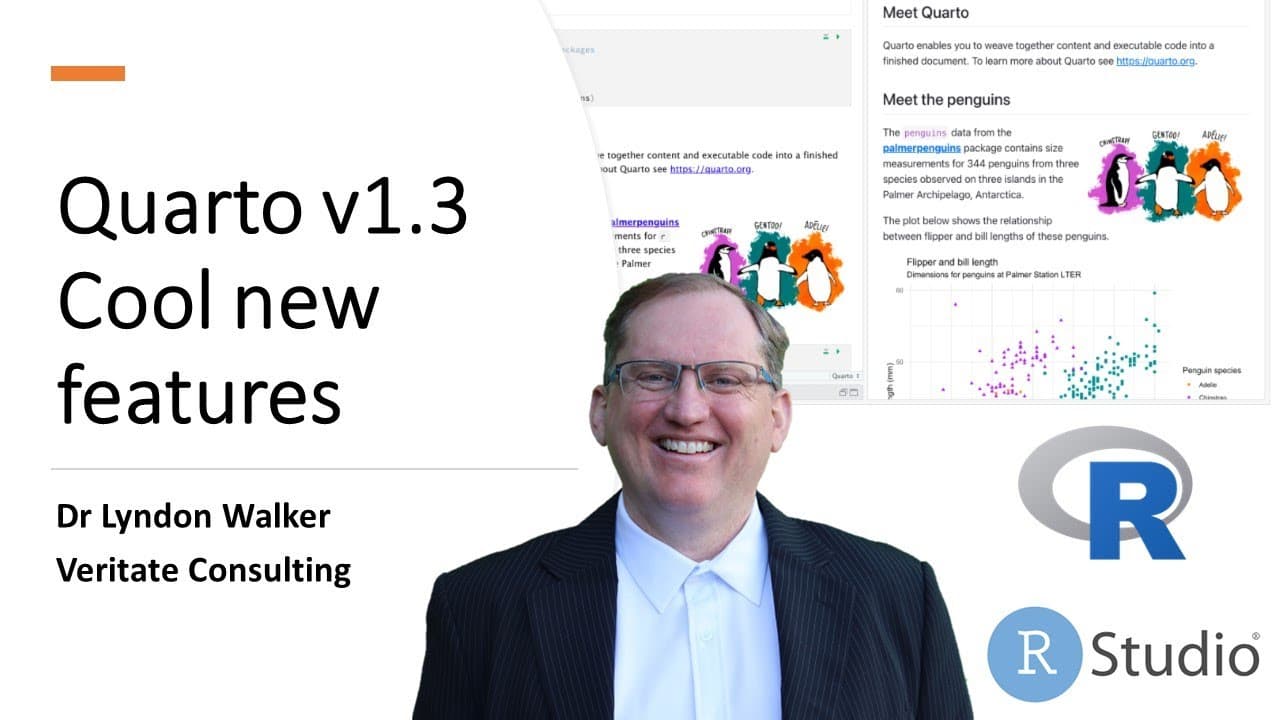
Quarto 1.3 introduces exciting features like code annotations for improved readability, multi-format publishing for simultaneous document generation, and seamless integration with Confluence for easier collaboration. Users can also embed Jupyter notebooks directly into their documents, enhancing versatility across platforms.
Transcript
hi friends welcome back to the Channel quarto version 1.3 has just been released if you're not already a user of quarto check out my previous videos showing how it is like our markdown but much much more powerful so 1.3 has just been released you can download it from the download page on the Cordo website cordo.org and there's a couple of pretty co... Read More
Key Insights
- 😤 Quarto 1.3 enhances collaboration with the ability to publish directly to Confluence, streamlining documentation for team projects.
- 👨💻 Code annotations improve the clarity of code documentation, enabling users to provide contextual information within their code blocks effectively.
- 👻 The multi-format publishing capability saves time and reduces frustration by allowing users to generate multiple document types with minimal repeated effort.
- 👻 The hover-over feature for annotations enriches the user experience on HTML outputs, allowing for interactive engagement with the content.
- 👤 Jupyter notebook integration expands the versatility of Quarto, catering to users engaged in data science and advanced analytics.
- 👤 Despite the improvements, users may still need to adjust formatting differences between HTML and PDF outputs, highlighting the need for ongoing user familiarity.
- 👤 Quarto continues to prioritize user-friendliness with simple tagging and annotation commands, enhancing the accessibility of its advanced features.
Install to Summarize YouTube Videos and Get Transcripts
Explore YouTube Video Summarizer or Get YouTube Transcript Extractor
Questions & Answers
Q: What is code annotation in Quarto 1.3 and how does it function?
Code annotation in Quarto 1.3 allows users to annotate blocks of code with labels and footnotes that provide detailed commentary. This feature enhances the readability of code by adding hover-over notes in HTML and simple labels in PDF formats. By using specific coding tags, users can organize their annotations in a structured way, making documents more informative and engaging.
Q: How does multi-format publishing improve the user experience in Quarto?
Multi-format publishing in Quarto significantly enhances user experience by allowing simultaneous document outputs in various formats like HTML and PDF. Instead of generating each format separately, users can manage their workflow more efficiently. However, minor adjustments might still be needed for format-specific features, yet the overall process simplifies content sharing and accessibility across multiple platforms.
Q: What are the benefits of embedding Jupyter notebooks into Quarto documents?
Embedding Jupyter notebooks in Quarto documents allows users to integrate interactive computing elements directly into their reports and analyses. This feature is particularly beneficial for presenting live code examples or data visualizations, fostering better engagement and understanding among the audience. Users can easily incorporate results from Jupyter into their Quarto narratives, enhancing the dynamic aspect of their documentation.
Q: What role does Confluence publishing play in Quarto 1.3?
The inclusion of Confluence publishing in Quarto 1.3 enables users to seamlessly produce documents directly formatted for Confluence spaces. This integration is beneficial for teams collaborating on projects within Confluence, as it simplifies documentation processes and ensures that updates can be efficiently communicated across team members without the need for additional formatting or rework.
Summary & Key Takeaways
-
The release of Quarto version 1.3 introduces powerful new features, including code annotations that enhance code readability and usability through hover text and footnotes.
-
Multi-format publishing has been added, allowing users to output documents in several formats simultaneously, streamlining the publishing process.
-
Users can now embed Jupyter notebooks within Quarto documents and publish directly to Confluence, providing greater flexibility and integration across platforms.
Read in Other Languages (beta)
Share This Summary 📚
Summarize YouTube Videos and Get Video Transcripts with 1-Click
Try YouTube Summary with ChatGPT & Claude or YouTube Transcript Generator
Explore More Summaries from Dr Lyndon Walker 📚





Summarize YouTube Videos and Get Video Transcripts with 1-Click
Try YouTube Summary with ChatGPT & Claude or YouTube Transcript Generator