Design a photo with the HEAD POPPING OUT of a frame with Canva
TL;DR
Learn to make photos pop out of frames using Canva with two different styles.
Transcript
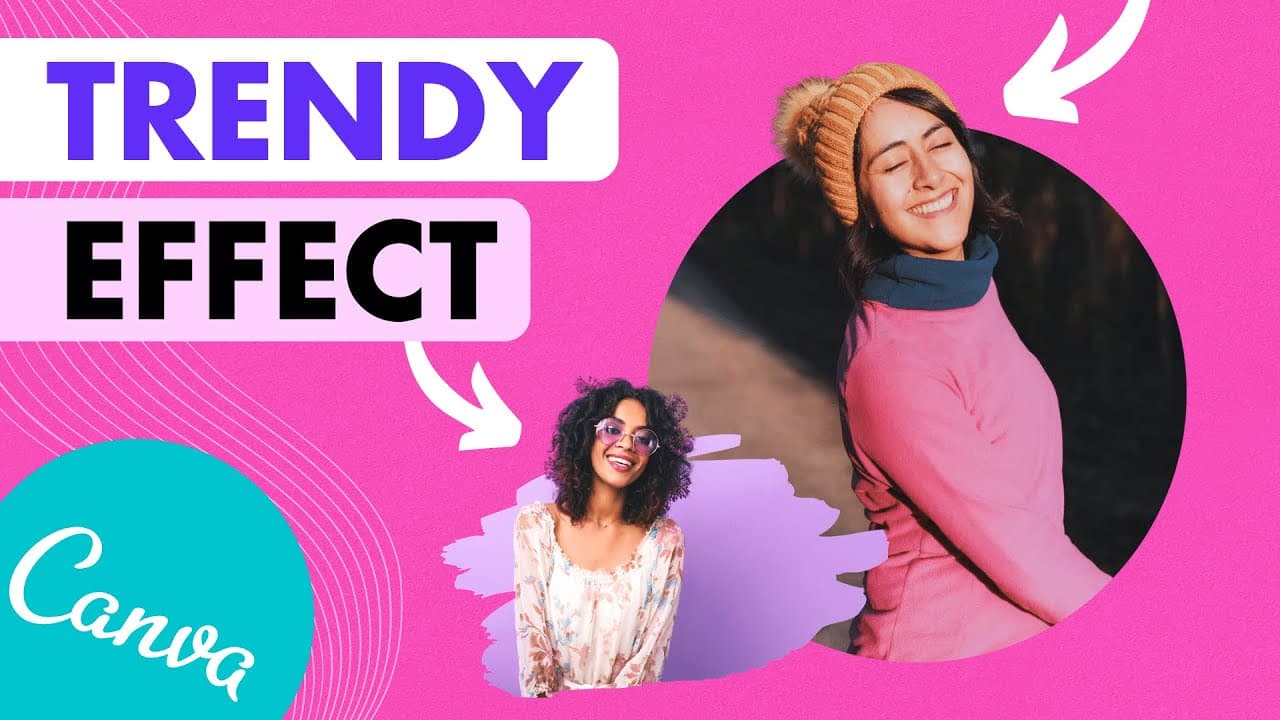
in this tutorial i'm going to show you how to create this out of the bound effect a photo cropped but you can see that the hair is popping out of the frame and we are going to do everything in canva i'm going to show you two different styles one with the round frame and the other one with a more creative shape i recommend you stay until the end so ... Read More
Key Insights
- 👻 Canva Pro allows for background removal, essential for creating the out of the bound effect.
- 👀 Positioning and aligning photos meticulously is crucial to making the effect look seamless.
- 🖼️ Different frame shapes in Canva offer opportunities for creativity in the out of the bound effect.
- ⛩️ The tutorial creator hints at a potential series of videos to reproduce designs in Canva.
- 💬 Suggestions for new tutorials can be posted in the creator's Facebook group or in the comments section.
- 💳 The creator encourages support through subscriptions for more tutorials.
- 👤 Canva offers a stock photo library for users who do not wish to use personal photos.
Install to Summarize YouTube Videos and Get Transcripts
Explore YouTube Video Summarizer or Get YouTube Transcript Extractor
Questions & Answers
Q: What is the first step to creating the out of the bound effect in Canva?
The first step involves duplicating the photo, removing the background using Canva Pro's feature, and selecting a frame from Canva's library.
Q: How can you make the head pop out of the frame in Canva?
By positioning a duplicated photo on top of the frame while holding the ctrl key, aligning the two photos perfectly, and adjusting transparency, the head can pop out of the frame.
Q: What approach can be taken to achieve the out of the bound effect with a different shape in Canva?
To create the effect with a different shape, duplicate a photo, remove the background, choose a creative frame from Canva's library, and position the photo within the frame while ensuring the head pops out.
Q: What suggestions does the creator offer for learning more advanced Canva tricks?
The creator recommends taking their 10 Canva courses for free to learn more advanced tricks, with a video and link provided for access.
Summary & Key Takeaways
-
Tutorial on creating the out of the bound effect in Canva using photo duplication and frame selection.
-
Demonstrates two styles: one with a round frame and the other with a creative shape.
-
Tips on positioning and aligning photos to achieve the desired effect.
Read in Other Languages (beta)
Share This Summary 📚
Summarize YouTube Videos and Get Video Transcripts with 1-Click
Try YouTube Summary with ChatGPT & Claude or YouTube Transcript Generator
Explore More Summaries from Design with Canva 📚






Summarize YouTube Videos and Get Video Transcripts with 1-Click
Try YouTube Summary with ChatGPT & Claude or YouTube Transcript Generator