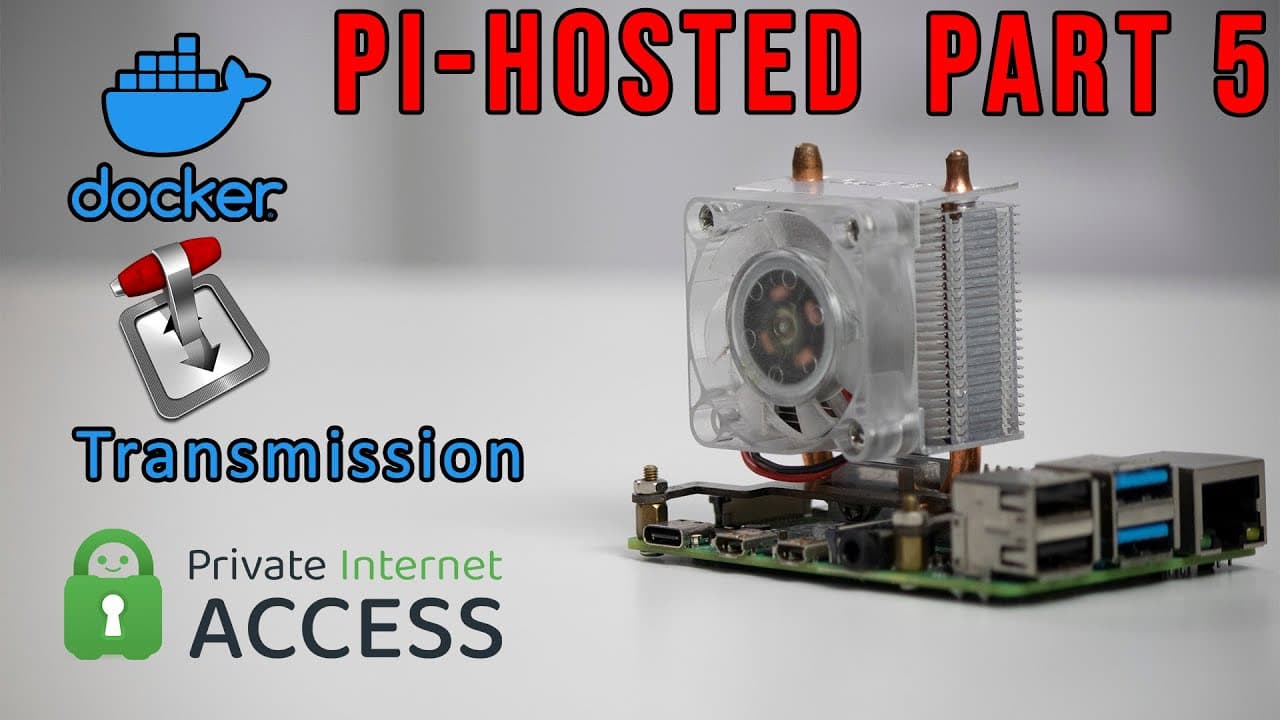
Pi-Hosted : Torrent with Docker and OPENVPN with Transmission and PIA Part 5
TL;DR
Step-by-step guide to installing a torrent client with VPN on Raspberry Pi.
Transcript
hey guys what is going on it's don here from nova spare tech and welcome back to the channel and today we are going to be continuing off with our pie hosted series and for those of you who are new you could catch yourself up with this playlist on the top left or top right one of these corners now what we're going to be doing today is installing a t... Read More
Key Insights
- 😫 The tutorial focuses on setting up a torrent client with secured access via a VPN, which is crucial for protecting privacy while torrenting.
- 🛟 Transmission serves as a practical choice for Raspberry Pi due to its efficiency and lightweight nature, catering well to resource-constrained environments.
- 😀 The creator's initiative to build a Portainer app template highlights community-driven innovation, addressing gaps in available resources for ARM devices.
- 🐕🦺 Configuring local network settings appropriately helps prevent unintended exposure while using torrenting services, offering an added layer of security.
- 🤩 A successful VPN setup is key to ensuring that any disconnections automatically halt torrenting activities, maintaining user privacy.
- 🤗 The focus on using open-source tools demonstrates a commitment to providing users with cost-effective solutions for home server setups.
- 👤 The creator actively seeks feedback and assistance from the community, indicating their desire to collaborate and improve the resources available to users.
Install to Summarize YouTube Videos and Get Transcripts
Explore YouTube Video Summarizer or Get YouTube Transcript Extractor
Questions & Answers
Q: Why is using a VPN necessary while torrenting?
Using a VPN while torrenting ensures that your internet connection remains private and secure, hiding your IP address from your ISP and other entities. This helps to prevent potential legal or privacy issues that may arise from your torrenting activities. Additionally, a good VPN service typically has no logs, meaning your online activities aren't tracked or stored.
Q: How does Transmission differ from other torrent clients?
Transmission is a lightweight torrent client designed to be easy on resources, making it suitable for devices like the Raspberry Pi. Unlike heavier clients that may require more processing power, Transmission maintains simplicity and efficiency, providing essential features without bogging down system performance. This makes it an ideal choice for users with limited hardware.
Q: What challenges did the creator face in developing a Portainer app template for ARM devices?
The creator struggled to find existing app templates specifically tailored for ARM devices or Raspberry Pi, which led them to develop their own. This endeavor required extensive testing to ensure compatibility and functionality. The creator hopes to gather community support for maintenance and further development of the template, allowing for a collaborative improvement process.
Q: What are some key settings to configure in Transmission for VPN use?
When configuring Transmission for VPN use, it's essential to enter your VPN provider's credentials and modify network settings to reflect your local network configuration. Adjusting the local network settings ensures that, in case of a VPN disconnect, your local network remains accessible while torrenting activities cease, thereby improving security.
Q: Can users utilize VPN services other than Private Internet Access (PIA) with Transmission?
Yes, users can opt for various VPN providers when setting up Transmission. The tutorial highlights that settings can be adjusted according to different VPN services, such as Nord or Windscribe. Users must ensure they input the correct username and password along with the appropriate server details for successful configuration.
Q: What additional applications are planned for future tutorials?
The creator mentions plans to introduce additional applications like Jellyfin and Nextcloud in future tutorials. These applications will require evaluating system specs to ascertain the Raspberry Pi’s capacity to run multiple applications concurrently without performance degradation, ensuring a seamless user experience.
Q: How does the Portainer app template enhance the user experience on Raspberry Pi?
The Portainer app template simplifies the process of managing and deploying various applications on a Raspberry Pi, particularly for ARM architecture. It allows users to easily find compatible images and streamline the setup of services, making it easier for novices and experienced users alike to utilize their Raspberry Pi optimally.
Q: What approach can users take if they want to customize the Transmission settings further?
Users looking to further customize their Transmission settings should access the advanced options within the application. This includes modifying default download directories, setting bandwidth limits, or configuring other preferences according to their downloading habits. Tutorials and community forums can provide additional guidance for specific changes.
Summary & Key Takeaways
-
The content focuses on installing Transmission, a torrent client, on a Raspberry Pi while ensuring it can operate with OpenVPN for secure torrenting.
-
The creator discusses their efforts in developing a Portainer app template specifically for ARM devices, emphasizing the challenges faced due to a lack of existing resources.
-
Important settings and configurations for using Transmission with a VPN service, such as setting the network options and ensuring safe access, are thoroughly explained to help users streamline the process.
Read in Other Languages (beta)
Share This Summary 📚
Summarize YouTube Videos and Get Video Transcripts with 1-Click
Try YouTube Summary with ChatGPT & Claude or YouTube Transcript Generator
Explore More Summaries from Novaspirit Tech 📚






Summarize YouTube Videos and Get Video Transcripts with 1-Click
Try YouTube Summary with ChatGPT & Claude or YouTube Transcript Generator