FIRST 10 THINGS TO DO !!! - 15" & 13" MacBook Air M2 - (Customize & Setup) 💻
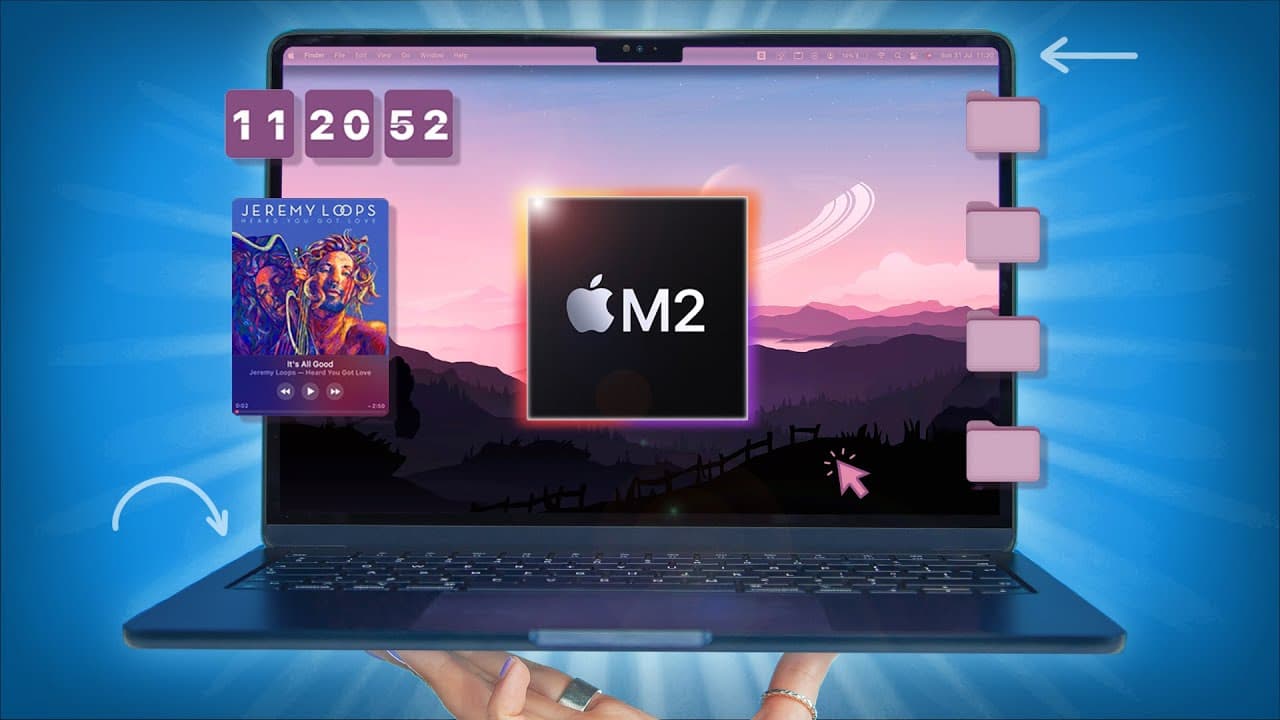
TL;DR
Transform your MacBook Air M2 with customization tips for a unique and personalized style.
Transcript
hey guys so this is the new macbook air m2 in the glorious midnight blue with that boxier slim design so i'm going to show you the first 10 things that you've got to do to transform your macbook into your own and give it a unique style let's go so the very first thing to do is go through setup and one of the things i like to do and highly suggest y... Read More
Key Insights
- ⏰ Personalize your MacBook Air M2 with fingerprint recognition and memoji animation on the lock screen.
- 🤢 Enhance your desktop theme with live wallpapers and customized menu bar colors for a cohesive look.
- ⏲️ Add widgets like a flip clock, music player, and timer to improve functionality and aesthetic.
- ❓ Customize the Finder toolbar and preferences for a more efficient workflow.
- 🔋 Optimize battery and performance settings in system preferences for longer battery life.
- 😀 Customize the dock with essential apps and design preferences.
- 😫 Set up quick links and folder icons for a personalized desktop experience.
Install to Summarize YouTube Videos and Get Transcripts
Explore YouTube Video Summarizer or Get YouTube Transcript Extractor
Questions & Answers
Q: How can you customize your MacBook Air M2 lock screen?
You can set up fingerprint recognition and memoji animation to personalize your lock screen reactions, providing a unique touch to your device.
Q: What are some tips for customizing the desktop theme?
You can use apps like Eye Wallpaper for live wallpapers, Menu Bar Tint for customized menu bar colors, and system preferences to adjust the dark theme, accent colors, and pointer settings.
Q: How can you customize widgets for your MacBook Air M2?
You can download widgets like a desktop flip clock, Silicio MiniPlayer for music, and Flow app for timers, enhancing your desktop functionality and aesthetic.
Q: How can you optimize the battery and performance of your MacBook Air M2?
In system preferences, toggle on battery optimization settings, show battery status in the menu bar, and adjust trackpad settings for better performance and battery life.
Summary & Key Takeaways
-
Personalize your MacBook Air M2 by setting up fingerprint recognition and memoji animation on the lock screen.
-
Enhance your desktop theme with live wallpapers, customized menu bar colors, and system preferences for a cohesive aesthetic.
-
Add widgets like a flip clock, music player, and timer, along with hiding the Apple notch for a clean look.
Read in Other Languages (beta)
Share This Summary 📚
Summarize YouTube Videos and Get Video Transcripts with 1-Click
Try YouTube Summary with ChatGPT & Claude or YouTube Transcript Generator
Explore More Summaries from Hayls World 📚






Summarize YouTube Videos and Get Video Transcripts with 1-Click
Try YouTube Summary with ChatGPT & Claude or YouTube Transcript Generator