25 Hidden iPhone Tips & Tricks | YOU HAD NO IDEA EXISTED!!
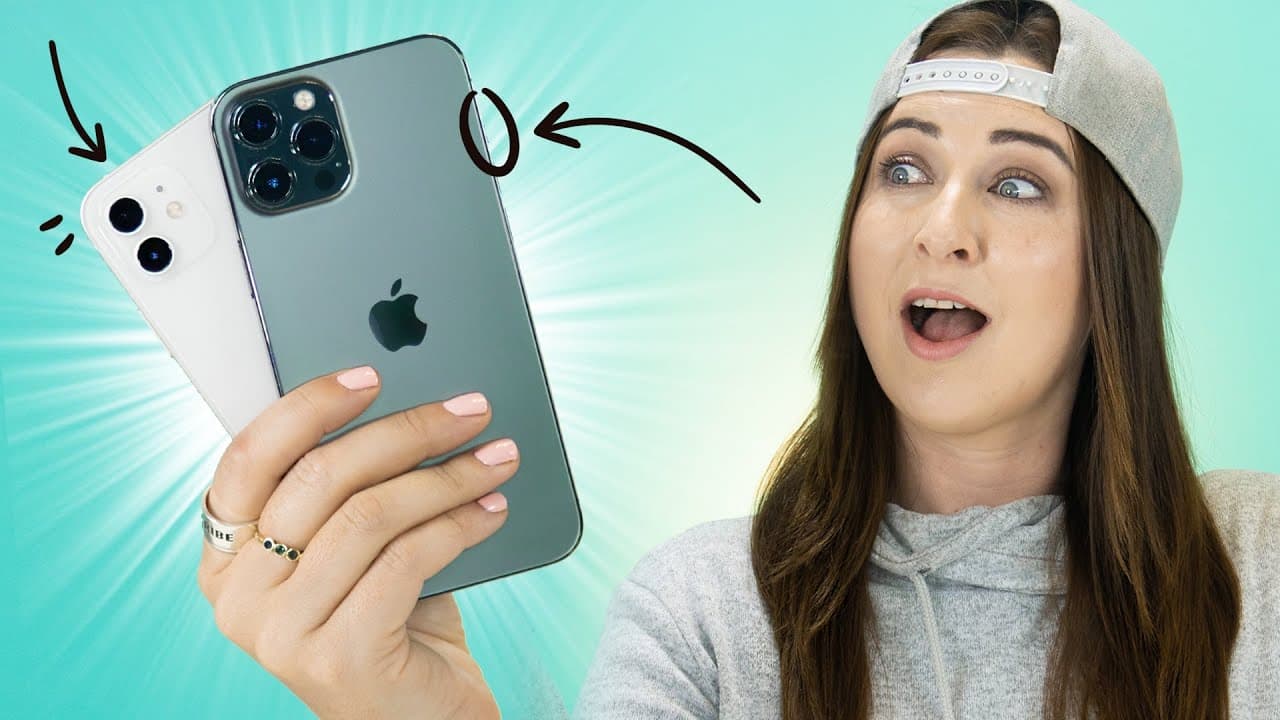
TL;DR
Discover hidden features on your iPhone, from photo album hacks to music timers and more, in 25 tips.
Transcript
hey guys welcome back to Hales world and what about your iPhones because I'm about to show you 25 hidden tips and tricks you probably had no idea even existed like check this out if you open the photos application and find a picture that you don't necessarily want in your gallery you can click that share button scroll down and you'll see this optio... Read More
Key Insights
- 💨 Utilize the hidden album feature to keep private photos away from the main gallery.
- ⏰ Enhance your lock screen with animated Live Photos.
- 📷 Easily delete multiple screenshots in one go and efficiently manage your photo albums.
- 😒 Use the music timer feature for uninterrupted listening sessions.
- 🎼 Discover music tracks with Shazam and enjoy continuous music playback while recording videos.
- 😀 Quickly navigate to the top of pages in various apps by tapping on the time.
- 😀 Mark your parking location for easy retrieval using the Maps app.
Install to Summarize YouTube Videos and Get Transcripts
Explore YouTube Video Summarizer or Get YouTube Transcript Extractor
Questions & Answers
Q: How can you hide photos in your iPhone's main gallery?
To hide photos, open the Photos app, select a picture, click the share button, and choose the "hide" option to move it to a hidden folder.
Q: What is the trick to playing music with a timer on an iPhone?
Play music, set a timer in the Clock app, choose "stop playing" as the timer end action, and enjoy music that stops when the timer ends.
Q: How can you recognize music playing on your iPhone using Shazam?
By clicking the Shazam icon in the Control Center while playing music, you can identify songs from external sources or directly from your device.
Q: How can you scroll back to the top of a page quickly on iPhone apps like Instagram?
By tapping on the time at the top of the screen, you can instantly scroll to the top of the page, useful across various applications.
Summary & Key Takeaways
-
Learn how to hide photos from your main gallery and access them in a hidden folder.
-
Use Live Photos as animated lock screen wallpapers.
-
Utilize features like music timers, Shazam integration, and continuous music playback while recording videos.
Read in Other Languages (beta)
Share This Summary 📚
Summarize YouTube Videos and Get Video Transcripts with 1-Click
Try YouTube Summary with ChatGPT & Claude or YouTube Transcript Generator
Explore More Summaries from Hayls World 📚






Summarize YouTube Videos and Get Video Transcripts with 1-Click
Try YouTube Summary with ChatGPT & Claude or YouTube Transcript Generator