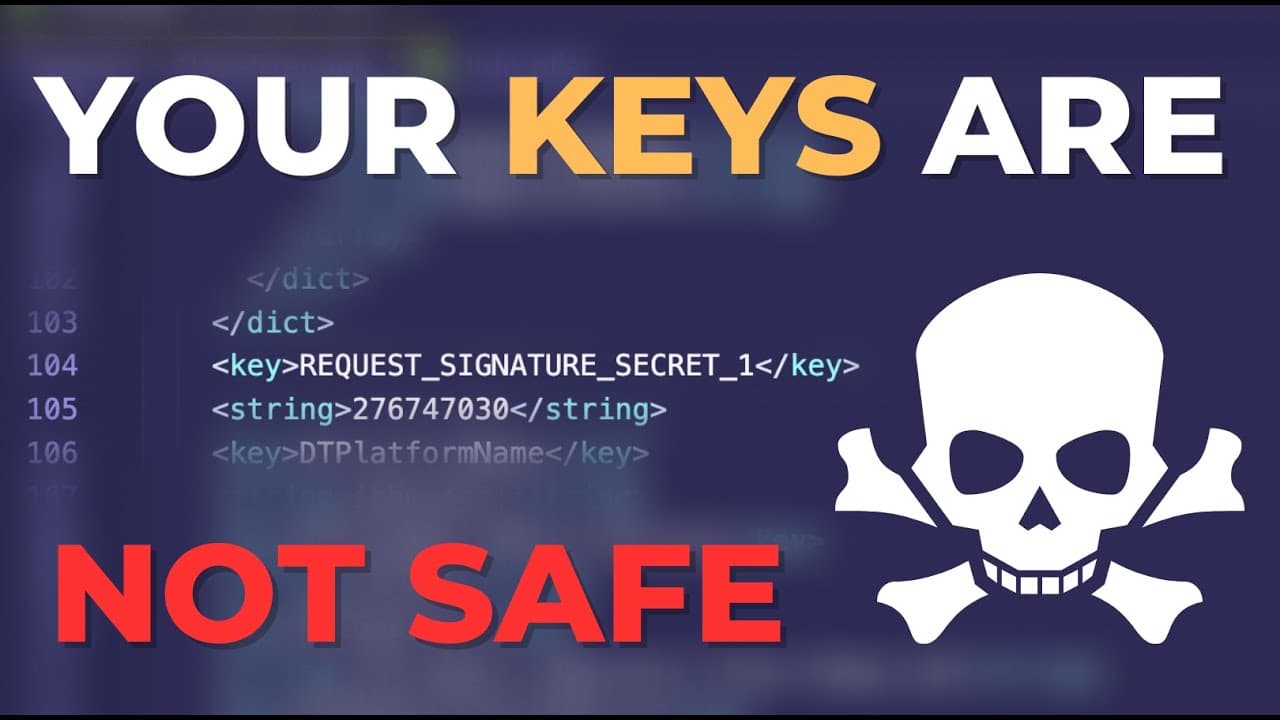
Your API Keys are NOT SAFE in a native app 🤬
TL;DR
Storing API keys in native apps can expose them to hackers, as demonstrated in the video.
Transcript
your API keys are not safe in a native app no matter if you're using react native flutter capacitor or anything else and I'm going to show you why hey everyone what's up this is Simon from galaxies.dev and in this video we will look at API keys and especially its secret keys and why you don't want to have them in your applications and I'm going to ... Read More
Key Insights
- 😄 Native apps are not secure storage for API keys, as demonstrated by the ease of extracting source code and finding sensitive information.
- 😀 The vulnerability exists in various native app frameworks, including React Native, Flutter, and Capacitor, making it crucial for developers to address this issue.
- 🔐 To enhance application security, API keys should be kept behind a proxy server, access to API should be restricted, and sensitive information should be stored in secure environments.
- 🔐 Developers should be cautious about leaking API keys but can rely on backend security measures provided by certain services.
Install to Summarize YouTube Videos and Get Transcripts
Explore YouTube Video Summarizer or Get YouTube Transcript Extractor
Questions & Answers
Q: Why are API keys not safe in native apps?
API keys stored in native apps can be easily accessed by extracting the source code. Hackers can use this information to gain unauthorized access to sensitive data or services.
Q: How can someone extract the source code of a native app?
By renaming the app file to a zip file, the contents can be extracted, including the source code. This process can be performed using various tools like Apple Configurator or ADB for iOS and Android, respectively.
Q: Are all native app frameworks equally vulnerable?
Yes, the vulnerability exists in all native app frameworks, including React Native, Flutter, and Capacitor. The process of accessing the source code and extracting API keys is relatively similar across these frameworks.
Q: How can developers make their applications more secure?
Developers can implement several measures to enhance application security, such as:
- Keeping API keys behind a proxy server to prevent direct access from the app.
- Restricting API access to specific domains or bundle identifiers.
- Storing secret keys in an environment file and avoiding their upload to source control.
- Leveraging backend security rules when using services like Firebase or Supabase.
- Considering the impact of leaked API keys and focusing on critical vulnerabilities.
Key Insights:
- Native apps are not secure storage for API keys, as demonstrated by the ease of extracting source code and finding sensitive information.
- The vulnerability exists in various native app frameworks, including React Native, Flutter, and Capacitor, making it crucial for developers to address this issue.
- To enhance application security, API keys should be kept behind a proxy server, access to API should be restricted, and sensitive information should be stored in secure environments.
- Developers should be cautious about leaking API keys but can rely on backend security measures provided by certain services.
- Treating all code in native apps as potentially public is a fundamental principle to prevent the exposure of sensitive information.
Summary & Key Takeaways
-
The video demonstrates how easy it is for someone to access and extract the source code of native apps.
-
By simply renaming the app file, it can be accessed and its contents extracted, including API keys.
-
This issue is not limited to specific frameworks like React Native or Flutter; it applies to all native apps.
Read in Other Languages (beta)
Share This Summary 📚
Summarize YouTube Videos and Get Video Transcripts with 1-Click
Try YouTube Summary with ChatGPT & Claude or YouTube Transcript Generator
Explore More Summaries from Simon Grimm 📚


Summarize YouTube Videos and Get Video Transcripts with 1-Click
Try YouTube Summary with ChatGPT & Claude or YouTube Transcript Generator