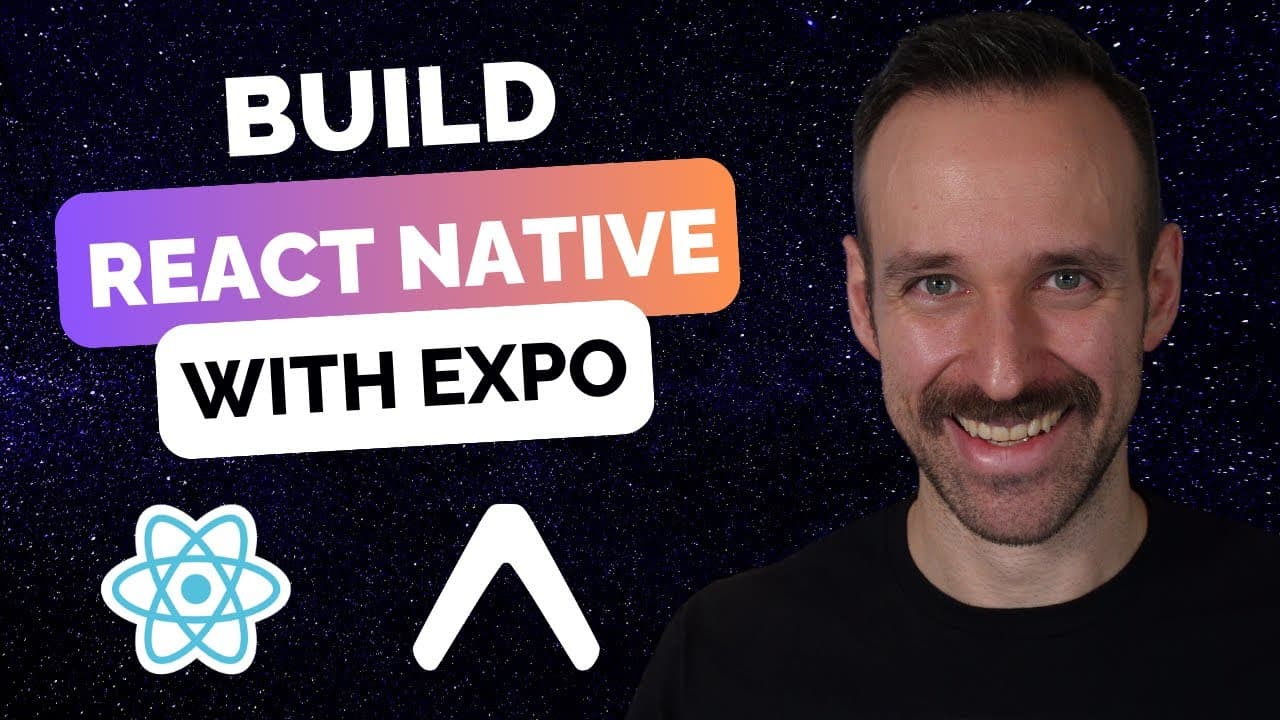
Every Way to Build your React Native App with Expo | Expo Go, Prebuild, Xcode, Android Studio & EAS
TL;DR
Explore various methods to build React Native apps using Expo.
Transcript
building react native applications with Expo is incredibly easy but at the same time also kind of confusing let's talk about all the ways how you can build your react native application with Expo including local builds Eis Android Studio X code and everything that you can do hey everyone what's up Simon Beck here with another tutori... Read More
Key Insights
- Expo Go allows for quick and easy app testing on devices, providing a live reload feature but has limitations with native modules.
- Expo Prebuild creates native projects from your app configuration, allowing for more flexibility and integration with native modules.
- Using Xcode and Android Studio offers native development environments but requires additional setup and understanding of native build processes.
- EAS (Expo Application Services) simplifies building app binaries in the cloud, making it easier for teams to manage builds and deployments.
- Developers can use both local and cloud-based builds with EAS, providing flexibility depending on project requirements and resources.
- EAS allows for continuous integration and deployment pipelines, streamlining the release process to app stores.
- Local builds require specific operating systems for iOS and Android, whereas EAS cloud builds can bypass these restrictions.
- Expo Orbit enhances the ease of deploying builds directly to devices, further simplifying the testing and deployment process.
Install to Summarize YouTube Videos and Get Transcripts
Explore YouTube Video Summarizer or Get YouTube Transcript Extractor
Questions & Answers
Q: What is the easiest way to start building a React Native app with Expo?
The easiest way to start is by using Expo Go. It allows you to quickly test your app on both iOS and Android devices through a QR code. This method is ideal for initial development stages and testing, providing features like live reload.
Q: What are the limitations of using Expo Go for app development?
Expo Go is limited in its ability to integrate with native modules not included in the Expo SDK. It is primarily designed for quick testing and does not support multiple SDK versions, which can lead to compatibility issues with certain native functionalities.
Q: How does Expo Prebuild enhance the development process?
Expo Prebuild generates native iOS and Android projects based on your app's configuration, allowing for more flexibility. This enables the integration of additional native modules and provides a pathway to use native development tools like Xcode and Android Studio.
Q: What are the benefits of using EAS for building React Native apps?
EAS provides a cloud-based service for building app binaries, simplifying the build and deployment process. It allows for continuous integration and deployment, making it easier to manage releases and updates. This is particularly beneficial for teams and organizations with complex build requirements.
Q: Can you build iOS apps on Windows using Expo?
Directly building iOS apps on Windows is not possible due to the need for macOS-specific tools. However, EAS allows you to perform cloud-based builds, enabling Windows users to build iOS apps by leveraging Expo's cloud services.
Q: How does Expo Orbit enhance the deployment process?
Expo Orbit is a tool that simplifies the deployment of builds directly to devices. It allows developers to run builds from EAS on simulators or devices, streamlining the testing and deployment process and making it more efficient.
Q: What are the challenges of using native tools like Xcode and Android Studio?
Using native tools requires a deeper understanding of native build processes and configurations. Developers need to manage native project settings, handle dependencies, and ensure compatibility with React Native, which can be complex and time-consuming.
Q: How does EAS support continuous integration and deployment?
EAS supports continuous integration and deployment by providing a platform for automated builds and releases. It integrates with app store accounts, allowing for seamless submission and update processes. This reduces manual intervention and accelerates the release cycle.
Summary & Key Takeaways
-
Expo provides multiple ways to build React Native applications, each with its own advantages and limitations. Expo Go is the simplest method for quick testing, while Expo Prebuild allows for more complex native integrations.
-
Native tools like Xcode and Android Studio offer full control over the build process but require a deeper understanding of native development. EAS simplifies this by providing cloud-based build services.
-
Using EAS, developers can create continuous integration and deployment pipelines, making it easier to manage app releases. Expo Orbit further simplifies device deployment, enhancing the development workflow.
Read in Other Languages (beta)
Share This Summary 📚
Summarize YouTube Videos and Get Video Transcripts with 1-Click
Try YouTube Summary with ChatGPT & Claude or YouTube Transcript Generator
Explore More Summaries from Simon Grimm 📚

Summarize YouTube Videos and Get Video Transcripts with 1-Click
Try YouTube Summary with ChatGPT & Claude or YouTube Transcript Generator