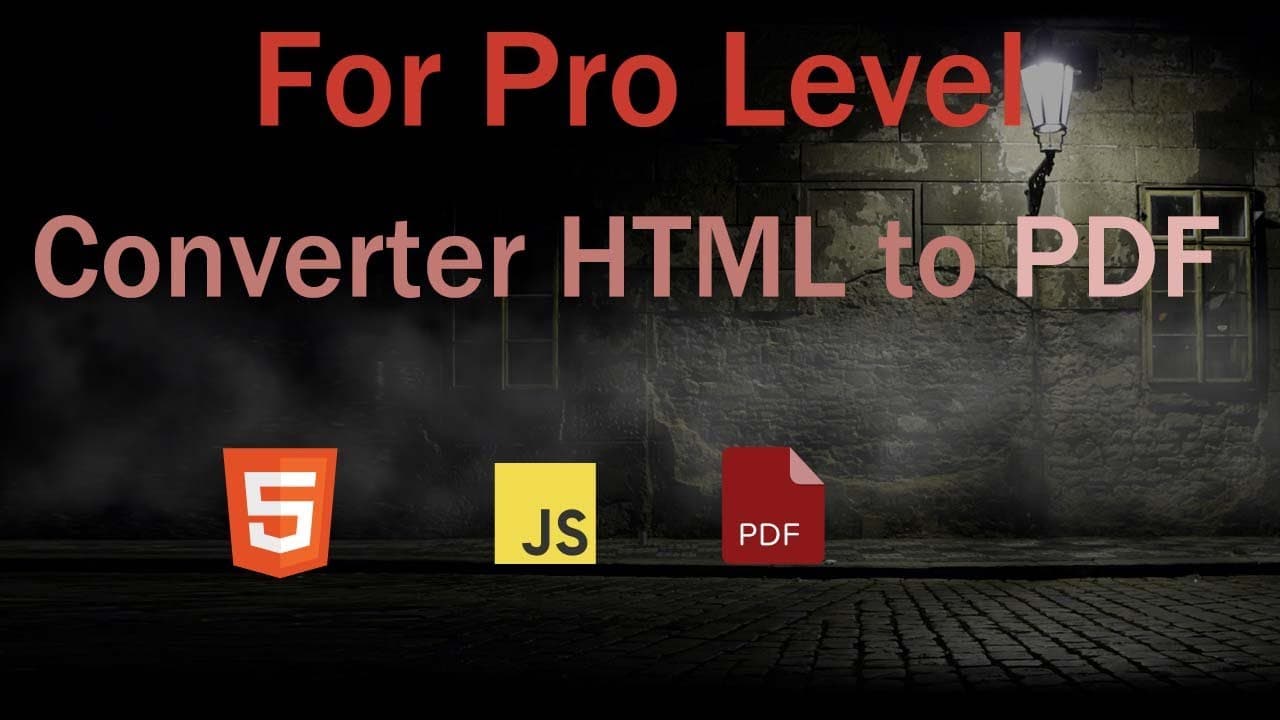
converter HTML to PDF with JavaScript
TL;DR
Learn how to convert HTML to PDF effectively in e-commerce applications.
Transcript
now I will describe how to convert HTML to PDF that is important part of this framework this topics is important for e-commerce invoice generator HTML to PDF for book converter now I'll create for this framework for web worker this topics require minimum spark per Mark version 1.07 I'll give this link inside in description now let's convert HTML to... Read More
Key Insights
- 📜 The conversion of HTML to PDF is essential for e-commerce, enabling the creation of standardized documents like invoices and receipts.
- 🎭 JavaScript libraries, particularly "library.js," provide robust tools for performing HTML to PDF conversions but have specific requirements for functionality.
- 🕸️ Properly configuring JavaScript events, such as DOMContentLoaded, can significantly enhance the responsiveness and performance of web applications.
- 💁 Developers have access to multiple configuration settings when generating PDFs, offering personalized options for document outputs and formats.
- 💳 Effective debugging is critical to ensure that PDF generation operates smoothly, especially regarding script execution and element visibility.
- 😵 Understanding cross-origin restrictions is essential when incorporating images hosted on external servers for PDF generation.
- ✋ A well-structured framework with defined parameters helps in maintaining high-quality outputs while ensuring compatibility across different systems.
Install to Summarize YouTube Videos and Get Transcripts
Explore YouTube Video Summarizer or Get YouTube Transcript Extractor
Questions & Answers
Q: Why is converting HTML to PDF important for e-commerce?
Converting HTML to PDF is crucial for e-commerce as it allows businesses to generate professional invoices, receipts, and other documents directly from online transactions. This capability improves customer experience, enables easier record keeping, and enhances the presentation of business documents. Additionally, PDF files maintain their formatting across different devices, ensuring that customers receive a consistent view of important information.
Q: What JavaScript library is recommended for this conversion process?
The text references the need for an HTML to PDF conversion library, with a particular mention of "library.js." This library facilitates the conversion process but may not work offline, requiring a suitable setup. Ensuring the correct version is critical, as the document also highlights the necessity of using at least version 1.07 for the framework to function properly.
Q: How does the DOMContentLoaded event enhance performance in JavaScript applications?
The DOMContentLoaded event is crucial because it indicates when the HTML document has been fully loaded and parsed. Utilizing this event allows developers to ensure that any JavaScript code reliant on the DOM elements can execute without delays or errors. This improves the overall performance as user interactions, such as click events for generating PDFs, are more efficiently handled once the page is ready.
Q: What configuration options are available for setting up the PDF generation?
Several PDF configuration options are discussed, including the selection of paper size, orientation, and image quality. Developers can set attributes such as file name, orientation (landscape or portrait), and the quality of images, which must fall between specified limits. These customizable settings allow for greater control over the appearance and utility of the generated PDF output.
Q: What should a developer look for when debugging the PDF generation process?
When debugging the PDF generation, a developer should monitor console outputs for errors, particularly those related to the interaction of JavaScript with HTML elements. Checking the event listeners and ensuring that script imports are correctly linked is essential. If issues arise, toggling debugging modes and verifying that all elements referenced in the script are correctly accessible can help identify the cause.
Q: How can a user integrate PDF generation without an internet connection?
To enable PDF generation without an internet connection, developers must ensure that all necessary resources are locally available. This involves packaging the relevant JavaScript libraries and any additional assets required for the function of the application. By arranging local resources appropriately, users can enjoy functionality similar to online processes, albeit with limited resources.
Summary & Key Takeaways
-
This content details the process of converting HTML to PDF, emphasizing its importance for e-commerce invoice generation and document management.
-
It discusses the technical requirements, including the use of specific JavaScript libraries and the significance of correctly handling DOM events for better user experience.
-
The content also provides practical steps for setting up the HTML documents and implementing the JavaScript code necessary for generating the PDF files.
Read in Other Languages (beta)
Share This Summary 📚
Summarize YouTube Videos and Get Video Transcripts with 1-Click
Try YouTube Summary with ChatGPT & Claude or YouTube Transcript Generator
Explore More Summaries from script spark 📚



Summarize YouTube Videos and Get Video Transcripts with 1-Click
Try YouTube Summary with ChatGPT & Claude or YouTube Transcript Generator