Ways To Make an Item Stand Out On a Keynote Slide
TL;DR
Learn how to make items and photos stand out on Keynote slides using various techniques and effects.
Transcript
hi this is gary with macmost.com let's look at some ways you can have an item and a photo stand out on a keynote slide macmost is brought to you thanks to a great group of more than a thousand supporters go to macmost.com patreon there you could read more about the patreon campaign join us and get exclusive content and course discounts so here's a ... Read More
Key Insights
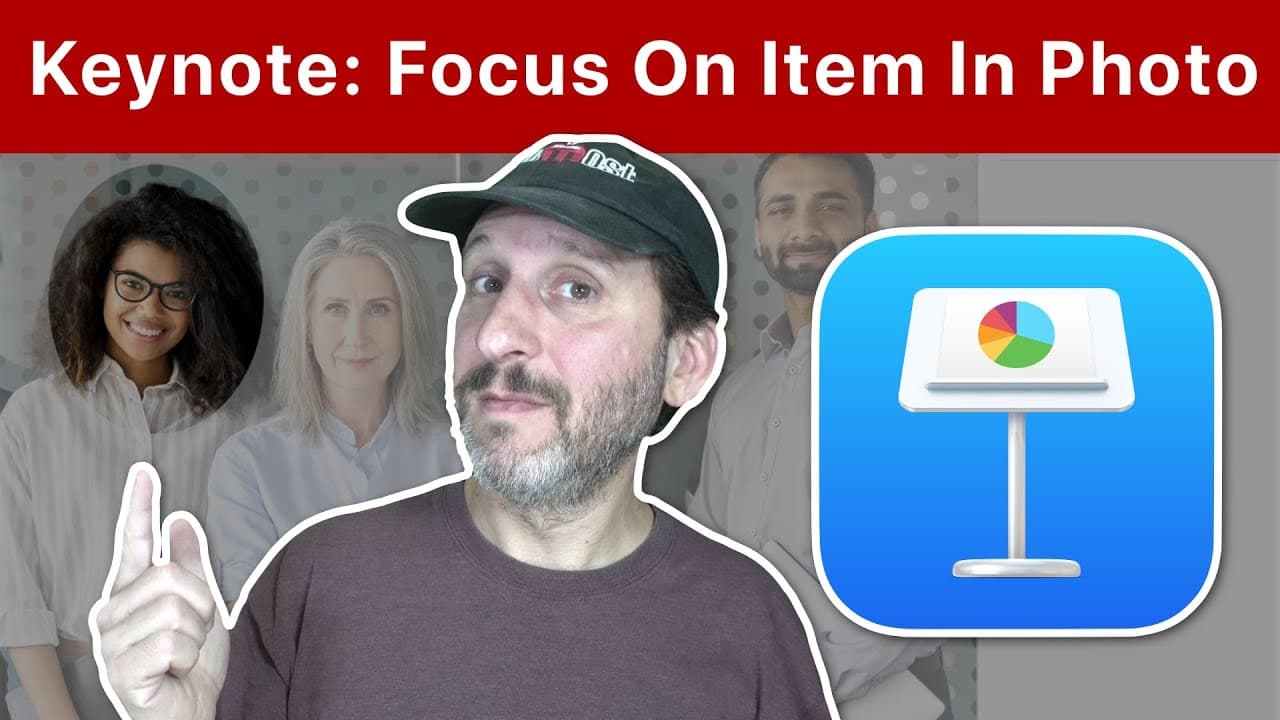
- 😷 Creating a shape with a hole in it and masking out the background allows for focused highlighting of a person or item in a photo.
- 💠 Adjusting the opacity, color, and size of the shape can further enhance the visibility and emphasis of the highlighted element.
- ❓ Using multiple layers and applying effects like saturation and exposure can create impactful visual contrasts.
- 💨 The Magic Move transition offers a seamless way to transition between different highlighted elements or sections.
- 🪜 Animating the highlighted element can draw attention and add an engaging element to the presentation.
- 💁 Each slide can contain information or details about the highlighted person or item, providing context and further enhancing the presentation.
- 🛝 By applying various techniques and effects, Keynote slides can become visually compelling and attention-grabbing.
Install to Summarize YouTube Videos and Get Transcripts
Explore YouTube Video Summarizer or Get YouTube Transcript Extractor
Questions & Answers
Q: What is one simple way to make an item stand out on a Keynote slide?
One simple way is to create a shape, such as a circle, with a hole in it and use it to mask out the other parts of the image, allowing the item to stand out.
Q: Can you adjust the background to enhance the visibility of the highlighted element?
Yes, by setting a semi-transparent shape with the desired color or by changing the opacity, you can make the background darker or lighter to contrast with the highlighted element.
Q: How can you highlight a person or item without affecting the rest of the photo?
One way is to create a shape that contains the item or person and mask out the rest of the photo. You can adjust properties like saturation and exposure to further enhance the highlight.
Q: Is it possible to animate the highlighted element in Keynote?
Yes, you can add animations or effects to the highlighted element, such as a pop, jiggle, or blur effect. You can also use the Magic Move transition to smoothly transition between different highlighted elements.
Key Insights:
- Creating a shape with a hole in it and masking out the background allows for focused highlighting of a person or item in a photo.
- Adjusting the opacity, color, and size of the shape can further enhance the visibility and emphasis of the highlighted element.
- Using multiple layers and applying effects like saturation and exposure can create impactful visual contrasts.
- The Magic Move transition offers a seamless way to transition between different highlighted elements or sections.
- Animating the highlighted element can draw attention and add an engaging element to the presentation.
- Each slide can contain information or details about the highlighted person or item, providing context and further enhancing the presentation.
- By applying various techniques and effects, Keynote slides can become visually compelling and attention-grabbing.
- It is essential to consider the overall design and aesthetics of the slide to ensure the highlighted element stands out effectively.
Summary & Key Takeaways
-
Creating a shape with a hole in it and masking out the background allows a person or item in a photo to stand out.
-
Using multiple layers and adjusting image properties, such as saturation and exposure, can further emphasize the highlighted element in the photo.
-
Animating the highlighted element or using the Magic Move transition can create dynamic and engaging presentations.
Read in Other Languages (beta)
Share This Summary 📚
Summarize YouTube Videos and Get Video Transcripts with 1-Click
Try YouTube Summary with ChatGPT & Claude or YouTube Transcript Generator
Explore More Summaries from macmostvideo 📚





Summarize YouTube Videos and Get Video Transcripts with 1-Click
Try YouTube Summary with ChatGPT & Claude or YouTube Transcript Generator