How to Fix Google Search Issues with John Mueller
TL;DR
To resolve Google search issues, ensure your website is technically sound, with correct DNS settings and no wildcard entries causing duplicate indexing. Use Google's tools to disavow unwanted links and monitor site performance. Regularly update your disavow file if new problematic URLs are found. Addressing these issues helps maintain or improve your site's search ranking.
Transcript
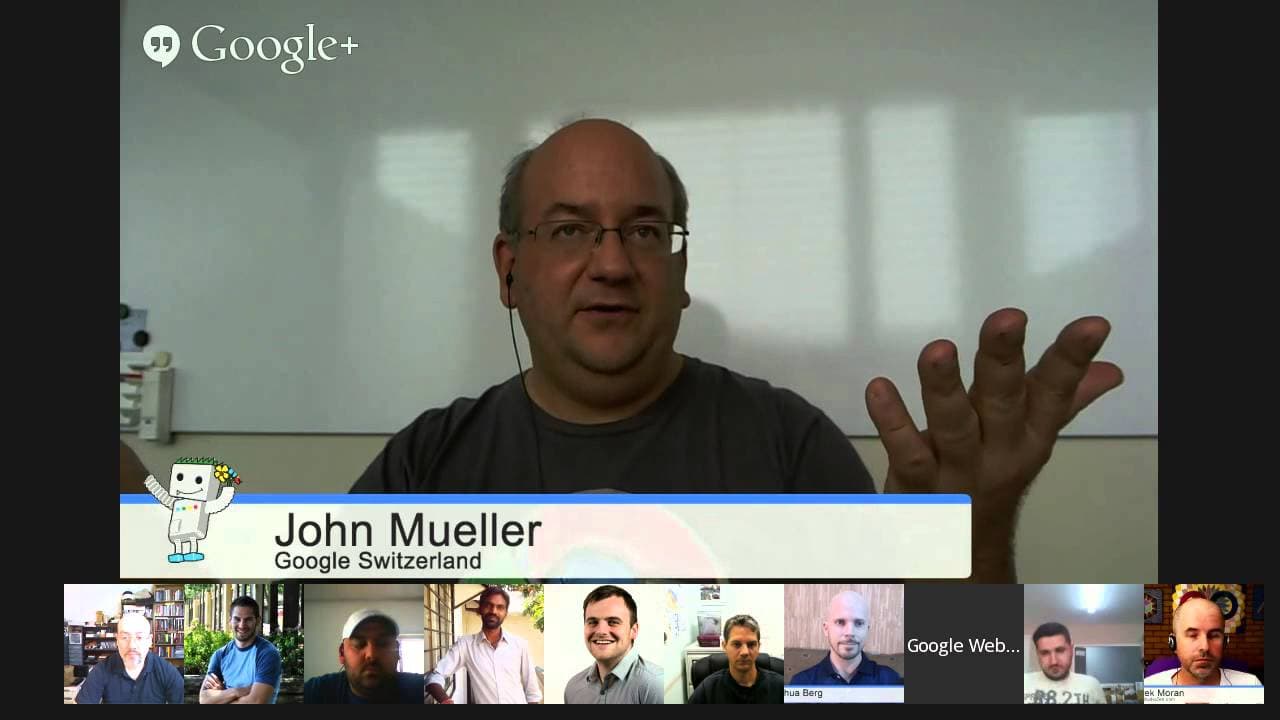
JOHN MUELLER: OK. Welcome everyone to today's Google Webmaster central office hours hangout. My name is John Mueller. I'm a Webmaster Trends Analyst at Google in Switzerland. A part of my role is to talk to webmasters like you guys and make sure that you're getting help information you need from us to help make the web a great place. So we have a b... Read More
Key Insights
- Wildcard DNS entries can cause Google to crawl unnecessary subdomains, leading to duplicate content issues.
- Removing wildcard DNS entries and using Google's removal tools helps manage indexed duplicates.
- Manual actions in Google Search Console can apply to entire domains or specific subdomains depending on the issue.
- Blocking Googlebot can occur through various means, including IP blocking or incorrect server responses.
- Google's Panda algorithm aims to promote high-quality content, not just penalize low-quality sites.
- Regularly updating disavow files helps manage link-related issues and can improve site rankings over time.
- Site moves, such as HTTP to HTTPS, require careful execution to avoid temporary ranking fluctuations.
- Google's algorithms are designed to enhance search results by balancing demotions of low-quality sites with promotions of high-quality content.
Install to Summarize YouTube Videos and Get Transcripts
Explore YouTube Video Summarizer or Get YouTube Transcript Extractor
Questions & Answers
Q: How to manage duplicate subdomains indexed by Google?
To manage duplicate subdomains indexed by Google, remove wildcard DNS entries that cause unnecessary subdomains to be crawled. Use Google's removal tools to handle content already indexed. This prevents server overload and ensures search rankings are not negatively impacted by duplicate content.
Q: What is the impact of manual actions on subdomains?
Manual actions in Google Search Console can affect entire domains or specific subdomains based on the issue. If a problem is isolated to a subdomain, Google may apply the action there. However, if the issue is broader, it might impact the entire domain. Monitoring Search Console helps identify and address these actions.
Q: How can blocking Googlebot affect my site?
Blocking Googlebot can prevent your site from being indexed properly. This can occur through IP blocking, incorrect server responses, or user-agent restrictions. Ensure your server configuration allows Googlebot access, and check for any errors in the crawl section of Google Search Console to resolve these issues.
Q: What does Google's Panda algorithm focus on?
Google's Panda algorithm aims to promote high-quality content in search results. It evaluates the overall quality of a site, rewarding sites with useful, original content while demoting those with low-quality or duplicate content. The algorithm's goal is to enhance user experience by prioritizing valuable information.
Q: Why should I regularly update my disavow file?
Regularly updating your disavow file helps manage problematic links that could harm your site's search ranking. By disavowing unwanted links, you signal to Google to treat them as nofollow, preventing them from affecting your site's credibility. This ongoing maintenance is crucial for long-term SEO health.
Q: What should I expect when moving my site to HTTPS?
When moving a site to HTTPS, expect temporary ranking fluctuations as Google re-crawls and re-indexes your pages. Ensure all redirects and canonical tags are correctly set up to minimize disruptions. Although the ranking boost from HTTPS is minor, it enhances security and may become more significant over time.
Q: How does Google handle sentiment in links?
Google generally does not perform detailed sentiment analysis on links. While extreme negative sentiment may be noted, Google primarily focuses on the presence and quality of links rather than the sentiment. Links that pass PageRank are considered in ranking algorithms, regardless of the surrounding sentiment.
Q: Can disavow files influence Google's algorithms?
While disavow files help manage a site's link profile, they are not directly used to influence Google's algorithms. Google must carefully consider aggregated disavow data to avoid penalizing legitimate sites that may have been unfairly targeted. The primary use of disavow files is to address specific link issues for individual sites.
Summary & Key Takeaways
-
Wildcard DNS entries can lead to duplicate content issues as Google crawls unnecessary subdomains. Removing these entries and using Google's removal tools can help manage indexed duplicates, preventing server overload and maintaining search rankings.
-
Manual actions in Google Search Console can apply to entire domains or specific subdomains, depending on the issue's scope. Blocking Googlebot may occur through IP blocks or incorrect server responses, hindering site indexing.
-
Google's Panda algorithm focuses on promoting high-quality content rather than solely penalizing low-quality sites. Regularly updating disavow files to manage link issues can improve site rankings, while site moves like HTTP to HTTPS require careful execution to avoid ranking fluctuations.
Read in Other Languages (beta)
Share This Summary 📚
Summarize YouTube Videos and Get Video Transcripts with 1-Click
Try YouTube Summary with ChatGPT & Claude or YouTube Transcript Generator
Explore More Summaries from Google Search Central 📚






Summarize YouTube Videos and Get Video Transcripts with 1-Click
Try YouTube Summary with ChatGPT & Claude or YouTube Transcript Generator