English Google AMP & PWA office-hours with Paul Bakaus
TL;DR
Exploration of AMP and PWA integration for faster web experiences.
Transcript
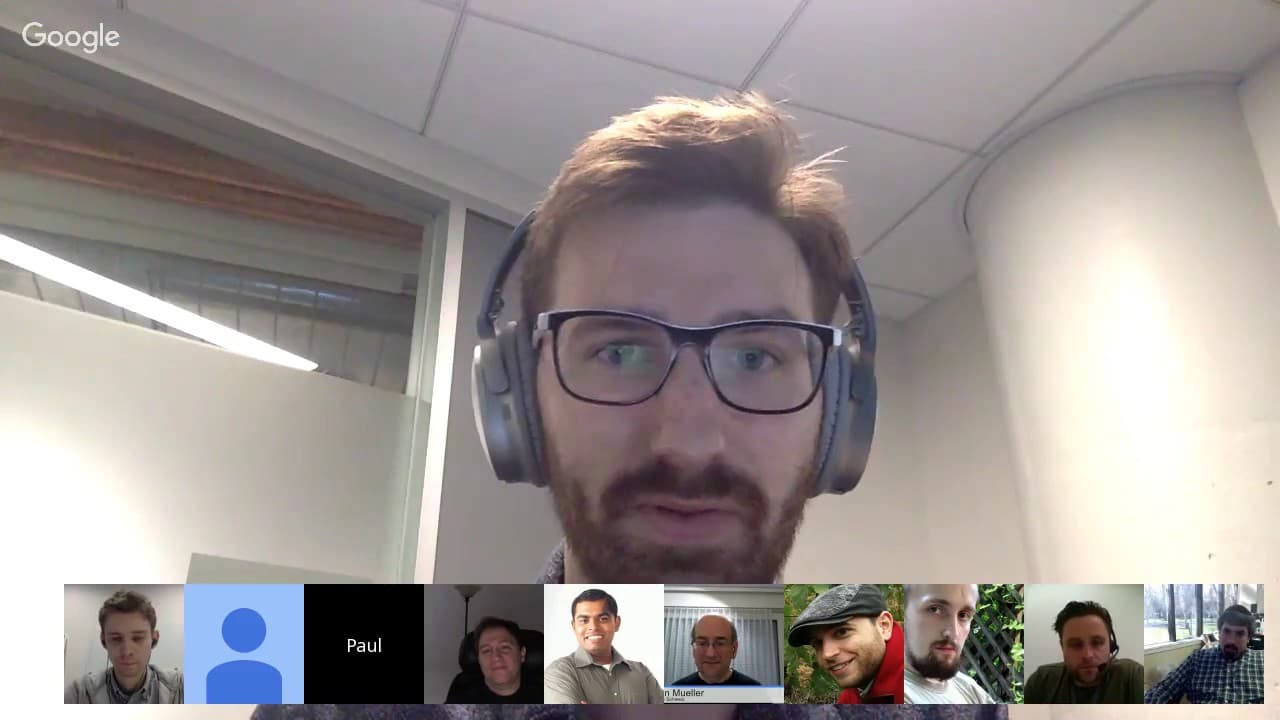
All right, welcome everyone to today's Google Web Master Central office hours hangouts. Uh today we have a special topic, AMP and PWA and uh a AMP team member, Paul, who's here to tell us a bit more about how this works together. Uh a short presentation to start off with and then time for questions and answers, whatever comes up. Take it away, Paul... Read More
Key Insights
- AMP (Accelerated Mobile Pages) and PWA (Progressive Web Apps) can be combined to enhance web performance by offering fast loading times and engaging user experiences.
- Service Workers play a crucial role in PWAs by caching assets and enabling offline functionality, but AMP's constraints limit custom JavaScript and service worker usage.
- AMP pages prioritize content loading and optimize performance through pre-rendering and caching, making them suitable for content-heavy sites but not ideal for dynamic applications.
- The average mobile page load time is 19 seconds, which is significantly slower than the ideal 1-second load time recommended for optimal user experience.
- AMP pages can be served from a cache, which preloads and optimizes content delivery, offering a faster experience than traditional server responses.
- Integrating AMP with PWAs requires careful consideration of backend architecture, as AMP can be used as a data source for PWAs to simplify development.
- AMP's limitations include restrictions on custom JavaScript and service workers, making it more suitable for static content rather than dynamic, app-like functionalities.
- The AMP cache is open for other CDNs to implement, ensuring that AMP content delivery can be optimized across various platforms and not just Google.
Install to Summarize YouTube Videos and Get Transcripts
Explore YouTube Video Summarizer or Get YouTube Transcript Extractor
Questions & Answers
Q: How does AMP improve page load times?
AMP improves page load times by utilizing a specialized HTML format that prioritizes content loading. It replaces standard HTML components with AMP-specific ones that optimize the loading pipeline. Additionally, AMP pages can be served from a cache, allowing for pre-rendering and faster delivery of content, significantly reducing load times compared to traditional web pages.
Q: What are the limitations of using AMP?
AMP has several limitations, including the restriction on custom JavaScript, which means developers cannot use their own scripts within AMP pages. This limits the functionality to predefined AMP components. Additionally, AMP does not support custom service workers, push notifications, or web app manifests, making it less suitable for dynamic, app-like web experiences.
Q: Can AMP and PWAs be used together effectively?
Yes, AMP and PWAs can be used together effectively by leveraging the strengths of each technology. AMP can provide fast initial load times and optimized content delivery, while PWAs can enhance user engagement with features like offline access and push notifications. The integration requires careful backend architecture planning to ensure seamless transitions between AMP and PWA experiences.
Q: What is the role of Service Workers in PWAs?
Service Workers are a key component of PWAs, acting as a client-side proxy that intercepts network requests, caches assets, and enables offline functionality. They allow PWAs to provide a native app-like experience by caching content for offline access and improving performance through resource pre-loading. However, AMP's restrictions limit the use of custom service workers within AMP pages.
Q: How does AMP handle content preloading?
AMP handles content preloading by using a cache to deliver AMP pages. This cache allows AMP to pre-render the first viewport of a page, ensuring that the content is available almost instantly when a user clicks on an AMP link. This pre-rendering is crucial for providing the instant feel associated with AMP pages and significantly enhances the perceived performance.
Q: What challenges exist when integrating AMP with PWAs?
Integrating AMP with PWAs presents several challenges, primarily due to AMP's restrictions on custom JavaScript and service workers. Developers must carefully design the backend architecture to manage the transition between AMP and PWA experiences. Additionally, ensuring that AMP pages serve as effective data sources for PWAs requires thoughtful implementation to maintain performance and functionality.
Q: Is the AMP cache proprietary to Google?
No, the AMP cache is not proprietary to Google. Google has released the specifications and guidelines for implementing an AMP cache, allowing other CDN providers to build their own caches. This openness ensures that AMP content can be delivered efficiently across different platforms, enhancing the overall performance and accessibility of AMP pages.
Q: What types of websites benefit most from AMP?
Websites with static content, such as news articles, blogs, and informational pages, benefit most from AMP due to its fast loading times and optimized content delivery. AMP is particularly advantageous for sites that receive significant traffic from search engines or social media, as the quick load times can reduce bounce rates and improve user engagement. However, AMP is less suitable for highly dynamic or interactive web applications.
Summary & Key Takeaways
-
The discussion provides a detailed overview of how AMP and PWAs can be integrated to improve web performance by leveraging AMP's fast loading capabilities and PWA's engaging features.
-
Service Workers are essential for enabling offline capabilities in PWAs, but AMP's restrictions on custom scripts limit their use, making AMP more suitable for static content.
-
The session highlights the importance of fast page load times, with AMP offering significant improvements through caching and pre-rendering, although it's not ideal for all types of web applications.
Read in Other Languages (beta)
Share This Summary 📚
Summarize YouTube Videos and Get Video Transcripts with 1-Click
Try YouTube Summary with ChatGPT & Claude or YouTube Transcript Generator
Explore More Summaries from Google Search Central 📚






Summarize YouTube Videos and Get Video Transcripts with 1-Click
Try YouTube Summary with ChatGPT & Claude or YouTube Transcript Generator