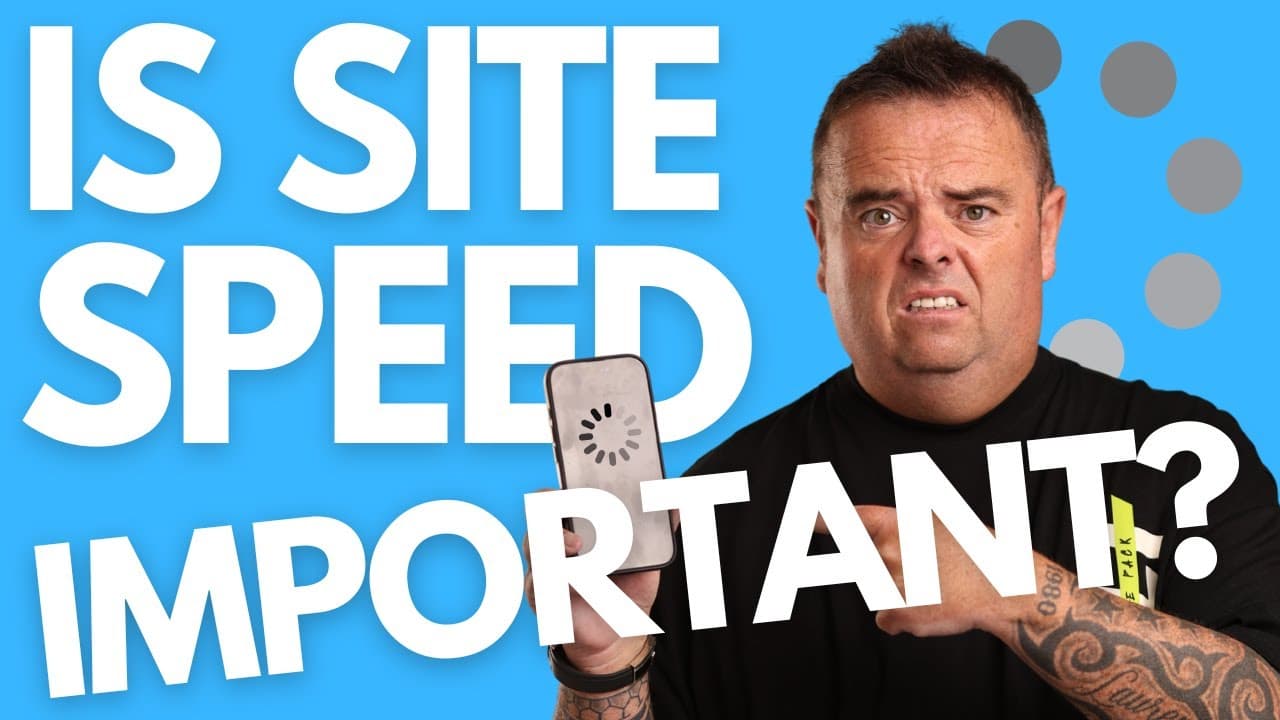
Is Website Speed important for SEO?
TL;DR
Website speed is crucial for user experience and SEO.
Transcript
so as page speed an important factor when it comes to your website of course it is now page speed is something that Google does look at now if your website's you know the the kind of common rule of thumb is to make sure that your website loads in under two seconds if a user comes to your website and it takes 10 seconds to load the chances are they'... Read More
Key Insights
- Website speed significantly affects user experience and SEO rankings, with a recommended load time under two seconds to retain visitors.
- Google considers page speed as a ranking factor, impacting how websites perform in search engine results.
- Multiple tools like PageSpeed Insights, Pingdom, and GTmetrix help analyze and improve website speed by providing detailed metrics and suggestions.
- Excessive optimization can be counterproductive; balance speed improvements with content quality and link building for better SEO results.
- WordPress users can utilize plugins like WP Optimize to automate speed optimizations, reducing the need for a developer.
- Technical limitations on platforms like Wix and Squarespace restrict speed optimization, impacting SEO potential negatively.
- Key optimization tasks include reducing unused JavaScript and CSS, compressing images, and enabling caching to enhance speed.
- Regular maintenance and optimization are essential to ensure consistent website performance and user satisfaction.
Install to Summarize YouTube Videos and Get Transcripts
Explore YouTube Video Summarizer or Get YouTube Transcript Extractor
Questions & Answers
Q: Why is website speed important for SEO?
Website speed is crucial for SEO because it directly impacts user experience and engagement metrics. A fast-loading website ensures that users do not abandon the site due to slow load times, which can lead to higher bounce rates and lower rankings in search engines. Google considers page speed as a ranking factor, making it essential for websites to load quickly to improve their visibility and performance in search results.
Q: What is the recommended load time for a website?
The recommended load time for a website is under two seconds. This benchmark helps ensure that users have a positive experience when visiting the site, reducing the likelihood of them leaving due to slow loading times. A fast load time also helps improve engagement metrics, which are important for SEO, as search engines like Google consider these metrics when ranking websites.
Q: What tools can be used to analyze website speed?
Several tools can be used to analyze website speed, including Google PageSpeed Insights, Pingdom, and GTmetrix. These tools provide detailed metrics and performance scores for both mobile and desktop versions of a website, along with specific suggestions for improvements. They help identify areas where optimizations are needed, such as reducing unused code or compressing images, to enhance overall website speed.
Q: How can WordPress users optimize their website speed?
WordPress users can optimize their website speed by using plugins like WP Optimize. This plugin automates several optimization tasks, such as cleaning up databases, compressing images, enabling caching, and minifying JavaScript and CSS. By implementing these optimizations, WordPress users can significantly improve their website's load time without the need for a developer, ensuring better performance and user experience.
Q: What are the limitations of platforms like Wix and Squarespace regarding speed optimization?
Platforms like Wix and Squarespace have limitations regarding speed optimization because they do not provide access to the server or underlying code. This lack of access restricts the ability to implement technical optimizations that could enhance website speed. As a result, users of these platforms may face challenges in improving their site's performance, which can negatively impact SEO and user experience.
Q: What are some common optimization tasks for improving website speed?
Common optimization tasks for improving website speed include reducing unused JavaScript and CSS, compressing images, enabling caching, and minimizing DNS lookups. These tasks help decrease the amount of data that needs to be loaded, reducing load times. Additionally, using next-gen image formats and optimizing server response times can further enhance performance, leading to a faster and more efficient website.
Q: Why is it important not to over-optimize a website?
Over-optimizing a website can be counterproductive because it may lead to diminishing returns and negatively impact other important aspects like content quality and link building. While speed is crucial, focusing excessively on it can divert resources from creating valuable content and building a strong backlink profile, which are also critical for SEO success. A balanced approach ensures overall website effectiveness.
Q: How often should website speed optimizations be performed?
Website speed optimizations should be performed regularly to maintain optimal performance. As websites evolve with new content and features, they can become slower over time. Regular checks using tools like PageSpeed Insights, Pingdom, and GTmetrix can help identify new issues and ensure that the site continues to load quickly. Consistent maintenance is key to providing a positive user experience and maintaining good SEO rankings.
Summary & Key Takeaways
-
Website speed is vital for both user experience and SEO rankings, with Google considering it an important factor. A load time under two seconds is recommended to retain visitors and ensure better engagement metrics.
-
Various tools like PageSpeed Insights, Pingdom, and GTmetrix provide insights into website performance, offering suggestions for speed improvements. WordPress users can leverage plugins like WP Optimize for automated optimizations.
-
Platforms like Wix and Squarespace limit speed optimization possibilities, affecting SEO potential. Regular maintenance, including reducing unused code and compressing images, is crucial for maintaining optimal website speed.
Read in Other Languages (beta)
Share This Summary 📚
Summarize YouTube Videos and Get Video Transcripts with 1-Click
Try YouTube Summary with ChatGPT & Claude or YouTube Transcript Generator
Explore More Summaries from Craig Campbell SEO 📚





Summarize YouTube Videos and Get Video Transcripts with 1-Click
Try YouTube Summary with ChatGPT & Claude or YouTube Transcript Generator