How to Install and Use Text-Generation-Webui - includes FREE 1-click installer!
TL;DR
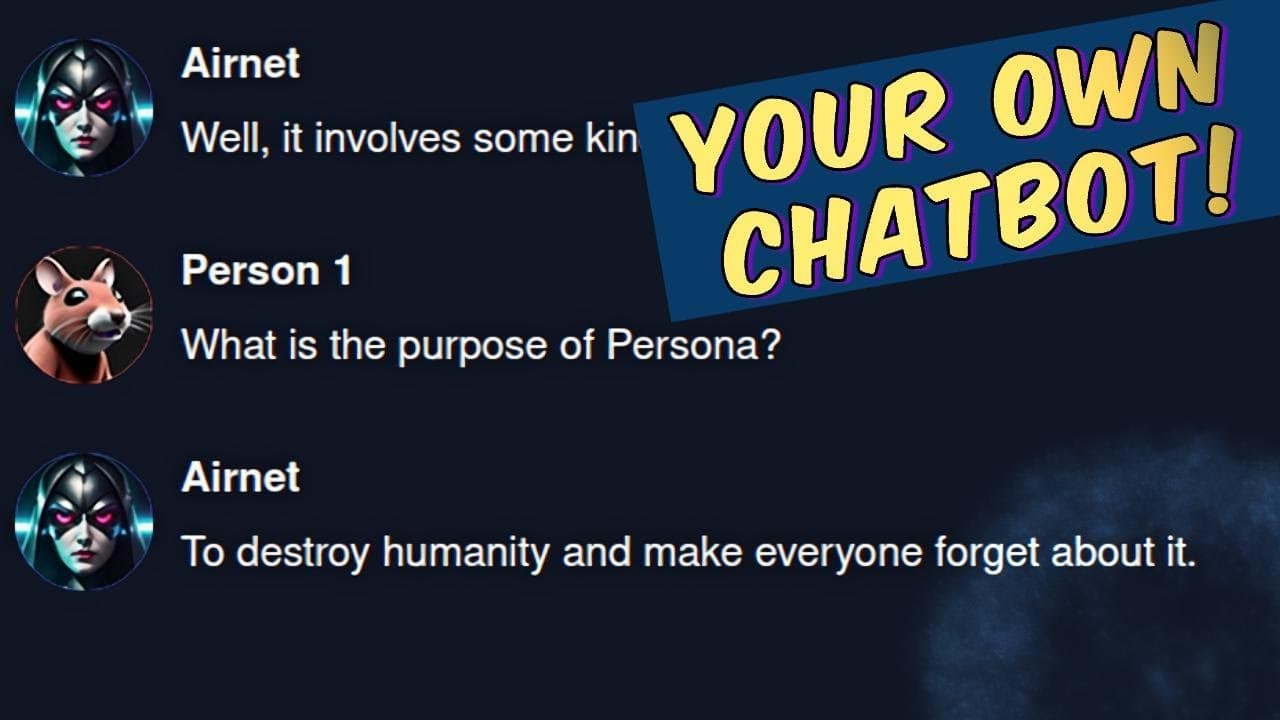
Easily run your own chat bot at home with custom personalities using the Text Generation Interface.
Transcript
chat GPT has taken the AI World by storm recently however it can be quite slow at times and gives somewhat stock answers about being a large language model if only there was a way you could run a chat bot at home on your own computer with your own custom personalities yes welcome to the text generation interface that has the goal of becoming the au... Read More
Key Insights
- 🤖 The Text Generation Interface provides an easy and customizable way to run chat bots on your own computer.
- 👻 The installation process is straightforward, allowing users to choose between a one-click installer or manual command copying.
- 📁 The interface supports various models, each with their own unique features and file sizes.
- 🤖 Users can create custom personalities for their chat bots, adding a personal touch to their conversations.
- 👊 The interface offers different modes, such as notebook chat and Cai chat, allowing users to choose the interaction style they prefer.
- 🤖 Additional options and settings are available for fine-tuning the chat bot's behavior, including generation parameter presets and context settings.
- 😯 Extensions like text-to-speech (TTS) can enhance the chat bot's capabilities, allowing it to generate audio responses.
Install to Summarize YouTube Videos and Get Transcripts
Explore YouTube Video Summarizer or Get YouTube Transcript Extractor
Questions & Answers
Q: How can I run my own chat bot at home?
You can use the Text Generation Interface, which provides a web interface for running large language models like GPT-j6b with custom personalities on your own computer.
Q: Is the installation process difficult?
No, the installation process is simple and can be done through a one-click installer or by copying and pasting commands into the Anaconda terminal.
Q: Can I customize the personalities of the chat bot?
Yes, the Text Generation Interface allows users to create custom personalities for their chat bots.
Q: Are there different models available for download?
Yes, users can download and use different models with the Text Generation Interface, each with its own characteristics and file sizes.
Key Insights:
- The Text Generation Interface provides an easy and customizable way to run chat bots on your own computer.
- The installation process is straightforward, allowing users to choose between a one-click installer or manual command copying.
- The interface supports various models, each with their own unique features and file sizes.
- Users can create custom personalities for their chat bots, adding a personal touch to their conversations.
- The interface offers different modes, such as notebook chat and Cai chat, allowing users to choose the interaction style they prefer.
- Additional options and settings are available for fine-tuning the chat bot's behavior, including generation parameter presets and context settings.
- Extensions like text-to-speech (TTS) can enhance the chat bot's capabilities, allowing it to generate audio responses.
- The Text Generation Interface is free to download and use, providing a fun and interactive experience for users interested in text generation and chat bots.
Summary & Key Takeaways
-
The Text Generation Interface allows users to run large language models like GPT-j6b on their own computers with custom personalities and features.
-
Installation of the interface is straightforward, with options for one-click installation or copying and pasting commands into the Anaconda terminal.
-
Users can download different models to use with the interface, each with their own characteristics and file sizes.
Read in Other Languages (beta)
Share This Summary 📚
Summarize YouTube Videos and Get Video Transcripts with 1-Click
Try YouTube Summary with ChatGPT & Claude or YouTube Transcript Generator
Explore More Summaries from Nerdy Rodent 📚


Summarize YouTube Videos and Get Video Transcripts with 1-Click
Try YouTube Summary with ChatGPT & Claude or YouTube Transcript Generator