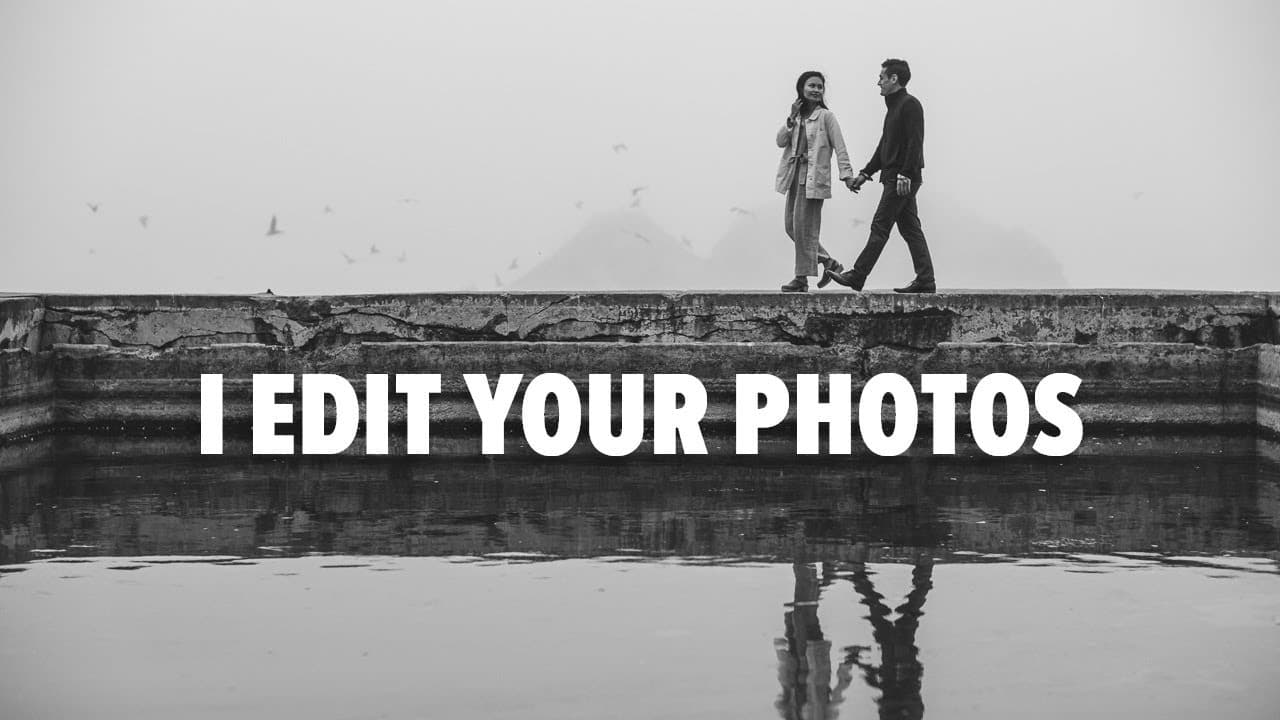
🔴 LIVE STREAM | Editing YOUR Raw Photos
TL;DR
A live stream focused on editing submitted photos with tips on using presets and improving editing techniques.
Transcript
hmm all right so i i totally thought i was live and i wasn't live so again here we are again welcome to the edit your photo live stream thank you everyone for submitting your photos and we're going to have some fun today i still get a little nervous and it's it's i'm still getting used to uh live streaming with just a single monitor so bear with me... Read More
Key Insights
- 👻 Live photo editing sessions are interactive, allowing for real-time viewer questions and engagement.
- 🧘 Utilizing presets can dramatically improve editing efficiency and style consistency.
- 🤍 White balance and skin tone corrections are essential for achieving a natural look in portrait photography.
- 🎥 Experimenting with reference mode can enhance the ability to create a cohesive series of photographs from different camera sources.
- 🌠 The importance of communication dynamics with clients is highlighted, especially during photo shoots.
- 🙂 editors can manipulate various parameters like contrast and saturation to achieve desired visual effects, and slight tweaks can significantly transform images.
- 💍 Engaging in consistent practice and learning through critiques contributes to a photographer's growth and understanding of their editing style.
Install to Summarize YouTube Videos and Get Transcripts
Explore YouTube Video Summarizer or Get YouTube Transcript Extractor
Questions & Answers
Q: How do you choose which photos to edit from the submissions?
The selection process is based on variety and excitement. The host aims to showcase a range of photos, including portraits, landscapes, and unique submissions like animal photos. While there were many submissions, time constraints mean not all can be edited, so the focus is on images with good lighting and interesting elements.
Q: What are the benefits of using presets in your editing workflow?
Presets streamline the editing process by providing a consistent starting point for each photo. The host uses customized presets that include adjustments for color grading, tonal balance, and sharpening. This approach not only saves time but also helps maintain a consistent aesthetic across various photo sets.
Q: How do you handle skin tones in your edits effectively?
The editing process involves carefully adjusting colors to achieve natural-looking skin tones. The host usually reduces magenta hues and enhances warmth, ensuring that skin appears vibrant without overshadowing other elements in the photo. Fine-tuning these adjustments based on the lighting conditions during the shoot is crucial for the final result.
Q: Can you explain how reference mode works in photo editing?
Reference mode allows the editor to compare an edited photo with another image side by side. This feature is helpful for maintaining a consistent look across multiple images, especially when using different camera systems. The host uses it to match skin tones and hues by dragging sliders to adjust colors according to the reference photo.
Q: What tips do you have for newcomers to photography regarding client relationships?
It’s crucial for new photographers to build strong client relationships through patience and clear communication. Gaining experience, whether through mentorship or direct client work, is vital. New photographers should engage with clients professionally while also learning to navigate challenges like differing expectations, which often arise in initial shoots.
Q: How do you edit photos from different camera systems?
The host emphasizes that his presets are adaptable to various camera files, including Canon, Sony, and Fujifilm. He adjusts settings as needed, focusing on maintaining color consistency and achieving a cohesive look across images taken with different cameras. This versatility allows for effective editing without losing the image's essence.
Q: Why do you prefer to edit on a white background in Lightroom?
Editing on a white background helps to accurately assess colors and tonal contrasts. It allows for better judgment regarding overall brightness and exposure, especially when preparing photos for platforms like Instagram, where images are often displayed against a white backdrop.
Summary & Key Takeaways
-
The live stream features a photo editing session where the host edits various submitted photos, showcasing his editing style using personal presets.
-
The host addresses viewer interactions and questions while explaining technical aspects of editing, including white balance adjustments and skin tone corrections.
-
Tips are provided on achieving consistent mood across photos and using reference mode for editing images from multiple camera systems.
Read in Other Languages (beta)
Share This Summary 📚
Summarize YouTube Videos and Get Video Transcripts with 1-Click
Try YouTube Summary with ChatGPT & Claude or YouTube Transcript Generator
Explore More Summaries from Reggie Ballesteros 📚

Summarize YouTube Videos and Get Video Transcripts with 1-Click
Try YouTube Summary with ChatGPT & Claude or YouTube Transcript Generator