How to Build Your First Application with Falcon PHP Framework
TL;DR
To build your first application using the Falcon PHP Framework, start by setting up your project structure, including folders for your application and views. Utilize PSR for autoloading, manage environment variables with a DOT ENV file for security, and configure session management with a MySQL database. Finally, implement routing and controllers using the bolt templating engine for dynamic content rendering.
Transcript
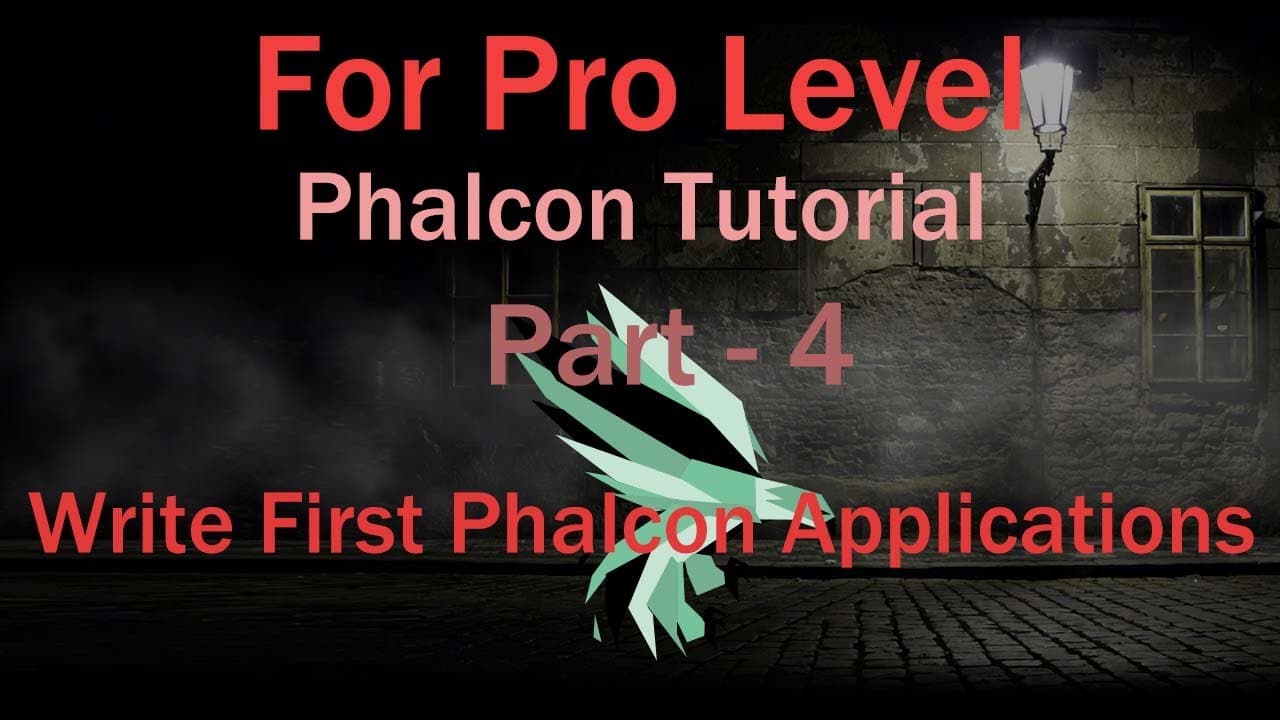
foreign new tutorial it is Falcon framework tutorial part 4. in this tutorial I'll discuss how to make a simple application with manually in previous tutorial I'll discuss how to run Falcon framework and Falcon tutorial on and to discuss how to run and install falcon and how many adapter require and it is our Dev tool required Dev tools and our PSR... Read More
Key Insights
- 🏛️ Falcon framework utilizes PSR standards for autoloading, which simplifies class loading and maintains organization within the application structure.
- 💁 Environment variables are managed effectively using a DOT ENV file, serving to keep sensitive information secure and separate from the application logic.
- 👤 The tutorial emphasizes the importance of session management for user interactions, focusing on how session adapters facilitate temporary storage of user data.
- 🫵 A structured folder hierarchy is vital for maintaining clarity in application development, especially when organizing controllers, views, and configurations.
- 😒 The use of the bolting engine allows for efficient template parsing, making it easy to create dynamic HTML without extensive overhead.
- 👋 Best practices around error handling and configuration checks help ensure that issues are caught early during development.
- ⚾ Dispatching in Falcon helps optimize routing by directing requests to appropriate controllers based on defined routes, improving overall application responsiveness.
Install to Summarize YouTube Videos and Get Transcripts
Explore YouTube Video Summarizer or Get YouTube Transcript Extractor
Questions & Answers
Q: What are the initial steps to set up a Falcon framework application?
The initial steps involve creating a directory for the application, setting up PSR autoloading in the composer.json file, and organizing your application’s folder structure. You would begin by creating an 'app' folder and updating the composer.json file to include this directory for autoloading, followed by running 'composer dump-autoload' to refresh the settings.
Q: How is environment configuration handled in this tutorial?
The tutorial integrates environment configuration using a DOT ENV file, which contains sensitive information like database credentials and paths. This file is critical for security and facilitates easy management of different environments (development, production) by allowing one to switch configurations without changing the code base.
Q: What is the purpose of the session management system discussed?
The session management system in the tutorial is implemented to maintain user state across requests. The session adapter is configured to store session data in a temporary directory, ensuring that user-specific data persists as they navigate through the application. This system enables functionalities like user authentication and data retention.
Q: Can you explain the use of the bolt templating engine in Falcon?
Bolt is a fast and designer-friendly templating engine used to create dynamic views in Falcon applications. The tutorial illustrates how to set up Bolt for handling view rendering, showcasing its ability to integrate seamlessly with other Falcon components and enhance the efficiency of template management compared to traditional PHP view files.
Q: What is the significance of the dispatcher in Falcon?
The dispatcher in Falcon is essential for routing requests to the correct controller when a specific path is not found. It defines the default behavior when there is a missing route and helps in managing application flow by ensuring that the appropriate controller methods are triggered based on incoming requests.
Q: How do you set up database connections within this Falcon application?
Database connections are configured through the config file where parameters such as the database adapter, host, username, password, and database name are defined. The tutorial shows how to structure this configuration using arrays, allowing the application to easily interact with MySQL databases through dependency injection mechanisms.
Summary & Key Takeaways
-
The tutorial provides a comprehensive guide to using the Falcon framework, focusing on creating a simple application while covering essential configurations like folder structure and loading files.
-
Key concepts include setting up the PSR autoloading for application directories, managing environment configuration with a DOT ENV file, and configuring session management and database adapters using MySQL.
-
The tutorial also touches on the view directory structure using the bolt templating engine, demonstrating the steps to create controllers and handle routing within the Falcon MVC architecture.
Read in Other Languages (beta)
Share This Summary 📚
Summarize YouTube Videos and Get Video Transcripts with 1-Click
Try YouTube Summary with ChatGPT & Claude or YouTube Transcript Generator
Explore More Summaries from script spark 📚



Summarize YouTube Videos and Get Video Transcripts with 1-Click
Try YouTube Summary with ChatGPT & Claude or YouTube Transcript Generator