Lecture 2 - Command line environment
TL;DR
Understanding the command line environment enhances Linux usage and automation.
Transcript
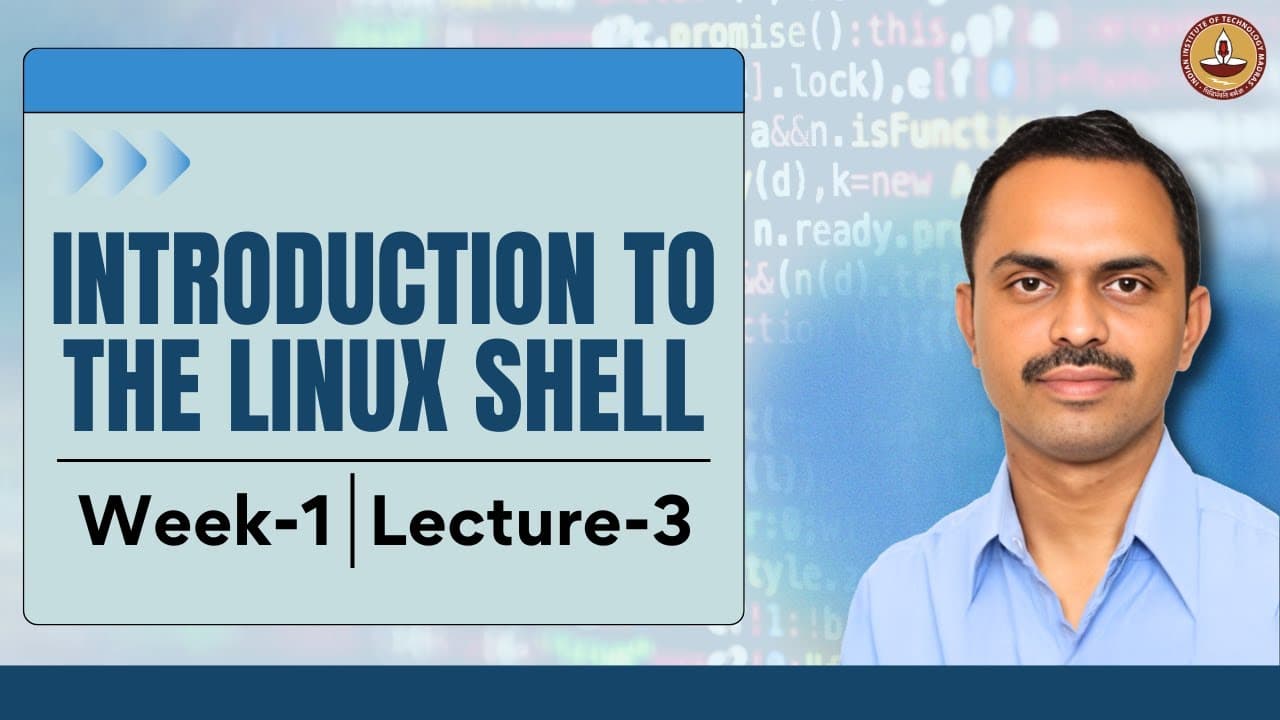
Welcome to the introductory session on command line environment. Why would we want to learn about command line environment? Because when we are able to type out commands then we are capable of using Linux to its fullest extent. We can combine these commands to form a script and then we can use these scripts to be launched at specific times and ther... Read More
Key Insights
- 🫥 Mastery of the command line interface allows users to fully leverage the capabilities of the Linux operating system, paving the way for increased efficiency and productivity.
- 🫥 Different terminal emulators offer varying features for the command line environment, providing options for customization and enhanced user experience.
- 📁 The 'pwd' command helps users identify their current directory, while 'ls' allows them to view contained files and folders, forming the foundation of file navigation.
- 👤 Understanding shell commands and their options can significantly expand users' ability to interact with files and processes effectively.
- 📁 Familiarizing oneself with the Linux file system hierarchy enables users to locate applications, libraries, and executable files critical for software development and system maintenance.
- 📁 Each directory in the Linux file system has a specific purpose, such as /bin for essential binaries or /etc for configuration files, and understanding these designations aids in efficient system management.
- 🫥 The presence of manual pages provides a comprehensive resource for learning command usage, assisting both novice and experienced users in navigating the command line effectively.
Install to Summarize YouTube Videos and Get Transcripts
Explore YouTube Video Summarizer or Get YouTube Transcript Extractor
Questions & Answers
Q: What is the purpose of the command line environment in Linux?
The command line environment in Linux serves as a powerful interface for users to interact directly with the operating system. By entering specific commands, users can automate tasks, manage files, and control various aspects of system operations, making it essential for advanced functionality and efficiency within Linux.
Q: How do you list files in the current directory, and what does the -a option do?
To list files in the current directory, the command 'ls' is used. When the -a option is appended, as in 'ls -a', it displays all files, including hidden files, which are those whose names begin with a dot. This allows users to view files that are usually concealed during routine operations.
Q: What does the command 'man' do in the command line?
The 'man' command is used to access the manual pages for commands within Linux. By typing 'man [command]', users can retrieve detailed information, options, and usage instructions for that command. This is essential for learning about command capabilities and improving command line proficiency.
Q: Explain the significance of the file system hierarchy in Linux.
The file system hierarchy in Linux structures how files and directories are organized, starting from the root directory (/) down to user-specific directories. Understanding this hierarchy is critical for navigating the system, managing permissions, and locating files or executables needed for software development or system administration.
Q: What are some common terminal emulators mentioned in the content?
Common terminal emulators include Terminal, which is widely appreciated for its customizability and features, Xterm, known for its simplicity, and Guake, which offers a dropdown function activated by the F12 key. Each emulator provides different functionalities for users to interact with the command line interface.
Q: How do you change directories using the command line?
To change directories, the command 'cd [directory]' is used. Inputting 'cd ..' moves you up one level in the directory hierarchy. If you want to return directly to the home directory, simply typing 'cd' without any arguments accomplishes this. Understanding this command is essential for navigating the file system.
Summary & Key Takeaways
-
The command line environment is vital for fully utilizing Linux, allowing users to automate tasks through scripting and command inputs. Key terminal emulators include Terminal, Xterm, Guake, and Console.
-
Fundamental commands such as pwd (present working directory), ls (list files), and ps (process status) are essential for navigating the file system and understanding the running environment in Linux.
-
Familiarity with the file system hierarchy, including important directories like /bin, /etc, and /var, is crucial for efficiently managing files, executing commands, and ensuring system organization.
Read in Other Languages (beta)
Share This Summary 📚
Summarize YouTube Videos and Get Video Transcripts with 1-Click
Try YouTube Summary with ChatGPT & Claude or YouTube Transcript Generator
Explore More Summaries from IIT Madras - B.S. Degree Programme 📚




Summarize YouTube Videos and Get Video Transcripts with 1-Click
Try YouTube Summary with ChatGPT & Claude or YouTube Transcript Generator