Figma To Real Animated Websites Magically! – No Code Needed | Figma To Framer Sites
TL;DR
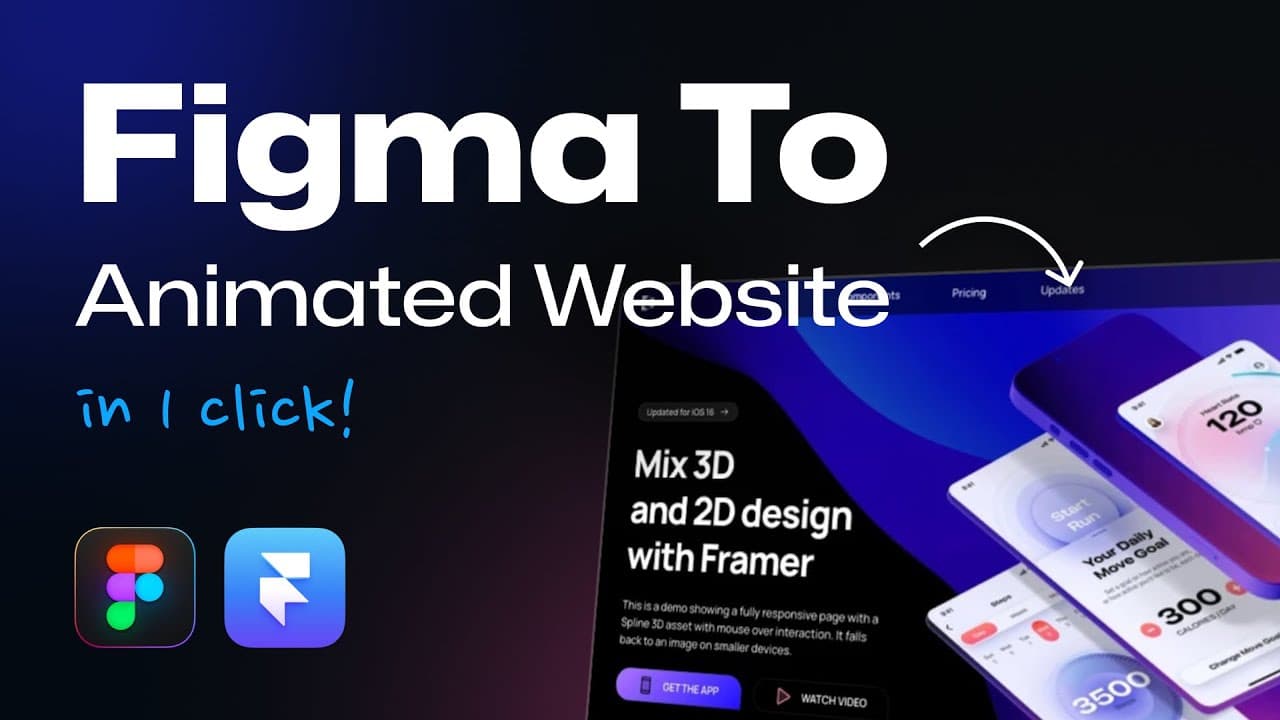
Learn how to convert Figma designs into animated and interactive web pages using Framer, with step-by-step instructions and useful tips.
Transcript
today we're magically converting our frigma designs into animated and interactive web pages and designs that you can actually publish and use gonna see the amazing capabilities of figma to framer or and what framer can now do there's so much has changed over the past months and I'm super excited to show you as a first step we want something that we... Read More
Key Insights
- 👻 Framer allows for seamless exporting of Figma designs, making it easy to bring them to life on the web.
- 👤 Animations in Framer, such as appearance animations and scroll animations, can greatly enhance the user experience.
- ⌛ Copying animations in Framer saves time and effort when applying similar effects to multiple elements.
- 🕸️ Adding 3D animations in Framer can create visually stunning effects and bring depth to web designs.
- 🎠 Framer's interactive elements, like the ticker, slideshow, and carousel, provide dynamic and engaging components for websites.
- 😑 The framer.supply animation library offers a wide range of pre-built animated elements that can be easily customized and used in Framer designs.
- 😒 Templates available in Framer provide ready-to-use animations and interactions, saving designers time and effort in creating complex effects.
Install to Summarize YouTube Videos and Get Transcripts
Explore YouTube Video Summarizer or Get YouTube Transcript Extractor
Questions & Answers
Q: How do you export a Figma design to Framer?
To export a Figma design to Framer, click on the frame you want to export, go to the resources tab in Figma, search for the Framer plugin, and run the "Figma to HTML with Framer" plugin.
Q: How can you create appearance animations in Framer?
To create appearance animations in Framer, select the elements you want to animate, go to the effects tab, click on the plus icon to add an animation, select the "appear" animation, and customize the animation properties according to your preference.
Q: Can you create scroll animations in Framer?
Yes, scroll animations are easy to create in Framer. Select the elements you want to animate while scrolling, go to the effects tab, choose the scroll animation option, and set the desired animation properties and triggers.
Q: How can you add 3D animations to elements in Framer?
To add 3D animations to elements in Framer, select the desired element, go to the effects tab, choose the scroll transform option, and set the rotation, opacity, and scaling properties to achieve the desired 3D animation effect.
Key Insights:
- Framer allows for seamless exporting of Figma designs, making it easy to bring them to life on the web.
- Animations in Framer, such as appearance animations and scroll animations, can greatly enhance the user experience.
- Copying animations in Framer saves time and effort when applying similar effects to multiple elements.
- Adding 3D animations in Framer can create visually stunning effects and bring depth to web designs.
- Framer's interactive elements, like the ticker, slideshow, and carousel, provide dynamic and engaging components for websites.
- The framer.supply animation library offers a wide range of pre-built animated elements that can be easily customized and used in Framer designs.
- Templates available in Framer provide ready-to-use animations and interactions, saving designers time and effort in creating complex effects.
- Framer offers premium plans with discounts available through affiliate links, making it an appealing option for businesses looking to enhance their web design capabilities.
Summary & Key Takeaways
-
The video demonstrates how to export a Figma design to Framer in just one click.
-
Framer allows for easy animations, such as appearance animations and scroll animations.
-
Copying animations, adding 3D animations, and creating animated components are also covered.
Read in Other Languages (beta)
Share This Summary 📚
Summarize YouTube Videos and Get Video Transcripts with 1-Click
Try YouTube Summary with ChatGPT & Claude or YouTube Transcript Generator
Explore More Summaries from Punit Chawla 📚


Summarize YouTube Videos and Get Video Transcripts with 1-Click
Try YouTube Summary with ChatGPT & Claude or YouTube Transcript Generator