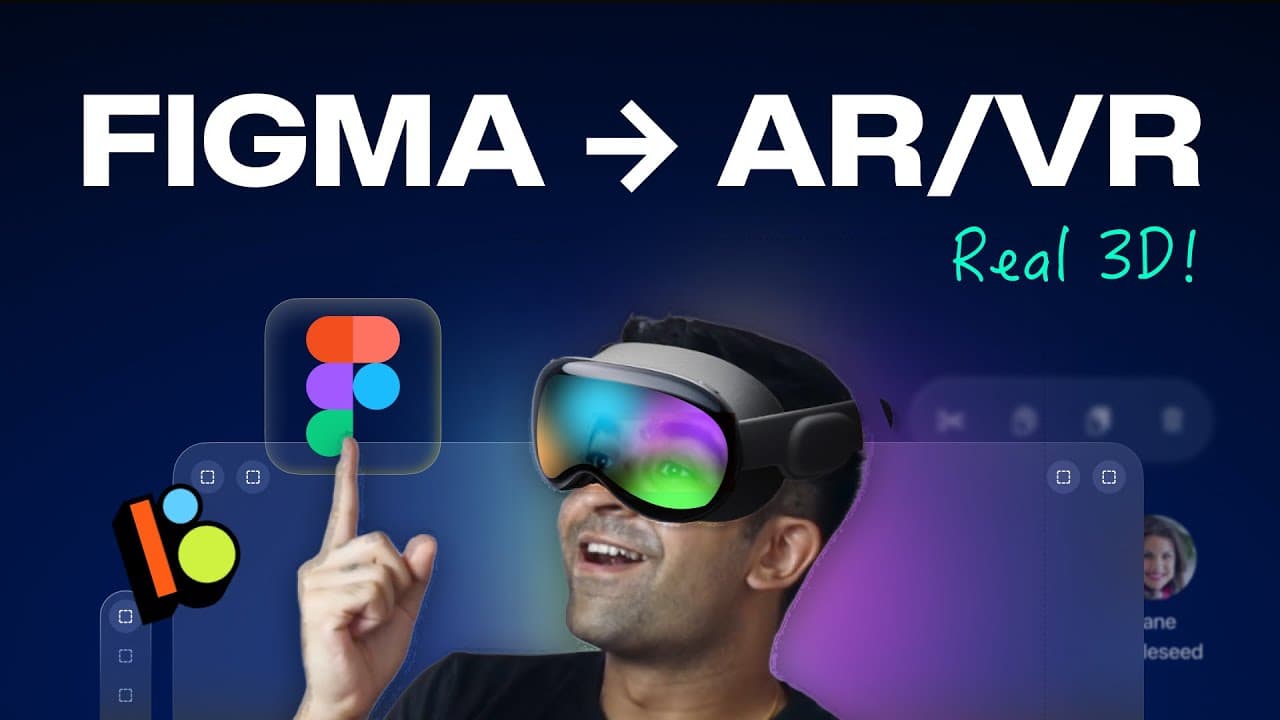
Figma to AR/VR Finally! - Real Spatial Design Like Apple Vision Pro! | Figma + Bezel
TL;DR
Bezel allows you to transform Figma designs into interactive 3D VR experiences seamlessly.
Transcript
this video has been made possible by skillshare a great place to start learning any creative skill you like I'm sure you saw Apple's Vision Pro headset being announced a couple of months ago now what if I told you that you can convert any of your figma prototypes and UI designs into a live 3D spatial VR experience just like you saw in the ... Read More
Key Insights
- 🎨 Bezel provides a seamless workflow for converting Figma designs into interactive 3D VR experiences.
- 🧡 The platform offers a range of features for VR design, including object creation, material customization, and animation capabilities.
- 😤 Collaboration and teamwork are supported in Bezel, making it ideal for design projects involving multiple team members.
- 👻 Bezel is compatible with VR headsets, allowing for a truly immersive and interactive VR experience.
- 🎨 Skillshare is a recommended platform for learning various creative skills, including VR design and Figma prototyping.
- 😒 The use of personal access tokens and linking them to Bezel ensures the secure and efficient import of Figma designs.
- 😑 The asset library in Bezel provides a collection of pre-made 3D objects, eliminating the need to search for external resources.
Install to Summarize YouTube Videos and Get Transcripts
Explore YouTube Video Summarizer or Get YouTube Transcript Extractor
Questions & Answers
Q: How can Bezel convert Figma designs into 3D VR experiences?
Bezel offers a straightforward process of importing Figma files by generating a personal access token and linking it to the platform. This enables users to seamlessly convert their UI designs into immersive 3D VR experiences.
Q: What features does Bezel offer for VR design?
Bezel provides a range of features for VR design, including the ability to create 3D objects, import 3D models, customize materials and properties, and add comments and annotations. Collaboration and animation capabilities are also available.
Q: Can Bezel be used for collaboration and teamwork?
Yes, Bezel offers a collaborative space where multiple team members can join a file, make edits, and work together on VR design projects. The platform allows for easy sharing of files and collaboration in real-time.
Q: Is Bezel compatible with VR headsets?
Yes, Bezel is compatible with VR headsets, allowing users to view and interact with their VR experiences in a fully immersive manner. The platform supports the playback of animations and provides an authentic VR experience.
Key Insights:
- Bezel provides a seamless workflow for converting Figma designs into interactive 3D VR experiences.
- The platform offers a range of features for VR design, including object creation, material customization, and animation capabilities.
- Collaboration and teamwork are supported in Bezel, making it ideal for design projects involving multiple team members.
- Bezel is compatible with VR headsets, allowing for a truly immersive and interactive VR experience.
- Skillshare is a recommended platform for learning various creative skills, including VR design and Figma prototyping.
- The use of personal access tokens and linking them to Bezel ensures the secure and efficient import of Figma designs.
- The asset library in Bezel provides a collection of pre-made 3D objects, eliminating the need to search for external resources.
- Bezel's intuitive interface and user-friendly tools make it accessible for both beginners and experienced VR designers.
Summary & Key Takeaways
-
Bezel is a platform that enables the conversion of Figma prototypes and UI designs into immersive 3D VR experiences.
-
It provides a simple process of importing Figma files into Bezel by generating a personal access token and linking it to the platform.
-
Users can view and interact with their designs in a VR environment, allowing for rotation, zooming, and exploration.
Read in Other Languages (beta)
Share This Summary 📚
Summarize YouTube Videos and Get Video Transcripts with 1-Click
Try YouTube Summary with ChatGPT & Claude or YouTube Transcript Generator
Explore More Summaries from Punit Chawla 📚

Summarize YouTube Videos and Get Video Transcripts with 1-Click
Try YouTube Summary with ChatGPT & Claude or YouTube Transcript Generator