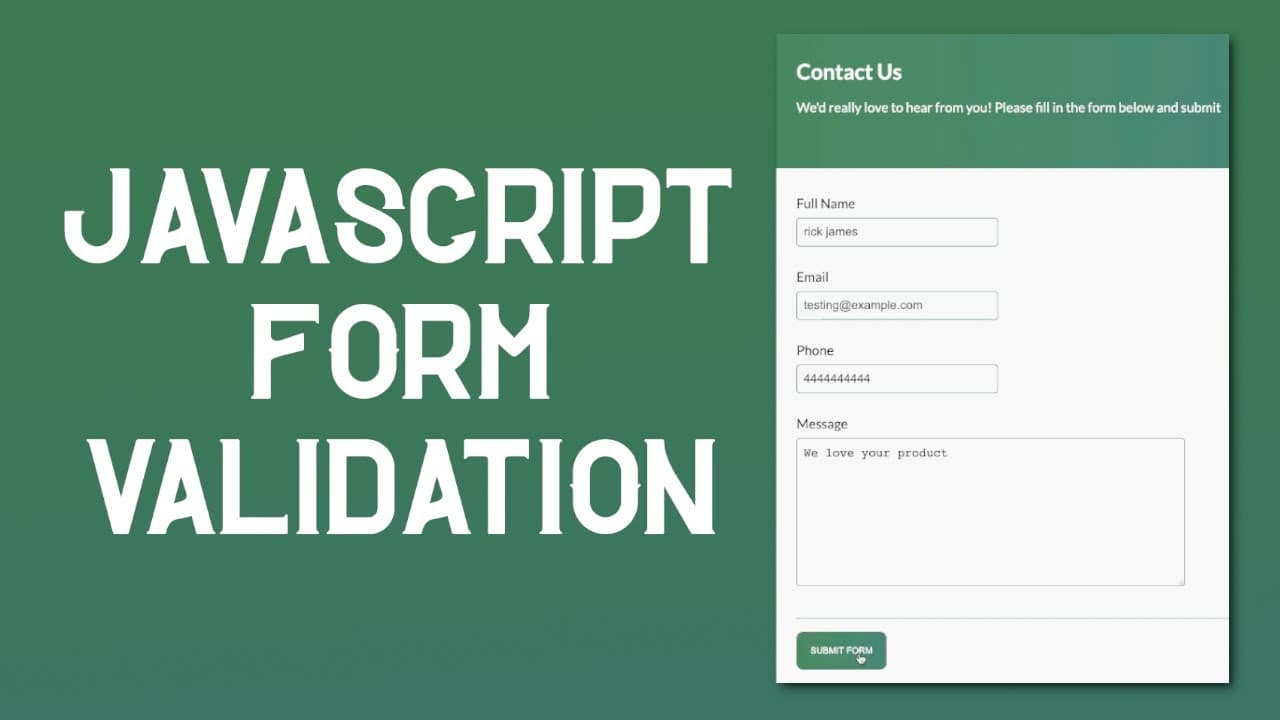
JavaScript Form Validation | How to Validate a Contact Us Form
TL;DR
Learn to create a contact form with validation using HTML, CSS, and vanilla JavaScript.
Transcript
hey everybody welcome back i hope you're having a great day today in this video i'm going to be showing you how to build a contact form and additionally it also has some validation so let me just go ahead and show you what we are building so over here we have a form and if you were to try to submit this form without providing any input it's going t... Read More
Key Insights
- 💁 The tutorial provides a step-by-step approach for beginners to build a contact form with real-time validation.
- ❓ Emphasizing vanilla JavaScript introduces learners to fundamental programming concepts without the complexity of frameworks.
- 💌 Understanding regex is crucial for email and phone validation, enabling stricter input requirements to improve data quality.
- 👤 The importance of user experience is highlighted through responsive design practices and intuitive error handling.
- 😒 The video encourages the use of developer tools to troubleshoot and refine the interface during the development process.
- 👨💻 Consolidating repeated code into functions can improve maintainability and clarity in the JavaScript code.
- 👤 Dynamic class manipulation is demonstrated to show or hide error messages based on user input, enhancing interaction.
Install to Summarize YouTube Videos and Get Transcripts
Explore YouTube Video Summarizer or Get YouTube Transcript Extractor
Questions & Answers
Q: What technologies are used to create the contact form in this tutorial?
The contact form is built using HTML for structure, CSS for styling, and vanilla JavaScript for functionality and validation. This approach allows beginners to learn without depending on external libraries or frameworks.
Q: How does form validation work in this contact form?
Form validation is handled by checking if the input fields contain valid data before submission. If an input is invalid, red boxes and error messages indicate the problem, prompting the user to correct it before resubmitting the form.
Q: What happens when the form is submitted correctly?
Upon successful submission, the contact form is hidden, and a thank-you message is displayed to the user. This message can be styled to appear more inviting, giving feedback that the submission was successful.
Q: How can you add more input fields to the form?
You can add additional input fields by creating new <input> or <textarea> elements within the form and applying similar validation logic. Each new input should be included in the JavaScript validation functions to ensure it is checked when the form is submitted.
Q: Is it possible to use libraries for building this form?
While this tutorial emphasizes vanilla JavaScript for educational purposes, you can enhance the form's functionality using libraries or frameworks like jQuery or React. However, learning to build from scratch strengthens foundational skills for future development.
Q: What styling techniques are covered in the video?
The video covers various CSS styling techniques to enhance the form's appearance, including setting background colors, font styles, margins, padding, and hover effects on buttons, which collectively improve the user interface.
Summary & Key Takeaways
-
This video tutorial demonstrates how to build a functional contact form using HTML, CSS, and vanilla JavaScript, focusing on frontend implementation without external libraries.
-
The tutorial covers form validation techniques, ensuring that users receive immediate feedback on input errors, enhancing user experience.
-
Additional features include styling the contact form, implementing success messages after submission, and managing form inputs effectively through JavaScript functions.
Read in Other Languages (beta)
Share This Summary 📚
Summarize YouTube Videos and Get Video Transcripts with 1-Click
Try YouTube Summary with ChatGPT & Claude or YouTube Transcript Generator
Explore More Summaries from Web Dev Cody 📚





Summarize YouTube Videos and Get Video Transcripts with 1-Click
Try YouTube Summary with ChatGPT & Claude or YouTube Transcript Generator