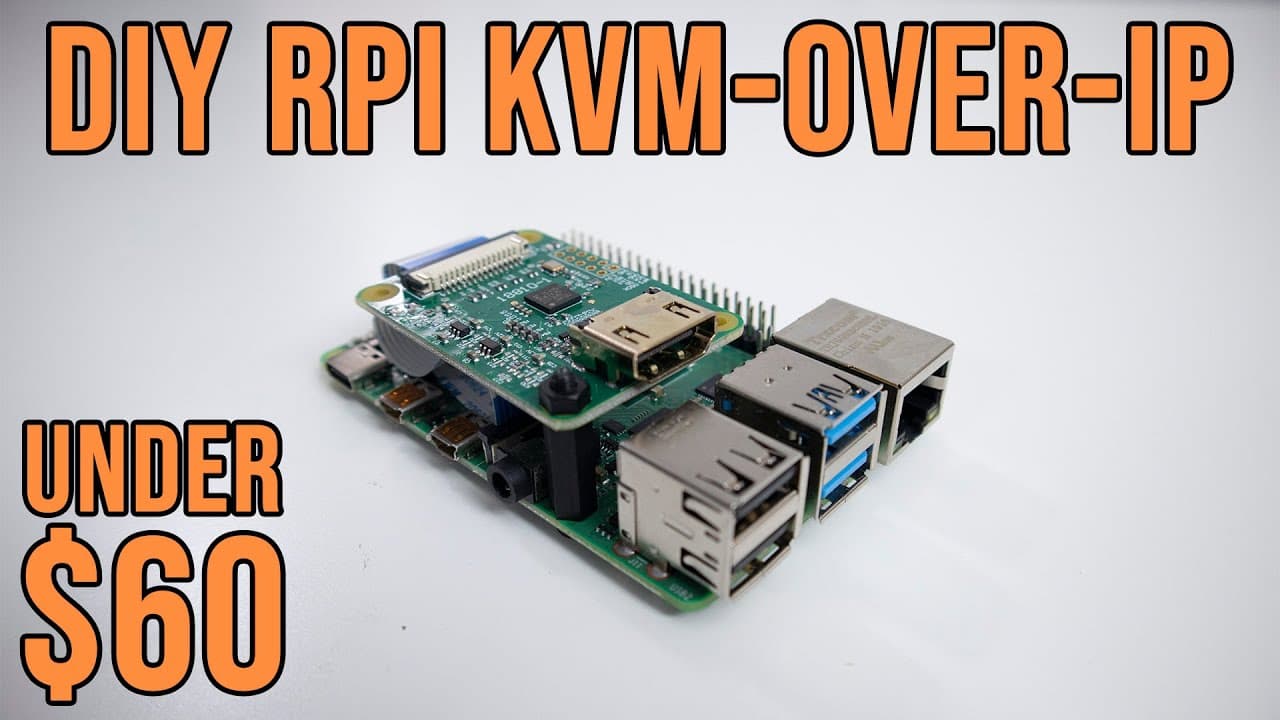
DIY Raspberry Pi KVM-Over-IP Under $60 with Pi-KVM
TL;DR
Learn how to build a budget KVM using Raspberry Pi for remote computer access.
Transcript
hey guys what is going on it's don here from novaspirittech and welcome back to the channel and today i got a really exciting video for you guys which is network kvm on the raspberry pi called pi kvm so let's get started before i begin i do want to show you guys my excitement on this this is something that i wanted for a very long time and this has... Read More
Key Insights
- 👻 The Raspberry Pi KVM enables remote connectivity, allowing for easier troubleshooting and system management without being on-site.
- ♓ The project supports multiple Raspberry Pi models, including Raspberry Pi 2, 3, 4, and Zero, providing versatility depending on users' available hardware.
- 🎮 The HDMI CSI connection offers enhanced features such as video resolution adjustments and better latency control compared to the USB dongle method.
- 😚 Users can configure bootable ISO images directly on the Raspberry Pi, facilitating processes like OS installation remotely.
- 👤 The project demonstrates the community's support, with developers actively engaging with users for troubleshooting and exchange of ideas via platforms like Discord.
- 🤠 The introduction of a new hat prototype with additional components highlights ongoing advancements in technology accessibility for DIY enthusiasts.
- 👻 The stream quality settings allow for adjustment based on the user's network capabilities, making the project flexible to various conditions.
Install to Summarize YouTube Videos and Get Transcripts
Explore YouTube Video Summarizer or Get YouTube Transcript Extractor
Questions & Answers
Q: What is a KVM and how is it useful?
A KVM, or Keyboard Video Mouse, is a device that enables remote control of computers as if users were physically present. It's particularly beneficial for system administrators and those managing home labs, allowing users to perform maintenance tasks without being at the physical location of the machine.
Q: Why is the DIY KVM project on Raspberry Pi significant?
The DIY Raspberry Pi KVM project is significant because it offers a low-cost alternative to expensive commercial KVM solutions. With a budget of under $60, users can achieve similar functionality, making it accessible for hobbyists and small businesses to manage multiple machines effectively.
Q: What are the differences between HDMI USB and HDMI CSI setups in this project?
The HDMI USB setup is simpler but can experience stability issues and latency. In contrast, the HDMI CSI setup provides better control over video parameters, lower latency, and greater stability, making it preferable for users needing reliable remote access and management.
Q: How do updates work for the Raspberry Pi KVM software?
Updates for the Raspberry Pi KVM software can be easily managed via a package manager using the command "pacman -Syu." This allows users to download the latest bug fixes and improvements without needing to re-flash their devices, streamlining maintenance.
Summary & Key Takeaways
-
The content discusses creating a DIY KVM (Keyboard, Video, Mouse) using a Raspberry Pi, allowing remote access to computers for maintenance or installation tasks.
-
It highlights the cost-effectiveness of this project, with a total setup cost of under $60 compared to commercial KVM devices that can cost over $300.
-
The tutorial covers various setup options using different types of HDMI connections and provides insights into the advantages of using HDMI CSI for better controls and features.
Read in Other Languages (beta)
Share This Summary 📚
Summarize YouTube Videos and Get Video Transcripts with 1-Click
Try YouTube Summary with ChatGPT & Claude or YouTube Transcript Generator
Explore More Summaries from Novaspirit Tech 📚






Summarize YouTube Videos and Get Video Transcripts with 1-Click
Try YouTube Summary with ChatGPT & Claude or YouTube Transcript Generator