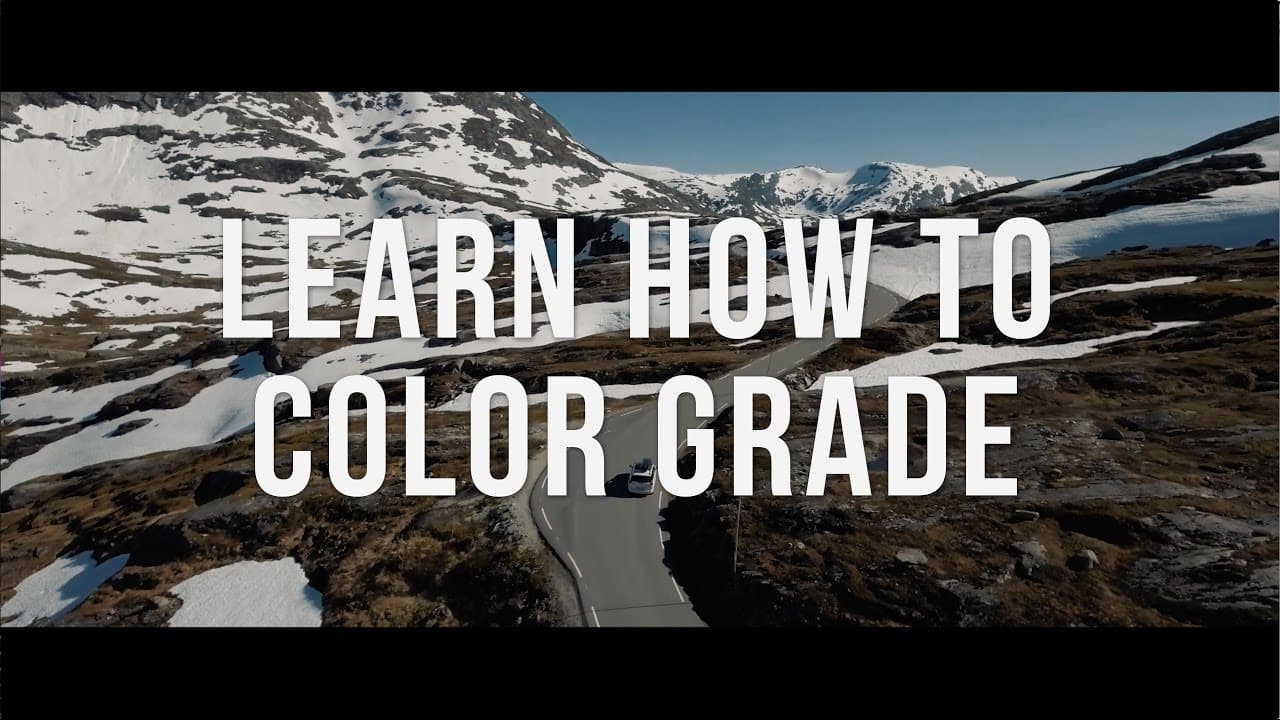
How to Color Grade Like a Professional
TL;DR
Learn the art of color grading for cinematic excellence with practical techniques and tools.
Transcript
hey guys welcome to travel fields today we're going to be talking about the cinematic color grading course so the question that I get asked most often is how do I color grade my film and last year I started to make some teaching courses on udemy comm the first course I made was on wedding videography I just found that that was something that a lot ... Read More
Key Insights
- ⚖️ Understanding color theory and balance is crucial for effective color grading.
- 🔬 Scopes like waveform and vectorscope provide objective measurements for accurate color adjustments.
- 🏣 Color correction precedes color grading to ensure uniformity and enhance post-production efficiency.
- 🔨 Tools like Colorista 3 offer advanced features for targeted color modifications and professional results.
- 🤩 Practice and experience are key to developing an eye for subtle color variations and nuances in color grading.
- 😥 White balance and reference points aid in achieving accurate color representation in the footage.
- 🔬 Utilizing scopes in combination with visual assessment optimizes the color grading process for consistency and quality.
Install to Summarize YouTube Videos and Get Transcripts
Explore YouTube Video Summarizer or Get YouTube Transcript Extractor
Questions & Answers
Q: What is the significance of color grading in filmmaking?
Color grading enhances the visual appeal, sets the mood, and conveys emotion, making it essential for cinematic storytelling. It elevates the overall quality of the film by improving colors and tones.
Q: How do scopes aid in color grading?
Scopes like waveform, parade, and vectorscope provide accurate measurements of color, exposure, and balance. They help in achieving consistency across shots, ensuring optimal visual impact in the final film.
Q: Why is color correction important before color grading?
Color correction balances colors and exposure, ensuring uniformity across clips. It sets the foundation for color grading by addressing any color discrepancies or imbalances before enhancing the look of the footage.
Q: Which color correction tool is recommended for professional results?
Colorista 3 is a versatile plugin that offers precise control over color adjustments, including shadows, mid-tones, highlights, and individual colors. Its HSL section allows targeted modifications for superior color grading outcomes.
Summary & Key Takeaways
-
Discover the process of color grading, from theory to practical application.
-
Gain insights on using scopes for precise color and exposure adjustments.
-
Learn the importance of color correction and tools like Colorista 3 for professional results.
Read in Other Languages (beta)
Share This Summary 📚
Summarize YouTube Videos and Get Video Transcripts with 1-Click
Try YouTube Summary with ChatGPT & Claude or YouTube Transcript Generator
Explore More Summaries from Matti Haapoja 📚



Summarize YouTube Videos and Get Video Transcripts with 1-Click
Try YouTube Summary with ChatGPT & Claude or YouTube Transcript Generator