How to use scale() in p5.js
TL;DR
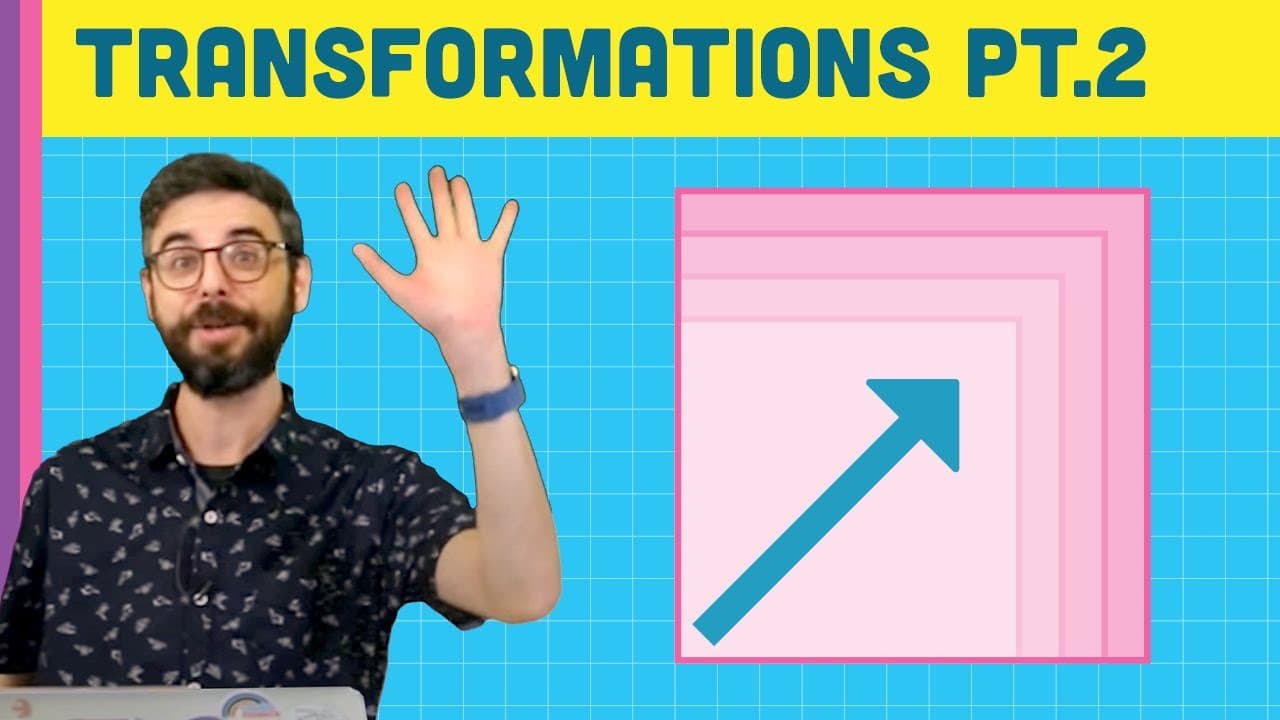
Scale function in transformations resizes shapes relative to the origin, allowing for stretching, shrinking, flipping, and creating 3D effects.
Transcript
[DING] Hello. So this is a little bit of a part 2 tutorial about transformations. And what I want to do is show you what the scale function does. And I don't know that this merits its own video, but I didn't fit it into the last one, so that's why I'm doing it. So what does the scale function do? So first of all, we see-- and there's some other imp... Read More
Key Insights
- 😥 Scale function resizes shapes relative to the origin point in transformations.
- ❣️ Different arguments can be used for x and y-axis scaling independently.
- 🐬 Negative values in the scale function flip or mirror shapes.
- 🎑 Scale can be used creatively to create 3D effects in 2D scenes.
- 🪈 Understanding the order of operations in transformations is crucial for the desired output.
- 🗾 Scale function can be used to zoom and pan around a 2D scene like a map.
- ⚖️ Flipping images can be done efficiently using the scale function.
Install to Summarize YouTube Videos and Get Transcripts
Explore YouTube Video Summarizer or Get YouTube Transcript Extractor
Questions & Answers
Q: How does the scale function differ from translate and rotate in transformations?
The scale function in transformations resizes shapes relative to the origin, unlike translate which moves the origin and rotate which changes the view angle of the canvas.
Q: Can scale take different arguments for the x and y-axis individually?
Yes, the scale function can take one argument for uniform scaling or two arguments for scaling along the x and y-axis individually, allowing for unique shape transformations.
Q: What happens when negative values are used with the scale function?
Negative values in the scale function cause shapes to flip or mirror, providing a simple way to draw mirrored images without manually rearranging pixels.
Q: How can the scale function be used to create a 3D effect in a 2D scene?
By using variables like mouseX or mouseY divided by a constant value as arguments for scale, a 3D effect can be achieved in a 2D scene by zooming in and out dynamically.
Summary & Key Takeaways
-
Translate moves the origin point, allowing drawing relative to the new location.
-
Rotate changes the canvas view for rotated shapes to be drawn.
-
Scale stretches or shrinks shapes relative to the origin, enabling unique manipulations like flipping.
Read in Other Languages (beta)
Share This Summary 📚
Summarize YouTube Videos and Get Video Transcripts with 1-Click
Try YouTube Summary with ChatGPT & Claude or YouTube Transcript Generator
Explore More Summaries from The Coding Train 📚






Summarize YouTube Videos and Get Video Transcripts with 1-Click
Try YouTube Summary with ChatGPT & Claude or YouTube Transcript Generator