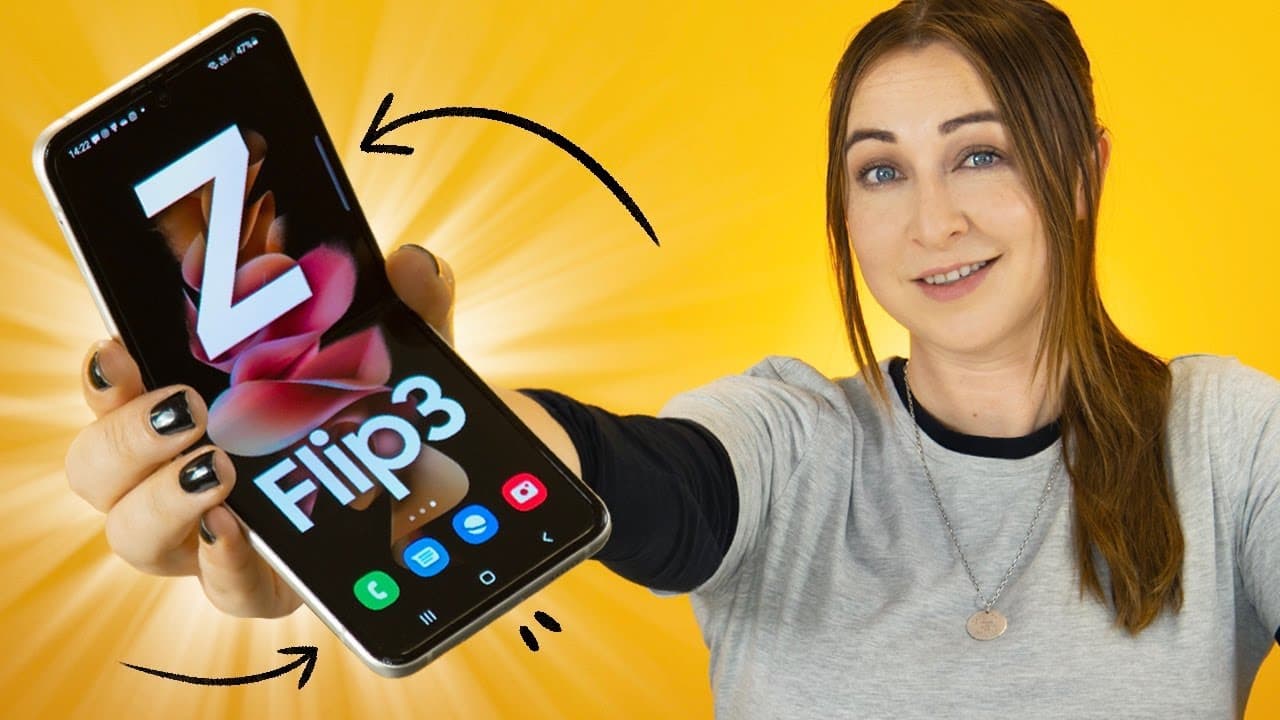
Samsung Galaxy Z Flip 3 Tips Tricks & Hidden Features | YOU MUST KNOW !!
TL;DR
Samsung Galaxy Z Flip 3 boasts cover screen widgets, customizable options, snappy cameras, flex mode, multitasking capabilities, and convenient functionalities.
Transcript
hey guys welcome back to hale's world and check it out the samsung galaxy z flip 3 and this puppy has some really cool features thanks to the awesome screens so let me show you what it can do right off the bat the beauty of this phone is definitely the cover screen and there's actually quite a couple of things you can do if you swipe towards the le... Read More
Key Insights
- 💻 Customizable cover screen widgets offer quick access to various functions.
- 💪 Flex mode enhances camera functionality and usability in various scenarios.
- 🫵 Multitasking capabilities through split-screen views and saved paired applications.
- 🔔 Convenient call handling and notification access on the cover screen.
- 🏛️ Snappy cameras with built-in features for an enhanced photography experience.
- ❓ Motion smoothness settings for a smoother scrolling experience.
- 🖐️ Finger sensor gestures for added convenience.
Install to Summarize YouTube Videos and Get Transcripts
Explore YouTube Video Summarizer or Get YouTube Transcript Extractor
Questions & Answers
Q: What are some notable features of the Samsung Galaxy Z Flip 3 cover screen?
The cover screen of the Samsung Galaxy Z Flip 3 offers widgets for quick access to functions, customizable options, and the ability to take quick selfies.
Q: How does flex mode enhance the camera experience on the Samsung Galaxy Z Flip 3?
Flex mode on the Samsung Galaxy Z Flip 3 allows for tripod-like functionality, better control over camera angles, and auto framing for videos.
Q: Can you multitask on the Samsung Galaxy Z Flip 3, and if so, how?
Yes, the Samsung Galaxy Z Flip 3 enables multitasking through split-screen views, adjustable window sizes, and the ability to save paired applications for quick access.
Q: How does the Samsung Galaxy Z Flip 3 handle calls and notifications on the cover screen?
The Samsung Galaxy Z Flip 3 displays calls on the cover screen, allowing for easy speakerphone conversations and notification access without fully opening the phone.
Summary & Key Takeaways
-
Samsung Galaxy Z Flip 3 features cover screen widgets for quick access to various functions.
-
Customizable cover screen options allow users to personalize their experience.
-
The phone offers snappy cameras, flex mode for versatile use, multitasking capabilities, and convenient functionalities.
Read in Other Languages (beta)
Share This Summary 📚
Summarize YouTube Videos and Get Video Transcripts with 1-Click
Try YouTube Summary with ChatGPT & Claude or YouTube Transcript Generator
Explore More Summaries from Hayls World 📚





Summarize YouTube Videos and Get Video Transcripts with 1-Click
Try YouTube Summary with ChatGPT & Claude or YouTube Transcript Generator