Products
Features
YouTube Video Summarizer
Summarize YouTube videos
Web & PDF Highlighter
Highlight web pages & PDFs
Chat with PDF
Ask any PDF questions with AI
Ask AI Clone
Chat with your highlights & memories
Audio Transcriber
Transcribe audio files to text
Glasp Reader
Read and highlight articles
Kindle Highlight Export
Export your Kindle highlights
Idea Hatch
Hatch ideas from your highlights
Integrations
Obsidian Plugin
Notion Integration
Pocket Integration
Instapaper Integration
Medium Integration
Readwise Integration
Snipd Integration
Hypothesis Integration
Apps & Extensions
Chrome Extension
Safari Extension
Edge Add-ons
Firefox Add-ons
iOS App
Android App
Discover
Discover
Ideas
Discover new ideas and insights
Articles
Curated articles and insights
Books
Book recommendations by great minds
Posts
Essays and notes from readers
Quotes
Inspiring quotes collection
Videos
Curated videos and summaries
Explore Glasp
Glasp Newsletter
Weekly insights and updates
Glasp Talk
Interview series with great minds
Glasp Blog
Latest news and articles
Glasp Use Cases
Learn how others use Glasp
Build & Support
Glasp API
Access Glasp's API for developers
MCP Connector
Connect Glasp to Claude & ChatGPT
Community
Glasp Reddit Community
Students
Student discount and benefits
FAQs
Frequently Asked Questions
AboutPricing
DashboardLog inSign up

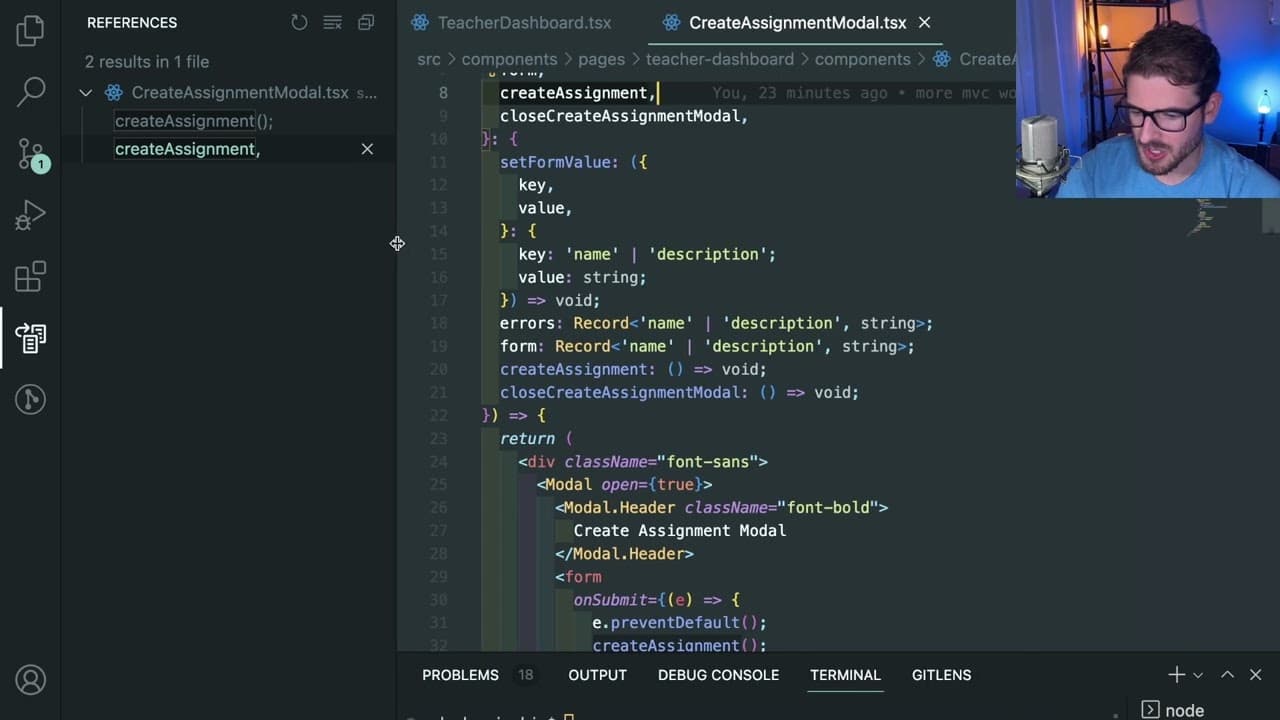
What VSCode shortcuts do I use to be efficient at coding
8.2K views
•
August 26, 2022
by
Web Dev Cody
YouTube video player
What VSCode shortcuts do I use to be efficient at coding

TL;DR

Maximize productivity in VS Code with essential shortcuts and strategies.

Transcript

okay so this video is going to be a good video to pay attention to i'm basically going to go through all of the tips and tricks and vs code shortcuts that i use on my project to be as efficient as i can there might be some things that i'm not doing properly i'm still trying to learn but for the most part i've managed to figure out a way to be reall... Read More

Key Insights

  • 🥺 Utilizing keyboard shortcuts like command P and command F can significantly enhance navigation speeds within a codebase, leading to more efficient coding sessions.
  • 🤩 Emphasizing memorization of key file names and paths reduces reliance on visual aids such as the sidebar, fostering a deeper engagement with the code structure.
  • 👾 Features like Intellisense (accessed via command space) are invaluable for providing contextual suggestions, reducing coding errors, and speeding up the development process.
  • 👨‍💻 Understanding how to manipulate blocks of code using shortcuts like option up/down arrow and command X can streamline coding and refactoring tasks.
  • 👨‍💻 Leveraging multi-instance selection (command D) enables developers to make bulk changes quickly, ensuring consistency and accelerating the coding process.
  • 👻 Effective project-wide search capabilities (command shift F) allow developers to track function usage and dependencies efficiently, contributing to better code maintenance.
  • 🫥 Clearing the terminal output with command K can improve the clarity of command-line interactions, making it easier to focus on relevant output without clutter.

Install to Summarize YouTube Videos and Get Transcripts

Explore YouTube Video Summarizer or Get YouTube Transcript Extractor

Summary & Key Takeaways

  • The video focuses on various tips and shortcuts for using Visual Studio Code effectively, emphasizing the importance of memorization for faster navigation and coding efficiency.

  • The presenter shares practical shortcuts like command P for file navigation, control command shift O for variable declarations, and command F for searching text within files.

  • Additional tips include using command space for Intellisense suggestions, minimizing sidebar use, and effective line and block manipulation for better coding practices.


Read in Other Languages (beta)

English

Share This Summary 📚

Summarize YouTube Videos and Get Video Transcripts with 1-Click

Download browser extensions on:

Try YouTube Summary with ChatGPT & Claude or YouTube Transcript Generator

Explore More Summaries from Web Dev Cody 📚

How I'm doing authentication on my simple Go app (with Fiber) thumbnail
How I'm doing authentication on my simple Go app (with Fiber)
Web Dev Cody
How I setup pagination in my Next.js app (with Drizzle ORM) thumbnail
How I setup pagination in my Next.js app (with Drizzle ORM)
Web Dev Cody
Live Coding a Shopping Cart using React thumbnail
Live Coding a Shopping Cart using React
Web Dev Cody
How Does the MacBook Air M1 Compare for Coding? thumbnail
How Does the MacBook Air M1 Compare for Coding?
Web Dev Cody
I got my first DDoS (and what you can do to help prevent it) thumbnail
I got my first DDoS (and what you can do to help prevent it)
Web Dev Cody

Summarize YouTube Videos and Get Video Transcripts with 1-Click

Download browser extensions on:

Try YouTube Summary with ChatGPT & Claude or YouTube Transcript Generator

Apps & Extensions

  • Chrome Extension
  • Safari Extension
  • Edge Add-ons
  • Firefox Add-ons
  • iOS App
  • Android App

Key Features

  • YouTube Video Summarizer
  • Web & PDF Summarizer
  • Web & PDF Highlighter
  • Chat with PDF
  • Ask AI Clone
  • Audio Transcriber
  • Glasp Reader
  • Kindle Highlight Export
  • Idea Hatch

Integrations

  • Obsidian Plugin
  • Notion Integration
  • Pocket Integration
  • Instapaper Integration
  • Medium Integration
  • Readwise Integration
  • Snipd Integration
  • Hypothesis Integration

More Features

  • APIs
  • MCP Connector
  • Blog & Post
  • Embed Links
  • Image Highlight
  • Personality Test
  • Quote Shots

Company

  • About us
  • Blog
  • Community
  • FAQs
  • Job Board
  • Newsletter
  • Pricing
Terms

•

Privacy

•

Guidelines

© 2026 Glasp Inc. All rights reserved.



