Products
Features
YouTube Video Summarizer
Summarize YouTube videos
Web & PDF Highlighter
Highlight web pages & PDFs
Chat with PDF
Ask any PDF questions with AI
Ask AI Clone
Chat with your highlights & memories
Audio Transcriber
Transcribe audio files to text
Glasp Reader
Read and highlight articles
Kindle Highlight Export
Export your Kindle highlights
Idea Hatch
Hatch ideas from your highlights
Integrations
Obsidian Plugin
Notion Integration
Pocket Integration
Instapaper Integration
Medium Integration
Readwise Integration
Snipd Integration
Hypothesis Integration
Apps & Extensions
Chrome Extension
Safari Extension
Edge Add-ons
Firefox Add-ons
iOS App
Android App
Discover
Discover
Ideas
Discover new ideas and insights
Articles
Curated articles and insights
Books
Book recommendations by great minds
Posts
Essays and notes from readers
Quotes
Inspiring quotes collection
Videos
Curated videos and summaries
Explore Glasp
Glasp Newsletter
Weekly insights and updates
Glasp Talk
Interview series with great minds
Glasp Blog
Latest news and articles
Glasp Use Cases
Learn how others use Glasp
Build & Support
Glasp API
Access Glasp's API for developers
MCP Connector
Connect Glasp to Claude & ChatGPT
Community
Glasp Reddit Community
Students
Student discount and benefits
FAQs
Frequently Asked Questions
AboutPricing
DashboardLog inSign up

What Are the Best Obsidian Plugins for Productivity?
100.5K views
•
January 12, 2023
by
Linking Your Thinking with Nick Milo
YouTube video player
What Are the Best Obsidian Plugins for Productivity?

TL;DR

The best Obsidian plugins for enhancing productivity include the Command Palette for quick access to commands, Quick Switcher to easily navigate notes, and Backlinks to create connections between ideas. Core features like Sync, Search, and Workspaces are essential for data management, while various quality-of-life plugins streamline the overall user experience.

Transcript

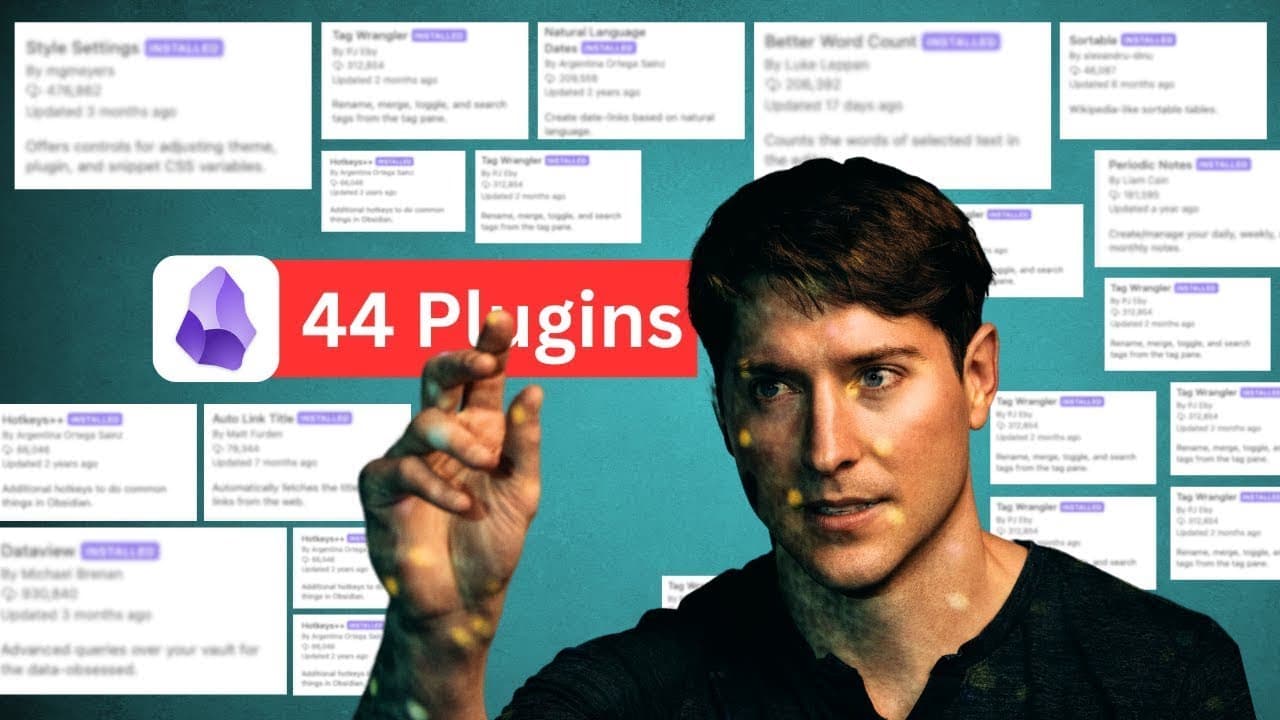
foreign has over 800 Community plugins and I've looked through them all in this video we're going to look at my top 44 ranked plugins not just Community plugins not just the core plugins but even these shadowy special functions as well through the chaos I have created my top 44. let's go through them one at a time now on my screen you can see that ... Read More

Key Insights

  • 👤 Command Palette and Quick Switcher provide quick access to commands and notes, enhancing user navigation in Obsidian.
  • 🖐️ Backlinks play a crucial role in establishing connections between notes and ideas, facilitating linked-based knowledge management.
  • 💯 Core features such as Sync, Search, and Workspace are vital for data synchronization, information retrieval, and workspace organization in Obsidian.
  • 👤 Quality of life plug-ins like Text Format, Recent Files, and Note Tweet offer additional functionality to improve user experience and efficiency.

Install to Summarize YouTube Videos and Get Transcripts

Explore YouTube Video Summarizer or Get YouTube Transcript Extractor

Summary & Key Takeaways

  • Explored the top 44 Obsidian plug-ins, covering core and community plug-ins.

  • Detailed analysis of key functions like Command Palette, Quick Switcher, Backlinks, and Canvas.

  • Mentioned the importance of core features like Sync, Search, and Workspace, along with several quality of life plug-ins.


Read in Other Languages (beta)

English

Share This Summary 📚

Summarize YouTube Videos and Get Video Transcripts with 1-Click

Download browser extensions on:

Try YouTube Summary with ChatGPT & Claude or YouTube Transcript Generator

Explore More Summaries from Linking Your Thinking with Nick Milo 📚
Note-Making Basics: Use The NoMa Method (in Obsidian) thumbnail
Note-Making Basics: Use The NoMa Method (in Obsidian)
Linking Your Thinking with Nick Milo
Quick notes & Cognitive scaffolding: Livestream w/ Eleanor & Nick thumbnail
Quick notes & Cognitive scaffolding: Livestream w/ Eleanor & Nick
Linking Your Thinking with Nick Milo
How to Masterfully Outline in Obsidian App thumbnail
How to Masterfully Outline in Obsidian App
Linking Your Thinking with Nick Milo
How to Customize Themes in Obsidian for Better Notes thumbnail
How to Customize Themes in Obsidian for Better Notes
Linking Your Thinking with Nick Milo
The Joy of Writing with Rok Sanda (made better through Obsidian) thumbnail
The Joy of Writing with Rok Sanda (made better through Obsidian)
Linking Your Thinking with Nick Milo
Ryder Carroll - Why Goals Fail Without Intentions + @bulletjournal | How I Think 001 thumbnail
Ryder Carroll - Why Goals Fail Without Intentions + @bulletjournal | How I Think 001
Linking Your Thinking with Nick Milo

Summarize YouTube Videos and Get Video Transcripts with 1-Click

Download browser extensions on:

Try YouTube Summary with ChatGPT & Claude or YouTube Transcript Generator

Apps & Extensions

  • Chrome Extension
  • Safari Extension
  • Edge Add-ons
  • Firefox Add-ons
  • iOS App
  • Android App

Key Features

  • YouTube Video Summarizer
  • Web & PDF Summarizer
  • Web & PDF Highlighter
  • Chat with PDF
  • Ask AI Clone
  • Audio Transcriber
  • Glasp Reader
  • Kindle Highlight Export
  • Idea Hatch

Integrations

  • Obsidian Plugin
  • Notion Integration
  • Pocket Integration
  • Instapaper Integration
  • Medium Integration
  • Readwise Integration
  • Snipd Integration
  • Hypothesis Integration

More Features

  • APIs
  • MCP Connector
  • Blog & Post
  • Embed Links
  • Image Highlight
  • Personality Test
  • Quote Shots

Company

  • About us
  • Blog
  • Community
  • FAQs
  • Job Board
  • Newsletter
  • Pricing
Terms

•

Privacy

•

Guidelines

© 2026 Glasp Inc. All rights reserved.