How to Build a Browser AI Agent with LLM and Playwright
TL;DR
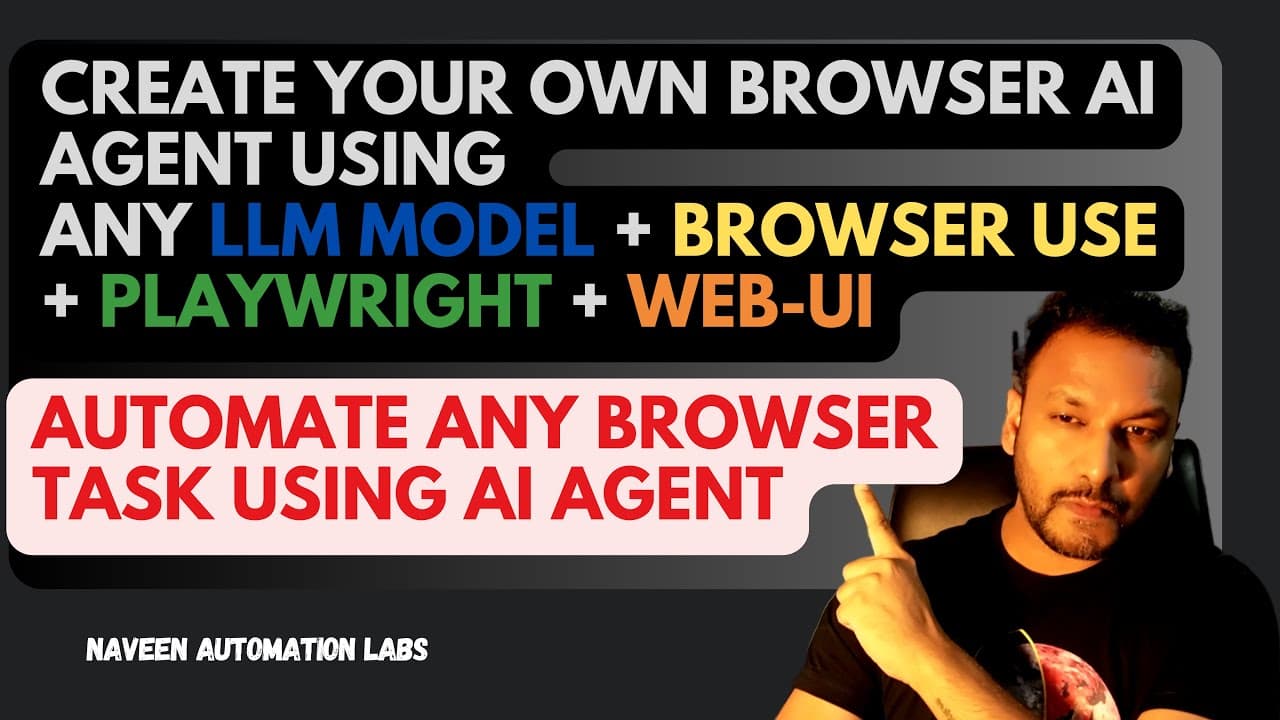
Create a powerful browser AI agent using LLM models and Playwright to automate tasks such as job applications and e-commerce orders. This guide walks you through the installation of necessary tools and provides practical examples of how to configure the AI agent to perform specific actions in the browser without needing to write code.
Transcript
hey guys this is nav welcome back to navine automation labs and back to our AI agent Series so today I'll show you how to create your own browser AI agent through which you can just execute your task on the browser whatever you want to do with respect to let's you really want to place the order on Amazon or you really want to submit... Read More
Key Insights
- The video provides a step-by-step process to create a browser AI agent that can automate tasks such as ordering on Amazon or applying for jobs without manual intervention.
- The video introduces 'browser use', an open-source project that enables AI to control browsers, making it the easiest way to connect AI agents with browsers.
- Python is essential for setting up the browser AI agent, as the models and necessary installations are compatible with Python.
- Playwright, a web automation tool by Microsoft, is used alongside 'browser use' to interact with the browser and execute tasks.
- Web UI, another open-source project, is introduced to provide an interface for configuring LLM models and running prompts.
- The video demonstrates how to set up a Python environment using 'UV', a fast Python package manager written in Rust.
- The process of configuring an LLM provider, such as OpenAI or Google Gemini, is detailed, including obtaining and using API keys.
- The video showcases practical examples like logging into websites, searching for products, and automating e-commerce workflows using simple prompts.
Install to Summarize YouTube Videos and Get Transcripts
Explore YouTube Video Summarizer or Get YouTube Transcript Extractor
Summary & Key Takeaways
-
This video tutorial guides viewers through creating a browser AI agent using LLM models, Playwright, and Web-UI. It details the installation and configuration process, including setting up Python, browser use, Playwright, and Web UI, to automate tasks like job applications and e-commerce orders.
-
The tutorial emphasizes the simplicity of using browser use and Playwright to connect AI agents with browsers, eliminating the need for manual coding. It also highlights the importance of configuring LLM providers, such as OpenAI or Google Gemini, to enhance the AI agent's capabilities.
-
Practical examples demonstrate the agent's ability to perform tasks like logging into websites, searching for products, and placing orders. The video encourages viewers to explore various prompts and configurations to maximize the potential of their browser AI agents.
Read in Other Languages (beta)
Share This Summary 📚
Summarize YouTube Videos and Get Video Transcripts with 1-Click
Try YouTube Summary with ChatGPT & Claude or YouTube Transcript Generator
Explore More Summaries from Naveen AutomationLabs 📚

Summarize YouTube Videos and Get Video Transcripts with 1-Click
Try YouTube Summary with ChatGPT & Claude or YouTube Transcript Generator