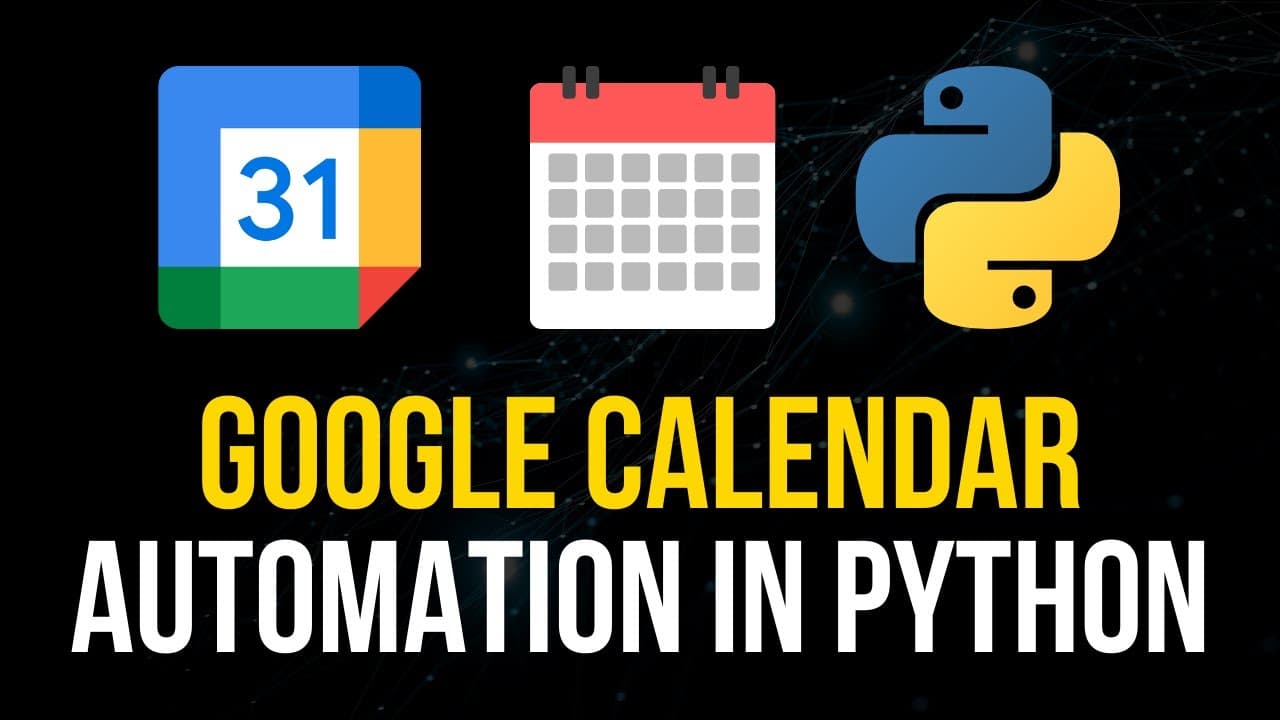
How to Automate Google Calendar Using Python
TL;DR
To automate Google Calendar with Python, start by creating a Google Cloud project and enabling the Google Calendar API. Install the necessary libraries, set up OAuth credentials, and use the API to create or manage events. This allows for tasks like exporting data from personal management systems or automatically scheduling appointments.
Transcript
what is going on guys welcome back in this video today we're going to learn how to automate Google Calendar with python so let us get right into it alright so we're going to learn how to use the Google Calendar API in Python today and this can be useful for a number of different use cases for example maybe you have your own personal management syst... Read More
Key Insights
- 🎯 Using the Google Calendar API in Python can be useful for automating tasks such as exporting events from a personal management system or importing events into Google Calendar.
- 🔑 To get started, you need to have Python and Pip installed, as well as a Google Cloud project with the Google Calendar API enabled.
- 🔒 Creating credentials and obtaining an OAuth client ID is necessary for authenticating with the API. This involves setting up an OAuth consent screen and enabling the calendar scope.
- 🔧 After installing the necessary packages, you can write code to authenticate with the API and access calendar services.
- 📅 The code provided demonstrates how to get upcoming events from the calendar and list them, and how to create a new calendar event with custom details like summary, location, and attendees.
- ✅ Regularly checking for errors and handling exceptions is important when working with the Google Calendar API to ensure smooth automation.
- 📚 The Google API documentation provides detailed explanations and examples for using the Google Calendar API in Python.
- 😊 By automating Google Calendar with Python, you can save time and streamline various tasks, whether it's managing personal events or integrating with other systems.
Install to Summarize YouTube Videos and Get Transcripts
Explore YouTube Video Summarizer or Get YouTube Transcript Extractor
Summary & Key Takeaways
-
This video tutorial teaches how to automate Google Calendar using Python.
-
The tutorial covers the Google Calendar API and its various use cases, such as integrating with personal management systems or importing/exporting events.
-
The video provides step-by-step instructions on creating a Google Cloud project, enabling the Google Calendar API, and setting up the necessary credentials for authentication.
Read in Other Languages (beta)
Share This Summary 📚
Summarize YouTube Videos and Get Video Transcripts with 1-Click
Try YouTube Summary with ChatGPT & Claude or YouTube Transcript Generator
Explore More Summaries from NeuralNine 📚
Summarize YouTube Videos and Get Video Transcripts with 1-Click
Try YouTube Summary with ChatGPT & Claude or YouTube Transcript Generator