How to Create an Animated Logo Using Canva
TL;DR
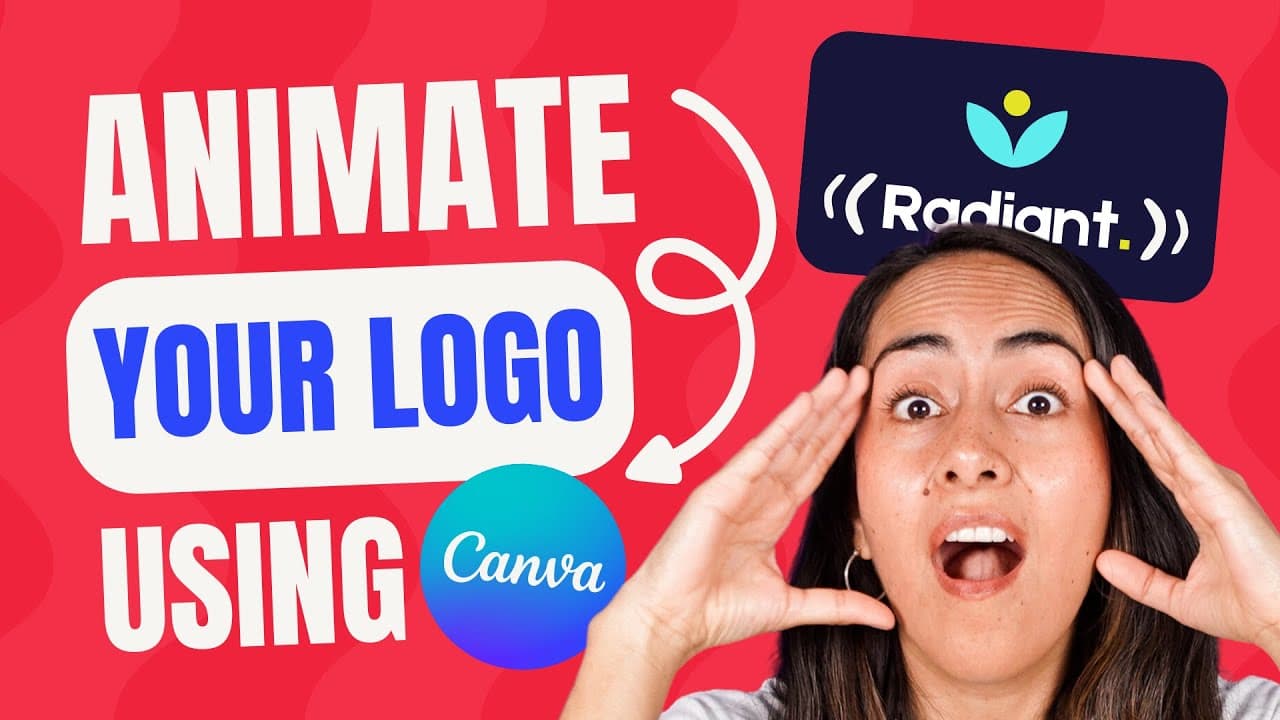
To create an animated logo in Canva, start by selecting a logo template with an icon for better animation options. Customize the elements, add animations for the icon and text, and incorporate music for a professional touch. Both free and Pro users can follow the tutorial, which ensures synchronized movement and offers tips for a polished final result.
Transcript
I created the animated logo that you see on the screen in canva and it was actually pretty easy to create so easy that I believe anyone even if you are a beginner can do it if you are interested in this tutorial follow every step until the end and let's go to my computer in this tutorial I'll be using some features that are available for canva pro ... Read More
Key Insights
- 😄 Canva allows users, including beginners, to create professional logo animations with ease.
- ❓ Choosing a logo template with an icon enhances animation options and creativity.
- 🎼 Customizing elements, adding animations, and music are simple steps in creating logo animations in Canva.
- 😊 Both Canva free and Pro users can follow the tutorial to create logo animations.
- 🐎 Adjusting the speed of animations ensures that all elements move in sync for a polished final result.
- 👤 Canva's library offers a variety of audio options for users to enhance their animations with music.
- 🏁 The tutorial provides step-by-step guidance on creating a logo animation from start to finish.
Install to Summarize YouTube Videos and Get Transcripts
Explore YouTube Video Summarizer or Get YouTube Transcript Extractor
Summary & Key Takeaways
-
Easily create a logo animation in Canva, even with a free account.
-
Select a logo template with an icon for better animation options.
-
Customize elements, add animations, and even music to create a professional logo animation.
Read in Other Languages (beta)
Share This Summary 📚
Summarize YouTube Videos and Get Video Transcripts with 1-Click
Try YouTube Summary with ChatGPT & Claude or YouTube Transcript Generator
Explore More Summaries from Design with Canva 📚
![Canva Unveiled 14 Exciting NEW Features | What's HOT in Canva 🔥 [Ep. 26] thumbnail](/_next/image?url=https%3A%2F%2Fi.ytimg.com%2Fvi%2FJkSZVcOLt0c%2Fhqdefault.jpg&w=750&q=75)
![Contrast | Basic Principles of Graphic Design [Ep.03] thumbnail](/_next/image?url=https%3A%2F%2Fi.ytimg.com%2Fvi%2FFLWImJ3vovM%2Fhqdefault.jpg&w=750&q=75)
![The Ultimate CANVA TIPS AND TRICKS [2022] - PART 2 | Canva Tutorial for Beginners | Ep. 02 thumbnail](/_next/image?url=https%3A%2F%2Fi.ytimg.com%2Fvi%2F7o8hAhtEMhc%2Fhqdefault.jpg&w=750&q=75)

Summarize YouTube Videos and Get Video Transcripts with 1-Click
Try YouTube Summary with ChatGPT & Claude or YouTube Transcript Generator