Products
Features
YouTube Video Summarizer
Summarize YouTube videos
Web & PDF Highlighter
Highlight web pages & PDFs
Chat with PDF
Ask any PDF questions with AI
Ask AI Clone
Chat with your highlights & memories
Audio Transcriber
Transcribe audio files to text
Glasp Reader
Read and highlight articles
Kindle Highlight Export
Export your Kindle highlights
Idea Hatch
Hatch ideas from your highlights
Integrations
Obsidian Plugin
Notion Integration
Pocket Integration
Instapaper Integration
Medium Integration
Readwise Integration
Snipd Integration
Hypothesis Integration
Apps & Extensions
Chrome Extension
Safari Extension
Edge Add-ons
Firefox Add-ons
iOS App
Android App
Discover
Discover
Ideas
Discover new ideas and insights
Articles
Curated articles and insights
Books
Book recommendations by great minds
Posts
Essays and notes from readers
Quotes
Inspiring quotes collection
Videos
Curated videos and summaries
Explore Glasp
Glasp Story
How we grew from 0 to 3 million users
Glasp Newsletter
Weekly insights and updates
Glasp Talk
Interview series with great minds
Glasp Blog
Latest news and articles
Glasp Use Cases
Learn how others use Glasp
Build & Support
Glasp API
Access Glasp's API for developers
MCP Connector
Connect Glasp to Claude & ChatGPT
Community
Glasp Reddit Community
Students
Student discount and benefits
FAQs
Frequently Asked Questions
AboutPricing
DashboardLog inSign up

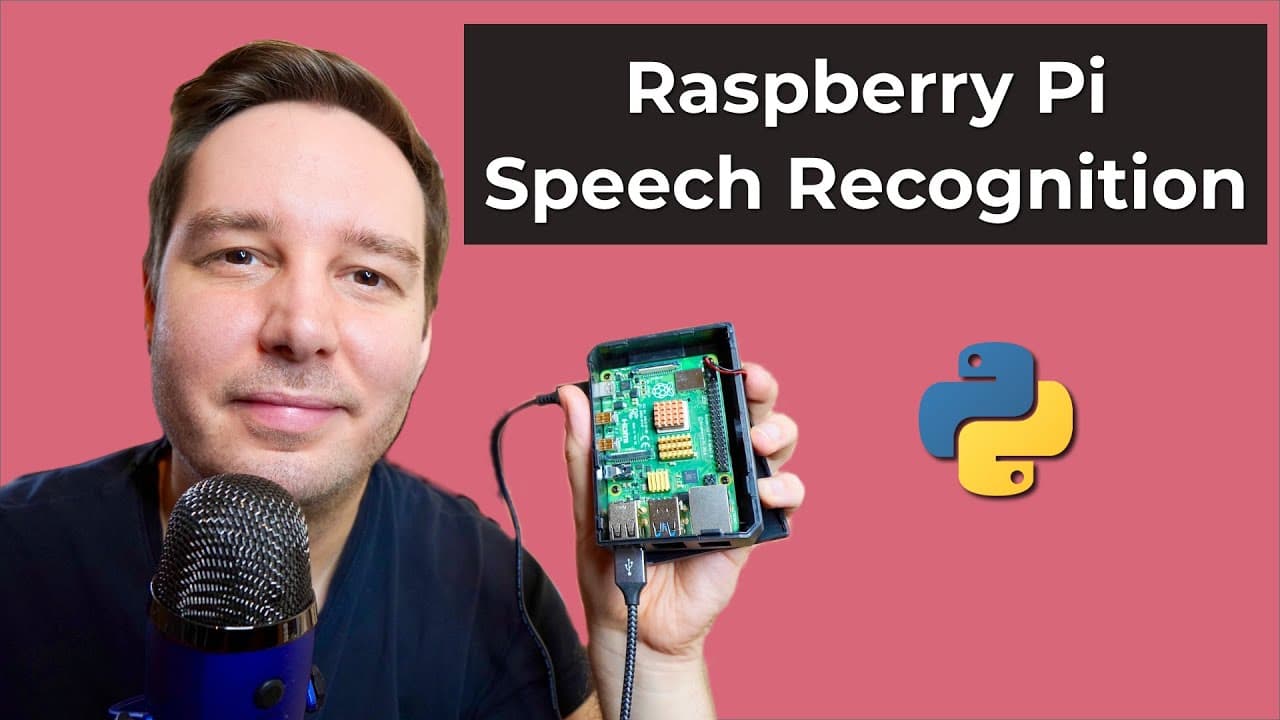
How to Build a Speech Recognition System on Raspberry Pi
52.0K views
•
March 21, 2022
by
AssemblyAI
YouTube video player
How to Build a Speech Recognition System on Raspberry Pi

TL;DR

To build a speech recognition system on a Raspberry Pi, install Python, configure a USB microphone, and use websockets for real-time audio processing. Utilize the Assembly AI API to transcribe speech and consider adding wake word detection for enhanced voice assistant functionality.

Transcript

hi everyone i'm patrick from assembly ai and today you learn how you can do real-time speech recognition on a raspberry pi and build a voice assistant all you need is a raspberry pi so in my case it's the pi4 and of course a microphone so in my case it's a simple usb mic and that's all to get started so let's test it hey sam send a tweet python is ... Read More

Key Insights

  • 😯 Real-time speech recognition on Raspberry Pi utilizes Python and a USB microphone.
  • 😫 Configuring the USB microphone involves setting it as the default device in Raspberry Pi.
  • 🔑 Enhancements like wake word detection and intent classification can improve virtual assistant capabilities.
  • 🏛️ Building a wake word detection model or using pre-built solutions enhances the Raspberry Pi project.
  • 🦻 Intent classification aids in understanding user actions for virtual assistant tasks.
  • 😯 Using Python for speech recognition and websockets for communication with APIs is essential.
  • 🤗 Opening VS Code, creating a virtual environment, and installing necessary dependencies are initial steps.

Install to Summarize YouTube Videos and Get Transcripts

Explore YouTube Video Summarizer or Get YouTube Transcript Extractor

Summary & Key Takeaways

  • Patrick demonstrates setting up real-time speech recognition on a Raspberry Pi 4 using Python and a USB microphone.

  • He guides through setting up Raspberry Pi OS, installing Python, configuring the USB microphone, and using websockets for speech recognition.

  • Patrick suggests adding wake word detection and intent classification for more advanced virtual assistant functionalities.


Read in Other Languages (beta)

English

Share This Summary 📚

Summarize YouTube Videos and Get Video Transcripts with 1-Click

Download browser extensions on:

Try YouTube Summary with ChatGPT & Claude or YouTube Transcript Generator

Explore More Summaries from AssemblyAI 📚

How to Create Collaborating AI Agents with AutoGen thumbnail
How to Create Collaborating AI Agents with AutoGen
AssemblyAI
What is Layer Normalization? | Deep Learning Fundamentals thumbnail
What is Layer Normalization? | Deep Learning Fundamentals
AssemblyAI
How to Transcribe Audio Files to Text in Java thumbnail
How to Transcribe Audio Files to Text in Java
AssemblyAI
Mojo🔥 Review: How good is the new programming language for AI? thumbnail
Mojo🔥 Review: How good is the new programming language for AI?
AssemblyAI
How to Moderate Audio Content in Python with Assembly AI thumbnail
How to Moderate Audio Content in Python with Assembly AI
AssemblyAI
Is it really the best 7B model? (A First Look) thumbnail
Is it really the best 7B model? (A First Look)
AssemblyAI

Summarize YouTube Videos and Get Video Transcripts with 1-Click

Download browser extensions on:

Try YouTube Summary with ChatGPT & Claude or YouTube Transcript Generator

Apps & Extensions

  • Chrome Extension
  • Safari Extension
  • Edge Add-ons
  • Firefox Add-ons
  • iOS App
  • Android App

Key Features

  • YouTube Video Summarizer
  • Web & PDF Summarizer
  • Web & PDF Highlighter
  • Chat with PDF
  • Ask AI Clone
  • Audio Transcriber
  • Glasp Reader
  • Kindle Highlight Export
  • Idea Hatch

Integrations

  • Obsidian Plugin
  • Notion Integration
  • Pocket Integration
  • Instapaper Integration
  • Medium Integration
  • Readwise Integration
  • Snipd Integration
  • Hypothesis Integration

More Features

  • APIs
  • MCP Connector
  • Blog & Post
  • Embed Links
  • Image Highlight
  • Personality Test
  • Quote Shots

Company

  • About us
  • Our Story
  • Blog
  • Community
  • FAQs
  • Job Board
  • Newsletter
  • Pricing
Terms

•

Privacy

•

Guidelines

© 2026 Glasp Inc. All rights reserved.



