3-Point, Pancake or Timeline Editing - WHICH IS BEST?? | Premiere Pro Beginner Tutorial
TL;DR
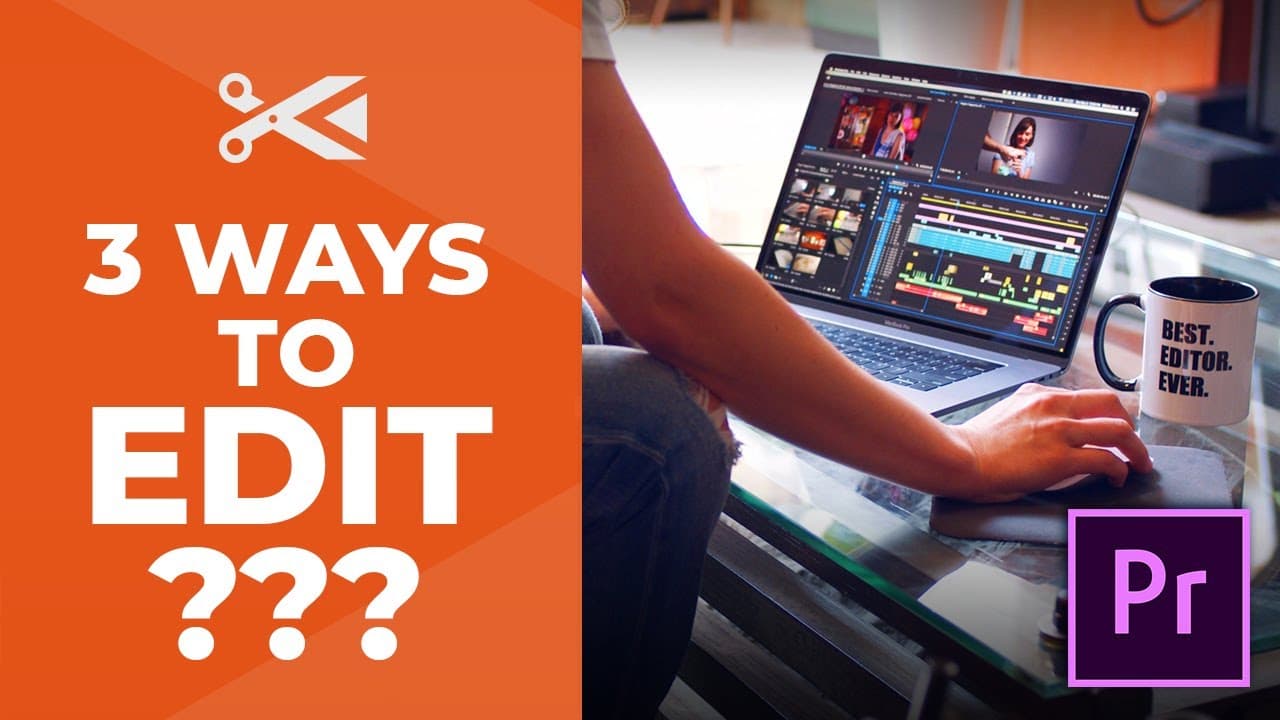
Learn about three different methods of editing in Premiere Pro: three point editing, timeline editing, and pancake editing.
Transcript
There's actually many different ways to bring footage into your timeline and to do some editing, and we're going to talk about what those three different ways are. The first way is called three point editing. Three point editing is when you edit from your bins using the clips in your bins. It's best if you prefer to make selections one at a time in... Read More
Key Insights
- 😥 Three point editing is best for selecting and inserting clips one at a time from bins.
- 🧘 Timeline editing is convenient for keeping all clips in one place and easily copying and pasting edits.
- 🥞 Pancake editing is great for organizing and separating different footage types and is visually easy to understand.
- 👻 Premiere Pro allows for various methods of editing, so choose the one that suits your preferences and workflow.
- 📽️ Each editing method has its advantages and can be used effectively depending on the project and personal preference.
- 🧡 Premiere Pro offers a wide range of editing tools and features to make the editing process efficient and customizable.
- 🆘 Experimenting with different editing methods can help improve your editing skills and workflow.
Install to Summarize YouTube Videos and Get Transcripts
Explore YouTube Video Summarizer or Get YouTube Transcript Extractor
Summary & Key Takeaways
-
Three point editing is done by selecting clips from bins, making in and outpoints, and inserting them into the timeline.
-
Timeline editing involves arranging clips directly in the timeline, copying and pasting, and making edits.
-
Pancake editing allows for the use of multiple timelines for organizing footage and easily dragging and dropping clips.
Read in Other Languages (beta)
Share This Summary 📚
Summarize YouTube Videos and Get Video Transcripts with 1-Click
Try YouTube Summary with ChatGPT & Claude or YouTube Transcript Generator
Explore More Summaries from Film Editing Pro 📚
Summarize YouTube Videos and Get Video Transcripts with 1-Click
Try YouTube Summary with ChatGPT & Claude or YouTube Transcript Generator