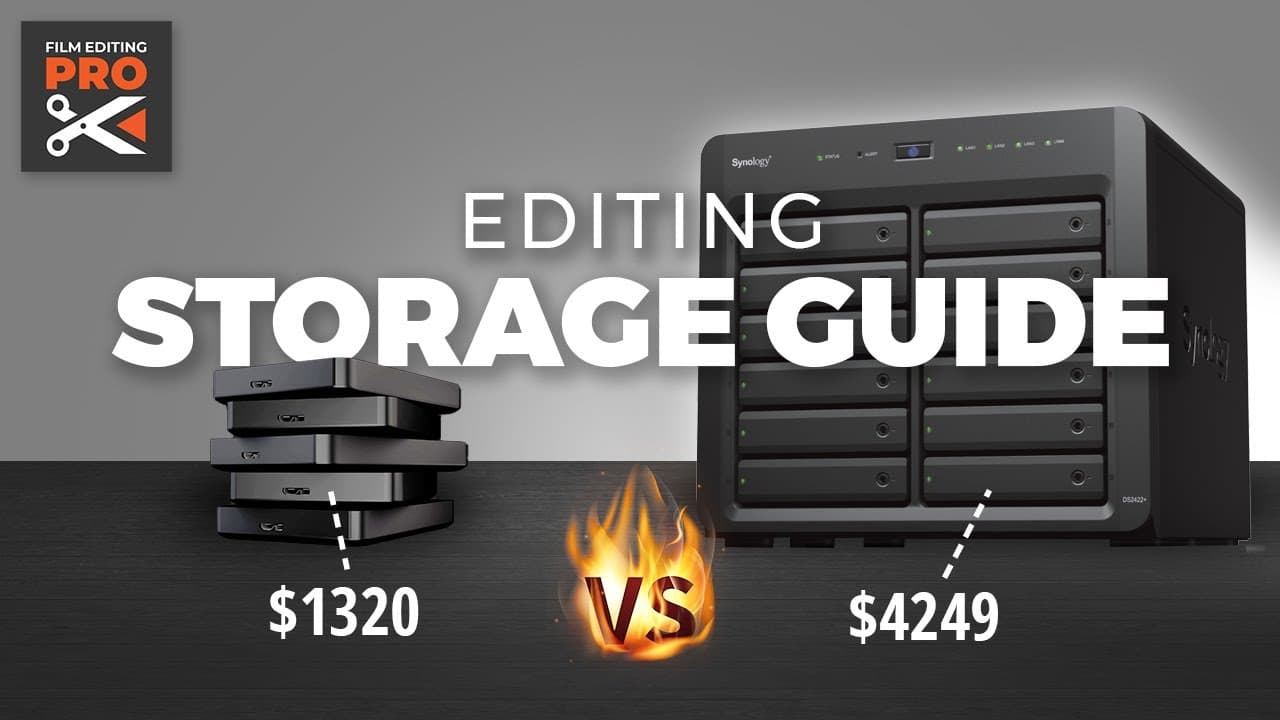
Editing Storage Guide: Best Setup for 2023
TL;DR
This comprehensive analysis provides a crash course in storage technology for video editors, covering topics such as data safety, drive speed, cost, redundancy, backups, and various storage options like USB drives, NAS, and SSDs.
Transcript
(upbeat music) - Today, we're gonna be tackling storage. Welcome back to another edition of Edit Space Improvements. - Everything that you edit has to live somewhere. It's simple, right? Get a USB drive, plug it in, and go. And this is where most editors start. But as the quantity of work and budgets increase, storing your work on a collection of r... Read More
Key Insights
- 💦 Storing work on removable hard drives is not ideal for professional video editors due to data safety and accessibility concerns.
- 🚄 Drive speed is important for smooth playback of high-bitrate footage, with SSDs being faster but more expensive than hard drives.
- ✋ Budget considerations often require a trade-off between high performance and high capacity.
- 🪛 Redundancy is crucial to protect against drive failures, and RAID technology provides this protection for both hard drives and SSDs.
- 🌸 Reliable backup systems are essential to protect against data loss caused by human error or disasters.
- ♿ NAS devices, like Synology and QNAP, offer a cost-effective and convenient storage solution for video editors, providing multiple user access, automated backups, and remote access.
- 😄 The choice between different storage options depends on factors like budget, performance needs, and ease of use.
Install to Summarize YouTube Videos and Get Transcripts
Explore YouTube Video Summarizer or Get YouTube Transcript Extractor
Questions & Answers
Q: What is the 3-2-1 data policy for data safety?
The 3-2-1 data policy states that you should have at least three copies of your data, in two different places, with one copy stored offsite. This helps protect your data in case of accidents or disasters.
Q: Is drive speed important for video editing?
Yes, drive speed is crucial for smooth playback of high-bitrate footage. The drive must be faster than the footage's bit rate, and for editing multi-cam footage, even faster drives are needed.
Q: What are the main technologies used for storage?
Hard drives (mechanical disks) and solid state drives (SSDs) are the two main technologies used for storage. SSDs are faster but more expensive, while hard drives are slower but cheaper.
Q: What is RAID?
RAID (Redundant Array of Inexpensive Disks) is a technology that allows multiple hard drives to be grouped together, providing increased performance and protection against drive failure. It combines the capacities of multiple drives into one and can recover data instantly from spare drives in the array.
Key Insights:
- Storing work on removable hard drives is not ideal for professional video editors due to data safety and accessibility concerns.
- Drive speed is important for smooth playback of high-bitrate footage, with SSDs being faster but more expensive than hard drives.
- Budget considerations often require a trade-off between high performance and high capacity.
- Redundancy is crucial to protect against drive failures, and RAID technology provides this protection for both hard drives and SSDs.
- Reliable backup systems are essential to protect against data loss caused by human error or disasters.
- NAS devices, like Synology and QNAP, offer a cost-effective and convenient storage solution for video editors, providing multiple user access, automated backups, and remote access.
- The choice between different storage options depends on factors like budget, performance needs, and ease of use.
- Setting up a NAS involves configuring users, permissions, shares, and backup systems, but Synology's intuitive software makes this easy to do.
Summary & Key Takeaways
-
Storing work on removable hard drives is not sufficient for professional video editors as it lacks data safety, accessibility, and speed.
-
Hybrid workflows often require both onsite and remote access to storage, making shared files on Dropbox a disorganized solution.
-
NAS (network attached storage) devices, like Synology and QNAP, offer a cost-effective and convenient solution with features like multiple user access, automated backups, and remote access.
Read in Other Languages (beta)
Share This Summary 📚
Summarize YouTube Videos and Get Video Transcripts with 1-Click
Try YouTube Summary with ChatGPT & Claude or YouTube Transcript Generator
Explore More Summaries from Film Editing Pro 📚
Summarize YouTube Videos and Get Video Transcripts with 1-Click
Try YouTube Summary with ChatGPT & Claude or YouTube Transcript Generator