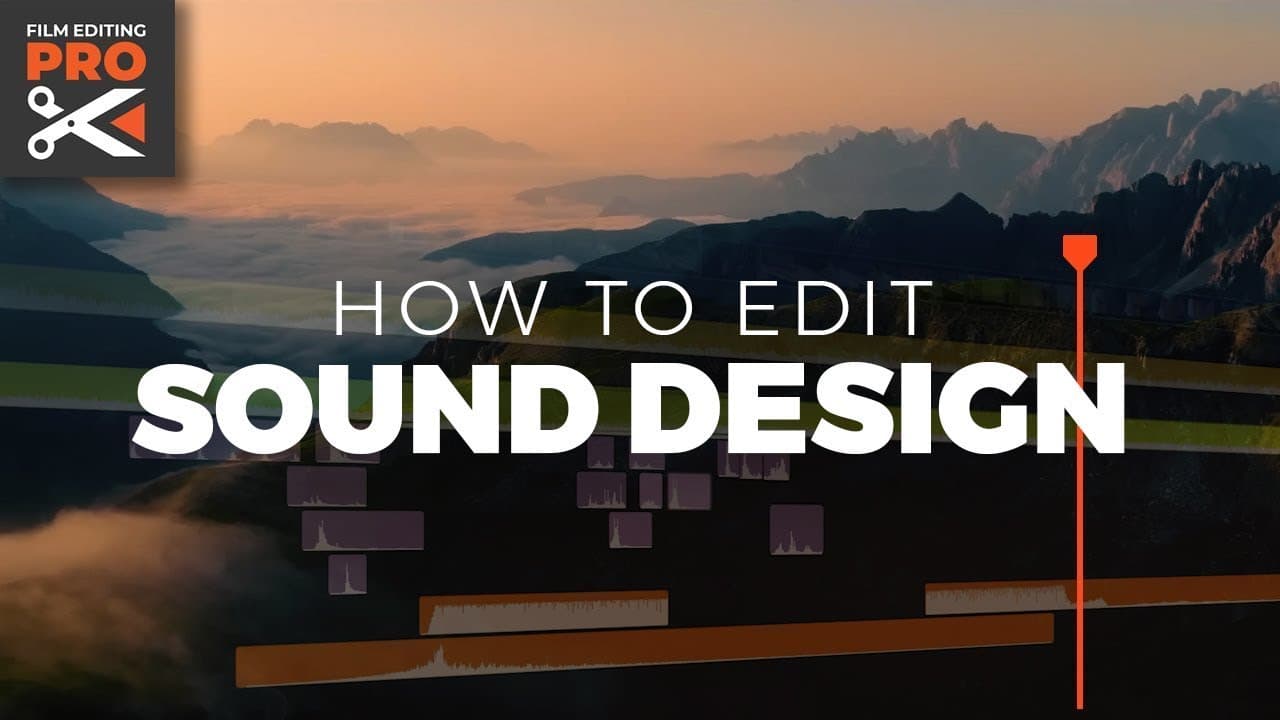
How to Enhance Your Video with Sound Design
TL;DR
Effective sound design is essential for engaging video storytelling. This tutorial covers techniques such as adding a score, incorporating ambience, and using creative sound effects to elevate the emotional impact. By balancing audio elements and emphasizing key moments, editors can create a compelling narrative that resonates with viewers.
Transcript
we all know sound is important right footage often arrives from production MOS or without sound or you could also say without personality it's up to the editor to give the footage character often through the use of sound design today we're going to sound design a sequence from a dark comedy to make things interesting we're g... Read More
Key Insights
- Sound design is crucial for adding personality and character to video footage, transforming it from silent visuals to a compelling narrative.
- The process involves three main steps: adding a score, incorporating ambience and Foley, and reinforcing moments with creative sound design.
- Temp music is essential even if a composer will score the final piece, as it helps in designing sound effects within context and communicating the vision.
- Ambience is vital as every location in a film should have ambient sound to make the scene feel alive and natural.
- Repetitive sound effects should be avoided by using varied sounds; editing with waveforms visible helps in aligning sound effects accurately.
- Reverb is necessary for Foley recorded in studio environments to make it sound natural and fitting for the scene's setting.
- Creative sound design can communicate emotions and abstract concepts, enhancing the storytelling beyond the visible action.
- Balancing sound design is crucial; not every moment needs intense sound, and subtlety can often be more effective.
Install to Summarize YouTube Videos and Get Transcripts
Explore YouTube Video Summarizer or Get YouTube Transcript Extractor
Questions & Answers
Q: What are the main steps in sound designing a video?
The main steps in sound designing a video include adding a score, incorporating ambience and Foley, and using creative sound design to reinforce key moments. These steps help transform silent footage into a rich auditory experience, enhancing the storytelling and making the video more engaging.
Q: Why is temp music important in the editing process?
Temp music is important because it helps editors design sound effects within the context of the video and communicate their vision to others. Even if a composer will later score the music, temp music provides a framework that guides the creative process and ensures that sound design aligns with the visual narrative.
Q: How can editors avoid repetitive sound effects?
Editors can avoid repetitive sound effects by using varied sounds and editing with waveforms visible to align sound effects accurately with the onscreen action. By separating individual sounds and using each one only once, editors can create a more dynamic and realistic soundscape that enhances the viewing experience.
Q: What role does reverb play in sound design?
Reverb plays a crucial role in making Foley recorded in studio environments sound natural and fitting for the scene's setting. By adding reverb to mimic the acoustics of the location being depicted, editors can create a more immersive and believable sound environment, enhancing the overall audio experience.
Q: How can sound design convey emotions and abstract concepts?
Sound design can convey emotions and abstract concepts by using creative techniques that go beyond literal actions. By adding sound effects that suggest emotions, thoughts, or unseen actions, editors can enhance the storytelling and provide depth to the narrative, making it more engaging for the audience.
Q: What is the importance of balancing sound design?
Balancing sound design is important to ensure that not every moment is overloaded with intense sound, which can diminish the impact of key scenes. Subtle sound design can be more effective in maintaining the audience's attention and enhancing the storytelling, creating a more cohesive and engaging audio experience.
Q: How can editors identify key moments for sound accentuation?
Editors can identify key moments for sound accentuation by looking for visual movement and lighting changes, which can signal important narrative points. By accentuating these moments with appropriate sound design, editors can enhance the storytelling and ensure that the audience remains engaged with the narrative.
Q: What guidelines should editors follow when mixing audio?
When mixing audio, editors should ensure that nothing peaks and aim for dialogue around -12 dB, as it tends to be one of the loudest elements. Sound effects should range from -10 dB to -30 dB, and the score should sit around -20 to -30 dB. This balance ensures that all audio elements are clearly heard and contribute effectively to the storytelling.
Summary & Key Takeaways
-
Sound design transforms silent footage into engaging stories by adding character and depth through music, ambience, and creative effects. The tutorial guides through steps to enhance sound design, including using temp music, varied sound effects, and reverb to create a natural and compelling audio experience.
-
The tutorial emphasizes the importance of creative sound design in conveying emotions and abstract ideas, not just literal actions. By using techniques like layering sounds and adding reverb, editors can create a richer soundscape that enhances the narrative and keeps the audience engaged.
-
Balancing sound design is key to effective storytelling. The tutorial demonstrates how to identify key moments for sound accentuation and stresses the importance of subtlety. Proper mixing ensures dialogue, sound effects, and music play at appropriate levels, creating a cohesive audio experience.
Read in Other Languages (beta)
Share This Summary 📚
Summarize YouTube Videos and Get Video Transcripts with 1-Click
Try YouTube Summary with ChatGPT & Claude or YouTube Transcript Generator
Explore More Summaries from Film Editing Pro 📚
Summarize YouTube Videos and Get Video Transcripts with 1-Click
Try YouTube Summary with ChatGPT & Claude or YouTube Transcript Generator