Physical Lighting in Iray for 3ds Max
TL;DR
Learn how to create different light types in Array for interactive rendering with precision and accuracy.
Transcript
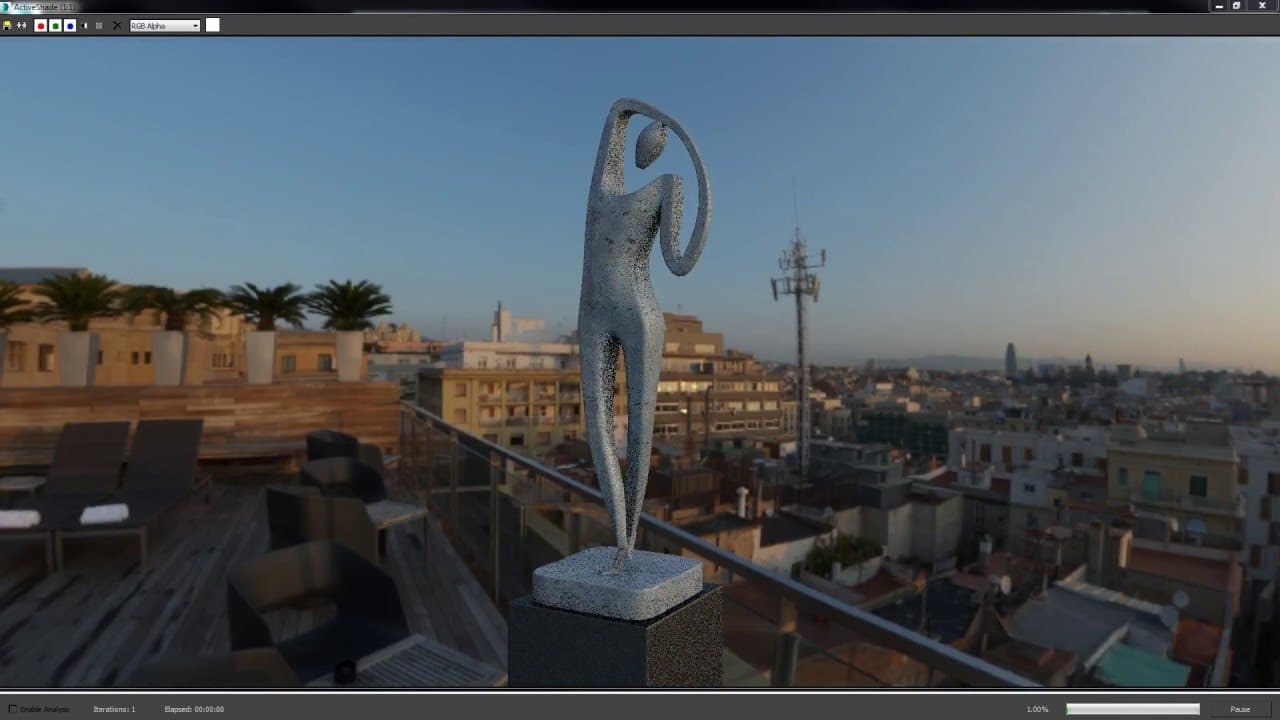
in this video we'll be taking a look at physical lighting an array for 3ds max we'll go through the steps to create a few different light types for interactive rendering in array and then focus on a few techniques to maintain accuracy in your lighting workflow to get started let's go to the create panel and click lights in the drop-down go to IRA p... Read More
Key Insights
- 🙂 Physical lighting setup involves creating physical sky and environment lights for accurate simulation.
- 🙂 Different light types like IVL and Array Plus Light offer versatility for interior scenes.
- 🥌 Tone mapping and exposure adjustments are crucial for achieving desired lighting effects.
- 🍒 Incorporating IES profiles and adjusting color temperature enhance lighting accuracy.
- ➕ Interactive rendering in Array Plus and Iray Plus provides real-time feedback for lighting adjustments.
- 🙂 Global illumination and complex lighting calculations improve the quality of bounce light.
- ➕ Utilizing the interactive workflow in Iray Plus renderer helps in refining the final lighting setup.
Install to Summarize YouTube Videos and Get Transcripts
Explore YouTube Video Summarizer or Get YouTube Transcript Extractor
Questions & Answers
Q: How can you create a physical sky for lighting simulation?
To create a physical sky, go to the create panel, select lights, and choose IRA Plus to access the physical sky option for accurate lighting.
Q: What is an IBL and how can it be used in 3ds Max?
IBL stands for Image Based Lighting, and it requires associating an HDR file to create environment lighting. This can be set up in the render setup under environment lighting.
Q: How can I adjust the lighting angle interactively in 3ds Max?
You can interactively adjust the lighting angle by selecting the light source in the modify panel and using tools like preview in viewport and rotate tool.
Q: Why is using an IES profile important for lighting accuracy?
Using an IES profile improves the accuracy of lighting setups by providing specific light distribution data obtained from lighting manufacturers for realistic lighting effects.
Summary & Key Takeaways
-
Create physical sky and environment lights for accurate lighting simulation.
-
Utilize different light types such as IVL and Array Plus Light for interior scenes.
-
Adjust tone mapping, exposure, and IES profiles to enhance lighting setup.
Read in Other Languages (beta)
Share This Summary 📚
Summarize YouTube Videos and Get Video Transcripts with 1-Click
Try YouTube Summary with ChatGPT & Claude or YouTube Transcript Generator
Explore More Summaries from NVIDIA 📚


Summarize YouTube Videos and Get Video Transcripts with 1-Click
Try YouTube Summary with ChatGPT & Claude or YouTube Transcript Generator