How To Rebuild and Resync From Failed Hard Drive Raid 5 on mdadm
TL;DR
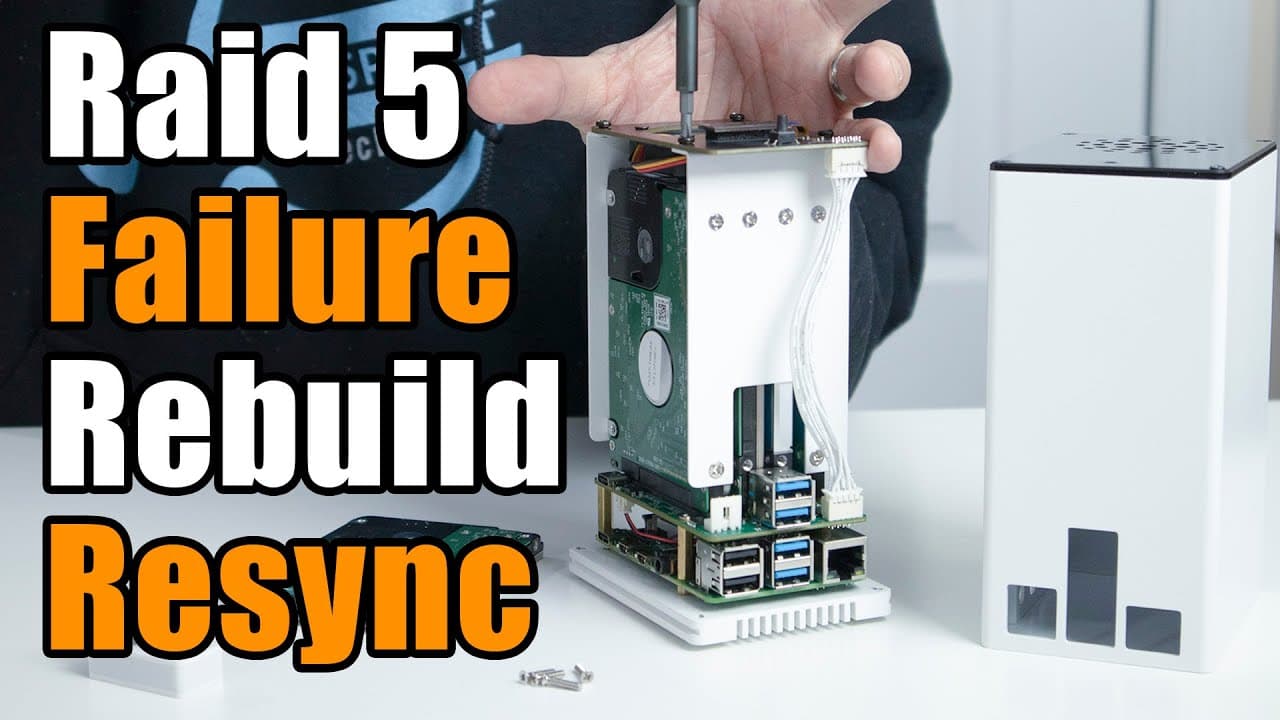
This video demonstrates how to handle a RAID hard drive failure using a Raspberry Pi setup.
Transcript
hey guys what's going on it's down here from Nova spirit Tekken welcome back to the channel and if you noticed the past couple of videos I've been doing is about naz's and Linux and stuff like that and one of the questions that you guys were asking is what happens if the hard drive fails on the raid and that's what we're gonna be doing today so let... Read More
Key Insights
- ❓ RAID (Redundant Array of Independent Disks) can provide data redundancy, but should not replace proper backups.
- 🔨 The MDADM tool in Linux is crucial for managing software RAID configurations effectively.
- 👻 Utilizing SSH allows for remote management and monitoring of the Raspberry Pi RAID setup.
- 🪛 The tutorial highlights the importance of understanding RAID status indicators, such as degraded states and active drives.
- 🤑 It’s essential to detach faulty drives from the array before adding new ones to avoid data corruption.
- 🦺 Following the proper commands to manage RAID not only ensures data safety but also simplifies the rebuilding process.
- 💻 The author advocates for using terminal applications like "screen" to manage multiple processes and monitor status efficiently.
Install to Summarize YouTube Videos and Get Transcripts
Explore YouTube Video Summarizer or Get YouTube Transcript Extractor
Questions & Answers
Q: What is the purpose of this tutorial video?
The tutorial aims to demonstrate how to handle a RAID hard drive failure, focusing on how to maintain data integrity during the process using a software RAID setup with a Raspberry Pi. It covers the steps for simulating a drive failure, replacing it, and ensuring that the RAID array continues to function properly.
Q: What software tool is primarily used in this tutorial for managing RAID?
The primary tool used for managing RAID in this video is MDADM, a Linux utility that allows users to create, manage, and monitor RAID arrays. It helps in simulating fault conditions, detaching failed drives, and rebuilding the RAID with new drives, ensuring data remains accessible throughout the process.
Q: Why is the author simulating a faulty drive instead of using an actual one?
The author simulates a faulty drive because their current setup does not have a naturally failing drive. This allows them to demonstrate the RAID recovery process without needing to physically damage any hardware, providing a clear and controlled teaching experience for viewers.
Q: How does the author ensure that data is not lost during the RAID recovery process?
The author ensures data integrity by demonstrating that file transfers continue to function even with one drive marked as faulty. The RAID setup maintains redundancy, allowing users to access their files despite the failure of one drive, showcasing the robustness of RAID architecture.
Summary & Key Takeaways
-
The tutorial explores simulating a RAID hard drive failure using a Raspberry Pi and software RAID management tools, specifically MDADM.
-
It walks viewers through the process of failing a drive, detaching it, and replacing it with a new one, demonstrating data redundancy throughout.
-
The author emphasizes that while RAID offers redundancy, it is not a complete backup solution, stressing the importance of having separate backups for data safety.
Read in Other Languages (beta)
Share This Summary 📚
Summarize YouTube Videos and Get Video Transcripts with 1-Click
Try YouTube Summary with ChatGPT & Claude or YouTube Transcript Generator
Explore More Summaries from Novaspirit Tech 📚






Summarize YouTube Videos and Get Video Transcripts with 1-Click
Try YouTube Summary with ChatGPT & Claude or YouTube Transcript Generator