How I added image upload to message chat
TL;DR
The project planner AI now includes team collaboration features like messaging, image uploads, and notifications.
Transcript
I think it's been a little while since I made a update on this project planner AI application that we've been working on so after you create a project you can actually invite team members to your project if you want to collaborate with multiple people and that's kind of what we're doing on this project planner AI where we have our own project plann... Read More
Key Insights
- 😀 The addition of messaging capabilities allows for seamless communication among team members, reducing the reliance on third-party apps like Discord.
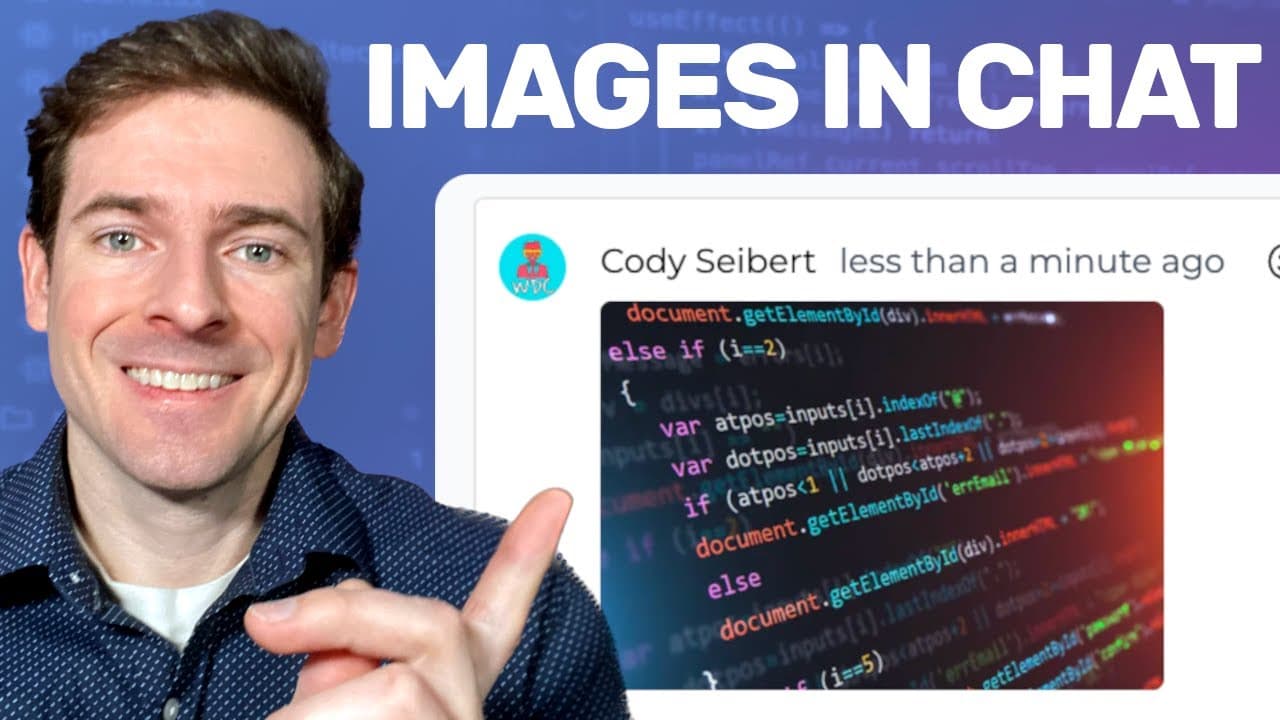
- 💬 Uploading images within messages and comments creates a more dynamic and engaging platform, fostering collaboration through visual aids.
- 👤 A user-friendly dropdown menu assists users in navigating multiple projects, significantly improving project management efficiency.
- 😤 Notifications about new work items keep teams aligned on progress and responsibilities, enhancing accountability and productivity.
- 👨🔬 The search feature simplifies finding projects, an essential function for users managing numerous ongoing tasks and collaboration efforts.
- 💦 Changes to the work item page promote a streamlined, less-click-intensive experience, tailored to user preferences for quicker task modifications.
- 👥 The potential shift to a subscription model indicates the team's vision for the application’s growth, combined with an emphasis on integrating user feedback for continuous improvement.
Install to Summarize YouTube Videos and Get Transcripts
Explore YouTube Video Summarizer or Get YouTube Transcript Extractor
Questions & Answers
Q: What new collaboration features were added to the project planner AI?
Recently, the project planner AI introduced messaging capabilities that allow users to communicate like on Discord and share images within those messages. Additionally, team members can now upload images directly to comments on work items, making it easier to discuss elements visually within a project.
Q: How does the project planner AI handle notifications for work items?
The application now has a robust notification system that alerts users whenever a team member creates a new work item or leaves a comment. Users can view unread notifications, which are indexed in tabs for easy management, ensuring that team members don't miss important updates.
Q: What is the significance of the image upload feature in team collaboration?
The image upload feature greatly enhances collaboration by allowing team members to share visual information directly within the project interface. This facilitates clearer communication of ideas, designs, and feedback among collaborators, moving away from the need to use external platforms like Discord for such interactions.
Q: Why is the project planner AI considering a subscription model?
The team is contemplating a subscription model in response to the desire to develop more advanced AI features within the application. They aim to create a sustainable business model while acknowledging the challenge of competing with free project management tools available, striving for a value proposition that encourages users to pay for their service.
Summary & Key Takeaways
-
The project planner AI application has added features for team collaboration, including direct messaging capabilities similar to Discord and the ability to upload images in messages and work comments.
-
Users can now manage multiple projects through a dropdown menu, receive notifications for new work items, and utilize a search bar for quick access to projects.
-
The intent is to move towards a subscription model for the application with enhanced AI features, while also gathering user feedback for future improvements.
Read in Other Languages (beta)
Share This Summary 📚
Summarize YouTube Videos and Get Video Transcripts with 1-Click
Try YouTube Summary with ChatGPT & Claude or YouTube Transcript Generator
Explore More Summaries from Web Dev Cody 📚





Summarize YouTube Videos and Get Video Transcripts with 1-Click
Try YouTube Summary with ChatGPT & Claude or YouTube Transcript Generator