How to setup Supabase email registration with next app router
TL;DR
Learn how to set up email password authentication using Super Bass in a Next.js application.
Transcript
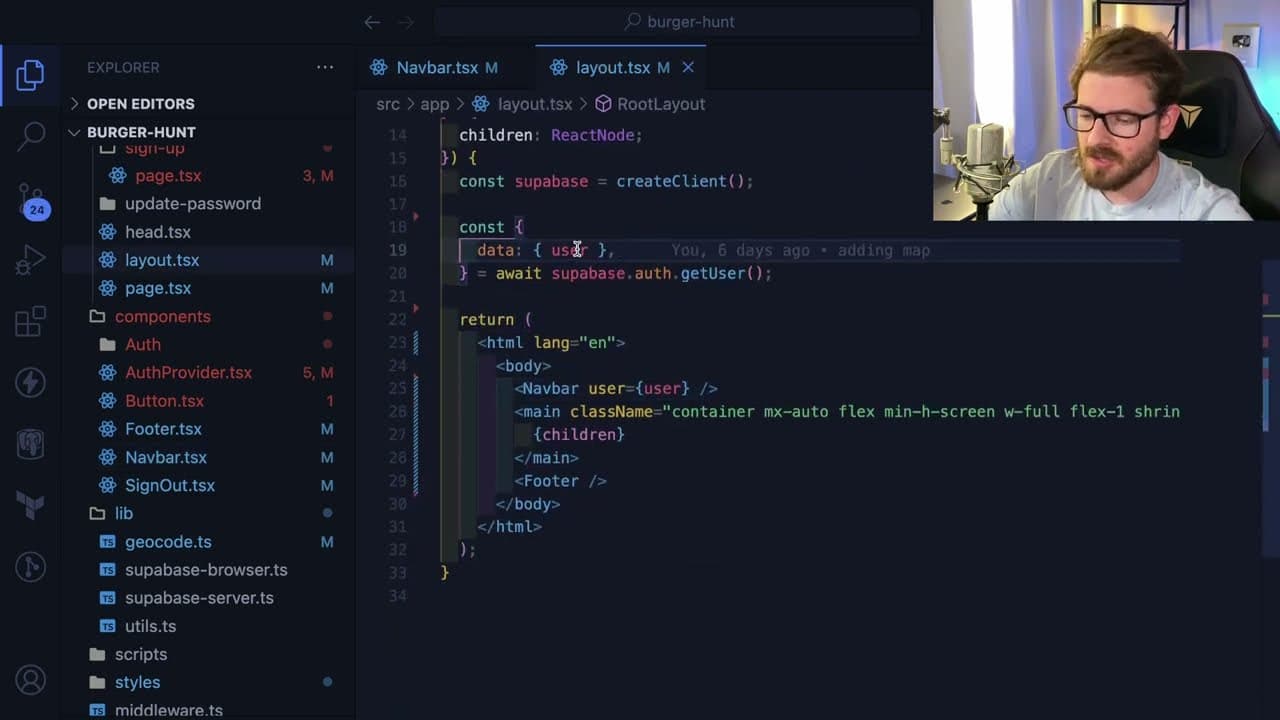
as I mentioned in another video I've been kind of playing around with Super Bass on a side project and I wanted to walk you through how I set up authentication using Super Bass now I will say I'm just using the email password authentication but they do provide I think oauth sign-ins such as like Google or Discord or GitHub but let's just go ahead a... Read More
Key Insights
- 👻 Super Bass provides flexible authentication options, allowing developers to tailor user signup experiences per application needs.
- 💌 Implementing email/password authentication involves handling email confirmations to verify users before allowing access to features.
- 🧑💻 Proper session management prevents issues associated with stale sessions, ensuring users remain logged in across various application routes.
- 🧑💻 Using server-side rendering can help eliminate UI flickering, enhancing the overall user experience when checking for a logged-in state.
- 🤘 Handling sign-out functionality efficiently can minimize disruptions, ensuring users feel supported when logging out of applications.
- 👤 Super Bass has a user management interface accessible via local Docker setups, making it easier for developers to manage authentication-related tasks.
- 👤 Handling user states through React’s context simplifies application dynamics by allowing real-time updates to UI based on user authentication status.
Install to Summarize YouTube Videos and Get Transcripts
Explore YouTube Video Summarizer or Get YouTube Transcript Extractor
Questions & Answers
Q: What are the different authentication methods available in Super Bass?
Super Bass supports various authentication methods, including email/password login and OAuth sign-ins for platforms like Google, Discord, and GitHub. While the video focuses on email authentication, developers can explore integrating OAuth for a seamless user experience, allowing users to sign in using their existing accounts from these platforms.
Q: How does email confirmation work in the signup process?
During signup, an email is sent to the user with a confirmation link. Upon clicking the link, users are redirected back to the application, which captures a one-time code from the URL. This code is used to establish a session, confirming the user's email address before granting full access to the application.
Q: What is the importance of middleware in this authentication setup?
Middleware plays a crucial role in refreshing sessions and maintaining user authentication state. In Next.js, middleware helps ensure that users remain logged in by checking their session status on each request while ignoring certain non-authenticated endpoints, thus enhancing the application's overall efficiency.
Q: How can developers improve the user experience during sign-out?
Developers can enhance the sign-out experience by implementing a shared user state using React's context or state management libraries. This allows the interface to reactively update without requiring a full page refresh, providing a smoother transition during the sign-out process, improving usability.
Summary & Key Takeaways
-
This content provides a step-by-step guide on setting up email password authentication with Super Bass combined with Next.js, addressing fundamental requirements for user accounts.
-
It explains the process of user signup, email confirmation, session management, and rendering user information without UI flicker, enhancing user experience.
-
The video highlights challenges encountered during implementation, particularly regarding sign-out functionality, and suggests more efficient methods to manage user state across components.
Read in Other Languages (beta)
Share This Summary 📚
Summarize YouTube Videos and Get Video Transcripts with 1-Click
Try YouTube Summary with ChatGPT & Claude or YouTube Transcript Generator
Explore More Summaries from Web Dev Cody 📚





Summarize YouTube Videos and Get Video Transcripts with 1-Click
Try YouTube Summary with ChatGPT & Claude or YouTube Transcript Generator