Build a MERN Stack TODO List Application with Authentication | Vite, React-Query, React Router 6
TL;DR
A step-by-step guide to creating a MERN stack to-do application with authentication.
Transcript
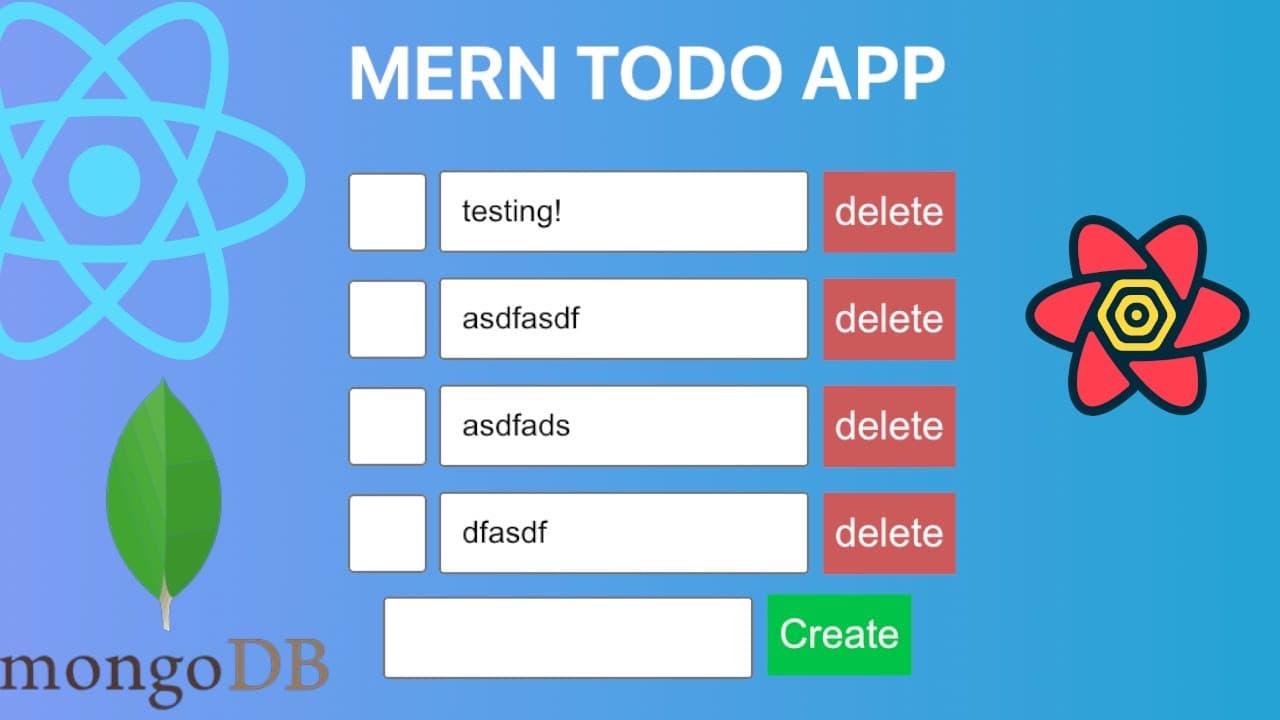
how's it going everyone so i wanted to show you how to build a simple mern to do application which has a really basic authentication in front of it right so i am going to show you how this application works and then we're going to build out the back end using express and and mongoose and then we're going to build the front end using react veet reac... Read More
Key Insights
- 🛟 Understanding how to separate client and server concerns enhances the organization of a MERN stack application.
- 👤 Implementing JWT authentication increases security by verifying user sessions without the need for traditional session management.
- 👤 Utilizing state management techniques in React is crucial for efficient UI updates in response to user interactions.
- 😫 Setting up RESTful API endpoints with Express.js facilitates a clean architecture that allows for easy CRUD operations.
- 🏆 Leveraging tools like Postman is invaluable for testing API endpoints during development.
- 📟 The integration of React Router provides a seamless navigation experience, contributing to the single-page application feel.
- 💦 Awareness of how npm and package.json work together simplifies dependency management for JavaScript projects.
Install to Summarize YouTube Videos and Get Transcripts
Explore YouTube Video Summarizer or Get YouTube Transcript Extractor
Questions & Answers
Q: What technologies are used in building this MERN stack application?
The application is built using MongoDB for data storage, Express.js as the back-end framework, React.js for the front-end interface, and Node.js as the runtime environment. This combination creates a full-stack JavaScript application.
Q: How does the authentication process work in this application?
The application uses JSON Web Tokens (JWT) for authentication. Upon successful login, the server issues a token which is stored on the client side. This token is then sent with each request to secure endpoints, ensuring the user is authenticated.
Q: What is the role of React Router in the application?
React Router is used for navigation within the application. It allows different pages, such as the login page and the to-do dashboard, to be rendered without reloading the entire application, improving user experience.
Q: How are CRUD operations implemented in the application?
CRUD (Create, Read, Update, Delete) operations are implemented through RESTful API endpoints created with Express.js. The front-end interacts with these endpoints to perform actions on the to-do items stored in MongoDB.
Q: What is the purpose of using npm and package.json in this project?
npm (Node Package Manager) is used for installing and managing third-party libraries and dependencies required for the project. The package.json file keeps track of these dependencies, including versioning and other project metadata.
Q: How does the application handle state management for to-do items?
State management is handled using React hooks, specifically useState to store the list of to-do items and useEffect to fetch items when the component mounts. React Query can also be utilized for more complex state management and data fetching.
Q: What additional features could be added to enhance the application?
Additional features could include user role management, the ability to categorize or label to-do items, improved styling with CSS frameworks, and setting up user profiles for a more customized experience.
Q: Can you explain what middleware functions are in the context of the Express framework?
Middleware functions in Express are functions that execute during the lifecycle of a request to the server. They can modify requests, responses, or perform operations such as logging and authentication checks before passing control to the next middleware or route handler.
Summary & Key Takeaways
-
The tutorial provides a comprehensive guide on building a complete MERN stack to-do application, covering both back-end and front-end development.
-
Basic authentication is implemented to secure the application, utilizing JWT tokens to manage user sessions effectively.
-
The application includes functionalities for creating, reading, updating, and deleting to-do items while incorporating React Router for navigation.
Read in Other Languages (beta)
Share This Summary 📚
Summarize YouTube Videos and Get Video Transcripts with 1-Click
Try YouTube Summary with ChatGPT & Claude or YouTube Transcript Generator
Explore More Summaries from Web Dev Cody 📚





Summarize YouTube Videos and Get Video Transcripts with 1-Click
Try YouTube Summary with ChatGPT & Claude or YouTube Transcript Generator