Canva: Let's Create a Masking Effect
TL;DR
Learn to create a masking effect in Canva using shapes and frames for stunning visuals.
Transcript
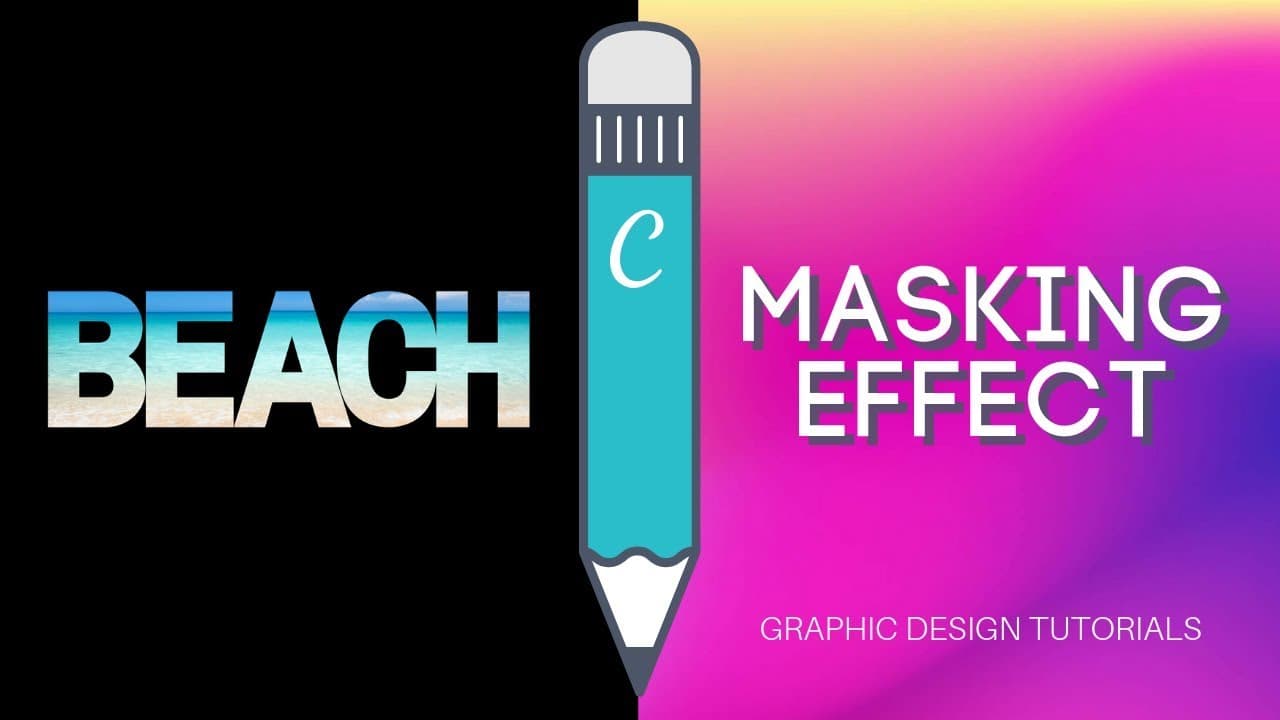
hello everybody this is Ronnie your go to canva grew so today I am back with a new tutorial and I'm going to show you how to simulate a masking effect with canva so let me show you what I'm talking about see this visual right here so this is what I call a masking effect I'm masking part of my visual with a shape or with a special layouts that I wan... Read More
Key Insights
- 😷 Masking effects in Canva involve overlaying shapes or frames on photos for creative designs.
- 📷 Choosing a vibrant background photo enhances the visual impact of the masking effect.
- 👻 Experimenting with different shapes and frames allows for customization and unique designs.
- 📷 Adjusting photo settings like saturation or brightness can further enhance the masking effect.
- 😷 Canva's masking technique simulates effects similar to Photoshop, providing users with creative design options.
- 🤩 Creativity and precision are key in aligning photos within shapes or frames for a cohesive visual effect.
- 😷 Users can explore various applications of the masking effect beyond simple overlays, like blurring backgrounds or creating color contrast.
Install to Summarize YouTube Videos and Get Transcripts
Explore YouTube Video Summarizer or Get YouTube Transcript Extractor
Questions & Answers
Q: What is the purpose of a masking effect in Canva?
A masking effect in Canva allows users to overlay shapes or frames on photos, creating visually appealing designs by hiding parts of the image.
Q: How can users choose the right background photo for the masking effect?
Ronnie suggests selecting photos with vibrant colors like sunsets or galaxies to enhance the visual impact of the masking effect.
Q: What are some alternative applications of the masking effect in Canva?
Besides simulating a masking effect, users can explore options like adjusting photo saturation, adding vignettes, or creating blurred backgrounds for different effects.
Q: How can users experiment with different shapes and frames in Canva for the masking effect?
By accessing Canva's frames under the elements tab, users have a variety of options to choose from, such as shapes, letters, or other decorative frames.
Summary & Key Takeaways
-
Ronnie demonstrates how to simulate a masking effect using Canva with shapes and frames.
-
Starting from a presentation document, he shows how to choose a vibrant background photo.
-
By adjusting photos within shapes or frames, users can create unique visual effects.
Read in Other Languages (beta)
Share This Summary 📚
Summarize YouTube Videos and Get Video Transcripts with 1-Click
Try YouTube Summary with ChatGPT & Claude or YouTube Transcript Generator
Explore More Summaries from Design with Canva 📚






Summarize YouTube Videos and Get Video Transcripts with 1-Click
Try YouTube Summary with ChatGPT & Claude or YouTube Transcript Generator