How to Set Up a Python Virtual Environment Using Virtualenv
TL;DR
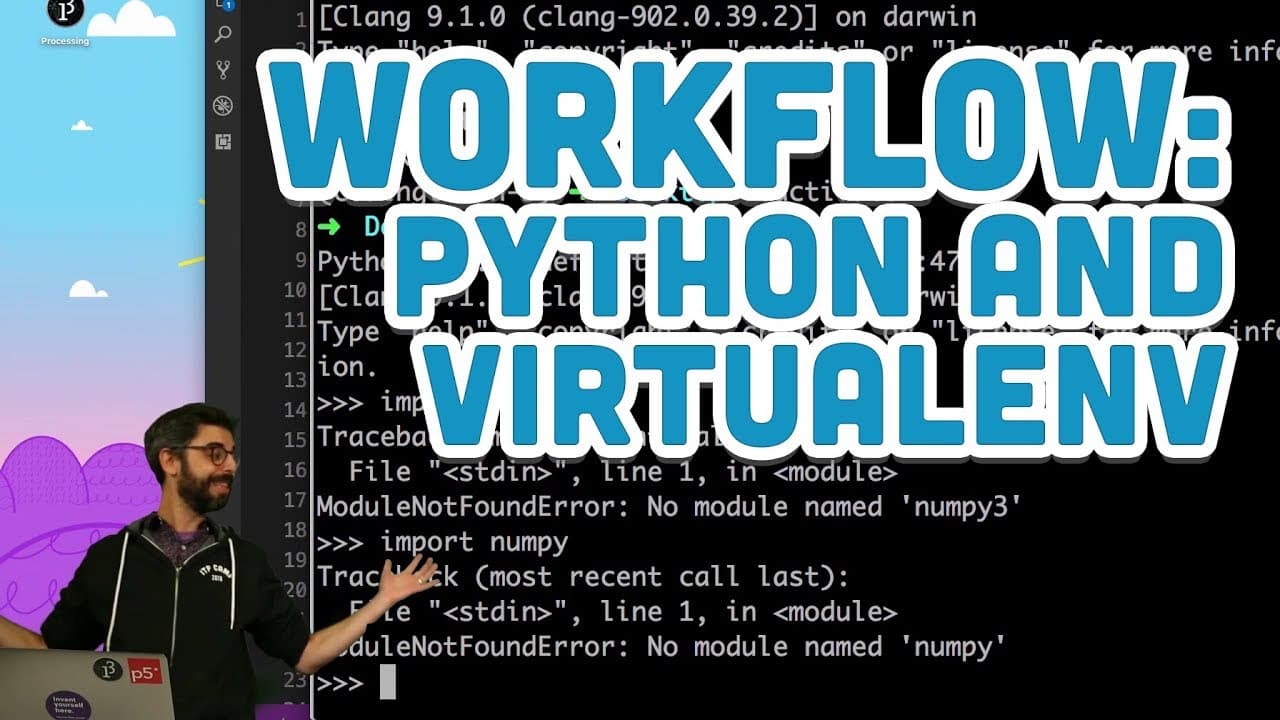
To set up a Python virtual environment using Virtualenv, first install Virtualenv using 'pip install virtualenv'. Create the environment with 'virtualenv [your_env_name]' and activate it by running 'source [your_env_name]/bin/activate'. This allows you to isolate dependencies and manage different Python versions for your projects.
Transcript
(train whistling) - Shocking development! I am adding another workflow video, because every once in a while I have to download a Python script and run it. And I do use lots of different kinds of Python development tools from time to time. Jupyter Notebook is a wonderful way of running Python code in an interactive way right in the browser, and ther... Read More
Key Insights
- ♻️ Virtual Environment enables isolated Python development environments for specific tasks.
- ♻️ Activating a Virtual Environment isolates Python execution to that specific environment.
- 👻 Utilizing different Python versions within Virtual Environment allows flexibility in project development.
- ❓ Creating aliases for Virtual Environments can streamline workflow and activation.
- 🏛️ Installing Python 3 is essential for utilizing built-in Virtual Environment features.
- 😫 Venv command in Python 3 offers a convenient way to set up Virtual Environments.
- 📽️ Virtual Environment safeguards projects from external dependencies and system-wide Python installations.
Install to Summarize YouTube Videos and Get Transcripts
Explore YouTube Video Summarizer or Get YouTube Transcript Extractor
Questions & Answers
Q: What is Virtual Environment in Python?
Virtual Environment in Python allows the creation of isolated environments with specific Python versions and packages for different projects, preventing dependency conflicts.
Q: How can one activate a Virtual Environment?
Virtual Environment is activated by running the command "source bin/activate" within the environment's directory, isolating Python execution to that environment.
Q: What are the benefits of using Virtual Environment?
Virtual Environment ensures project-specific dependencies, avoids conflicts with system-wide Python installations, and provides a clean environment for running Python scripts.
Q: Can Virtual Environment handle different Python versions?
Yes, Virtual Environment supports varying Python versions, allowing users to create separate environments with specific Python releases to accommodate diverse project requirements.
Summary & Key Takeaways
-
Running Python scripts efficiently using Virtualenv.
-
Creating isolated Python environments with Virtual Environment for specific tasks.
-
Activating and using different Python versions within Virtual Environment.
Read in Other Languages (beta)
Share This Summary 📚
Summarize YouTube Videos and Get Video Transcripts with 1-Click
Try YouTube Summary with ChatGPT & Claude or YouTube Transcript Generator
Explore More Summaries from The Coding Train 📚



Summarize YouTube Videos and Get Video Transcripts with 1-Click
Try YouTube Summary with ChatGPT & Claude or YouTube Transcript Generator