2.5: The map() Function - p5.js Tutorial
TL;DR
The map function in p5.js efficiently transforms values from one range to another with ease.
Transcript
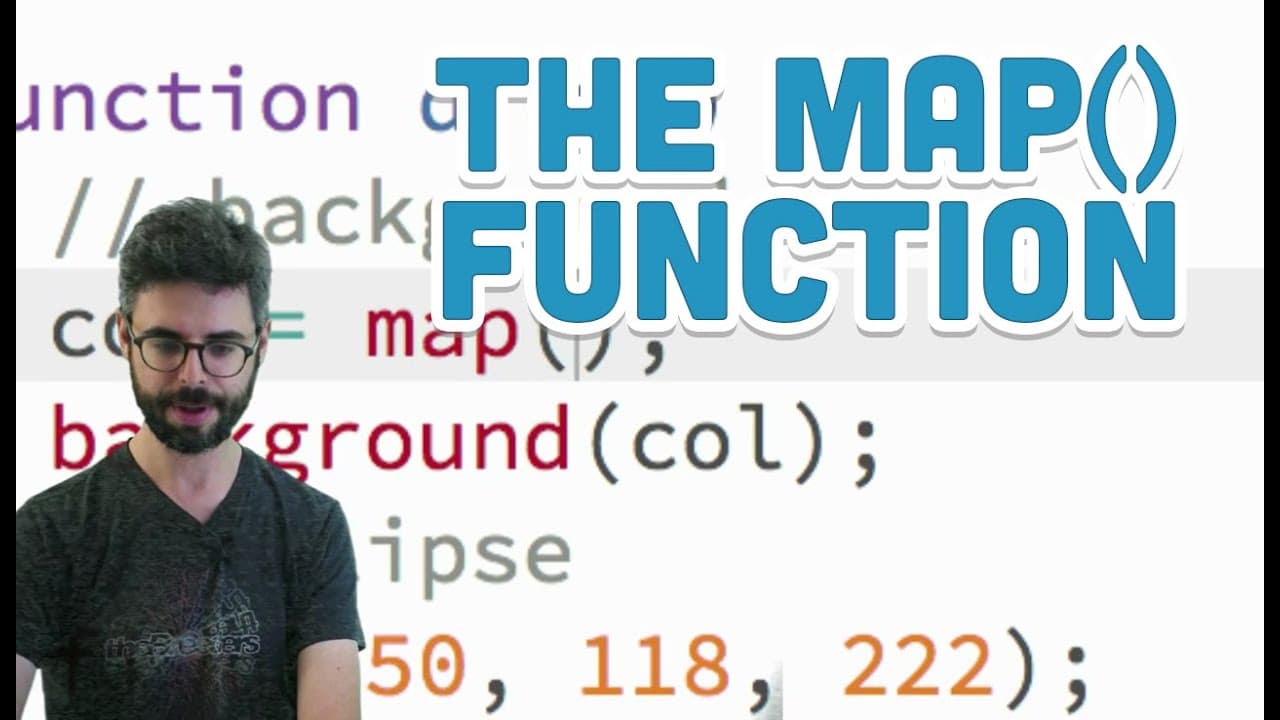
Hi. So this video that I'm making is about a function in p5.js called map. So there's a very common scenario that comes up over and over and over again in programming graphics, programming interaction, working with data. There's so many places that this scenario comes up. And so this particular function, map, is a nice resolution to this problem. A... Read More
Key Insights
- 🧡 The map function in p5.js simplifies tasks by efficiently transforming values between different ranges.
- 👤 Users can use the map function to change background colors based on mouse location or map sensor data to specific value ranges.
- 🍁 The map function in p5.js is a powerful tool for handling complex scenarios where values need to be mapped between different ranges.
- 💦 By understanding how the map function works, users can enhance their programming skills in graphics, interaction, and data handling.
Install to Summarize YouTube Videos and Get Transcripts
Explore YouTube Video Summarizer or Get YouTube Transcript Extractor
Questions & Answers
Q: What is the main purpose of the map function in p5.js?
The map function in p5.js is primarily used to efficiently transform values from one range to another, simplifying tasks like changing background colors or mapping sensor data to specific ranges.
Q: How does the map function differ from other functions in p5.js like line drawing?
Unlike functions like line drawing, the map function in p5.js performs a calculation and returns a single number, allowing users to assign the result to variables for further use.
Q: Can the map function handle complex scenarios where values need to be mapped between different ranges?
Yes, the map function can handle complex scenarios where values from one range need to be mapped to another range, making it versatile for tasks like sensor data mapping or value inversion.
Q: How can users incorporate the map function in p5.js projects effectively?
Users can effectively incorporate the map function by specifying the input range, output range, and the value to be mapped, allowing for easy transformation of values in various programming tasks.
Summary & Key Takeaways
-
The map function in p5.js resolves the common scenario of transforming values efficiently in graphics, interaction, and data programming.
-
By using the map function, users can easily map values from one range to another, such as changing background colors based on mouse location.
-
The map function simplifies complex scenarios where values need to be mapped between different ranges, making it a powerful tool in programming.
Read in Other Languages (beta)
Share This Summary 📚
Summarize YouTube Videos and Get Video Transcripts with 1-Click
Try YouTube Summary with ChatGPT & Claude or YouTube Transcript Generator
Explore More Summaries from The Coding Train 📚






Summarize YouTube Videos and Get Video Transcripts with 1-Click
Try YouTube Summary with ChatGPT & Claude or YouTube Transcript Generator