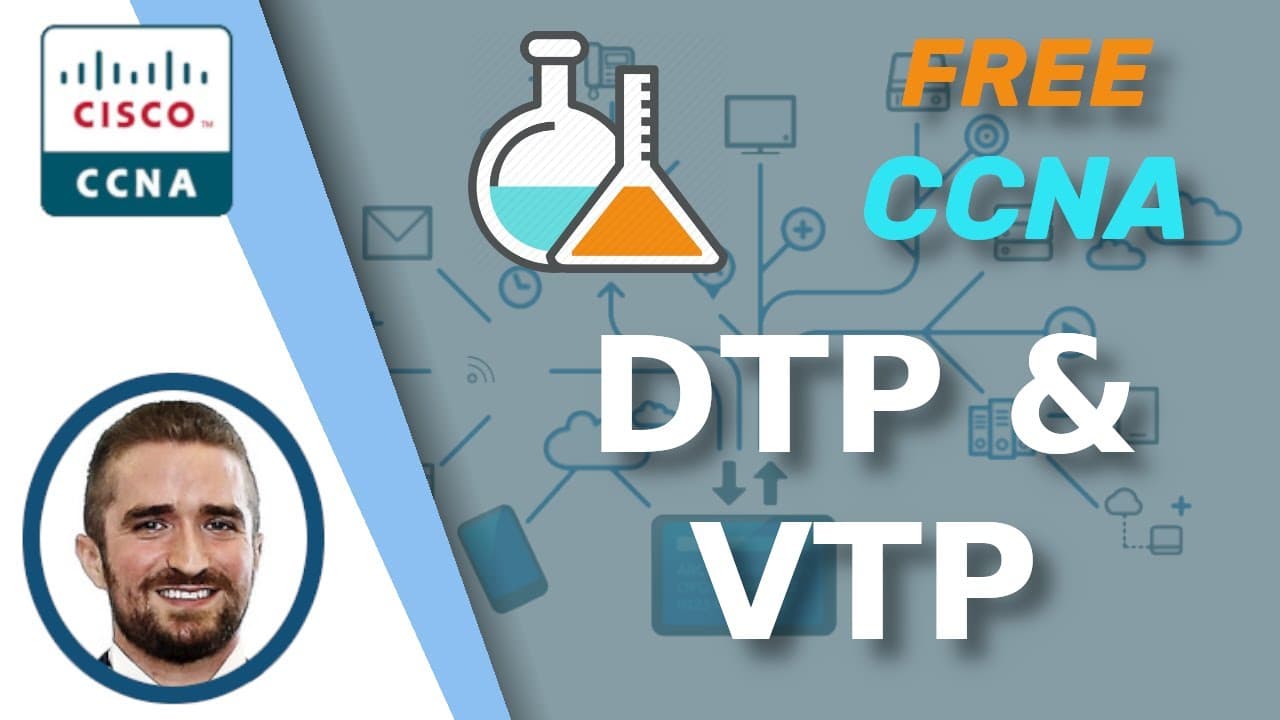
Free CCNA | DTP/VTP | Day 19 Lab | CCNA 200-301 Complete Course
TL;DR
This video provides a step-by-step guide to configuring DTP and VTP protocols for CCNA certification using Packet Tracer.
Transcript
Welcome to Jeremy’s IT Lab. This is a free, complete course for the CCNA. If you like these videos, please subscribe to follow along with the series. Also, please like and leave a comment, and share the video to help spread this free series of videos. Thanks for your help. Also, remember to download this practice lab from the link in the descriptio... Read More
Key Insights
- 🔨 Boson NetSim is recommended as a study tool for CCNA certification preparation.
- 🙃 DTP frames are sent by switches to negotiate trunking, but if both sides are in dynamic auto mode, no trunks will be formed.
- 👻 VTP allows for the sharing and synchronization of VLAN configurations between switches in a domain.
- ▶️ Switches in transparent mode do not send VTP advertisements but forward them between switches.
- 👶 VTP clients cannot add new VLANs and rely on server switches for VLAN database synchronization.
- 🚙 Configuring trunk ports and disabling DTP are essential for proper VLAN configuration and elimination of unnecessary negotiation.
- 🔑 VTP passwords ensure that switches reject VTP advertisements with incorrect passwords.
Install to Summarize YouTube Videos and Get Transcripts
Explore YouTube Video Summarizer or Get YouTube Transcript Extractor
Questions & Answers
Q: What is the purpose of configuring trunk ports and disabling DTP?
Configuring trunk ports allows for the transfer of multiple VLAN traffic between switches. Disabling DTP prevents unnecessary transmission of DTP frames.
Q: Why is VTP used in this lab?
VTP (VLAN Trunking Protocol) allows for the sharing of VLAN configurations between switches in a domain, simplifying VLAN management and reducing configuration workload.
Q: What happens when switches receive VTP advertisements from a server switch?
When switches receive VTP advertisements, they join the VTP domain and synchronize their VLAN databases with the server, updating their VLAN configurations accordingly.
Q: How does configuring switches in transparent mode affect VTP advertisements?
Switches in transparent mode do not send VTP advertisements. However, they still forward VTP advertisements between other switches.
Q: Can VTP clients add new VLANs to their database?
No, VTP clients cannot add new VLANs to their database. New VLANs must be configured on a VTP server, which will then advertise the changes to the clients for synchronization.
Key Insights:
- Boson NetSim is recommended as a study tool for CCNA certification preparation.
- DTP frames are sent by switches to negotiate trunking, but if both sides are in dynamic auto mode, no trunks will be formed.
- VTP allows for the sharing and synchronization of VLAN configurations between switches in a domain.
- Switches in transparent mode do not send VTP advertisements but forward them between switches.
- VTP clients cannot add new VLANs and rely on server switches for VLAN database synchronization.
- Configuring trunk ports and disabling DTP are essential for proper VLAN configuration and elimination of unnecessary negotiation.
- VTP passwords ensure that switches reject VTP advertisements with incorrect passwords.
- Boson NetSim offers guided labs of varying complexity, providing comprehensive practice for CCNA certification.
Summary & Key Takeaways
-
The video provides an overview of CCNA prep labs and recommends using Boson NetSim as a study tool.
-
The instructor demonstrates the configuration of DTP and VTP on switches using Packet Tracer.
-
The lab covers configuring trunk ports, disabling DTP, configuring VTP domain name, and adding VLANs.
-
The video also includes a preview of a Boson NetSim lab on configuring VTP client mode on switches.
Read in Other Languages (beta)
Share This Summary 📚
Summarize YouTube Videos and Get Video Transcripts with 1-Click
Try YouTube Summary with ChatGPT & Claude or YouTube Transcript Generator
Explore More Summaries from Jeremy's IT Lab 📚
Summarize YouTube Videos and Get Video Transcripts with 1-Click
Try YouTube Summary with ChatGPT & Claude or YouTube Transcript Generator