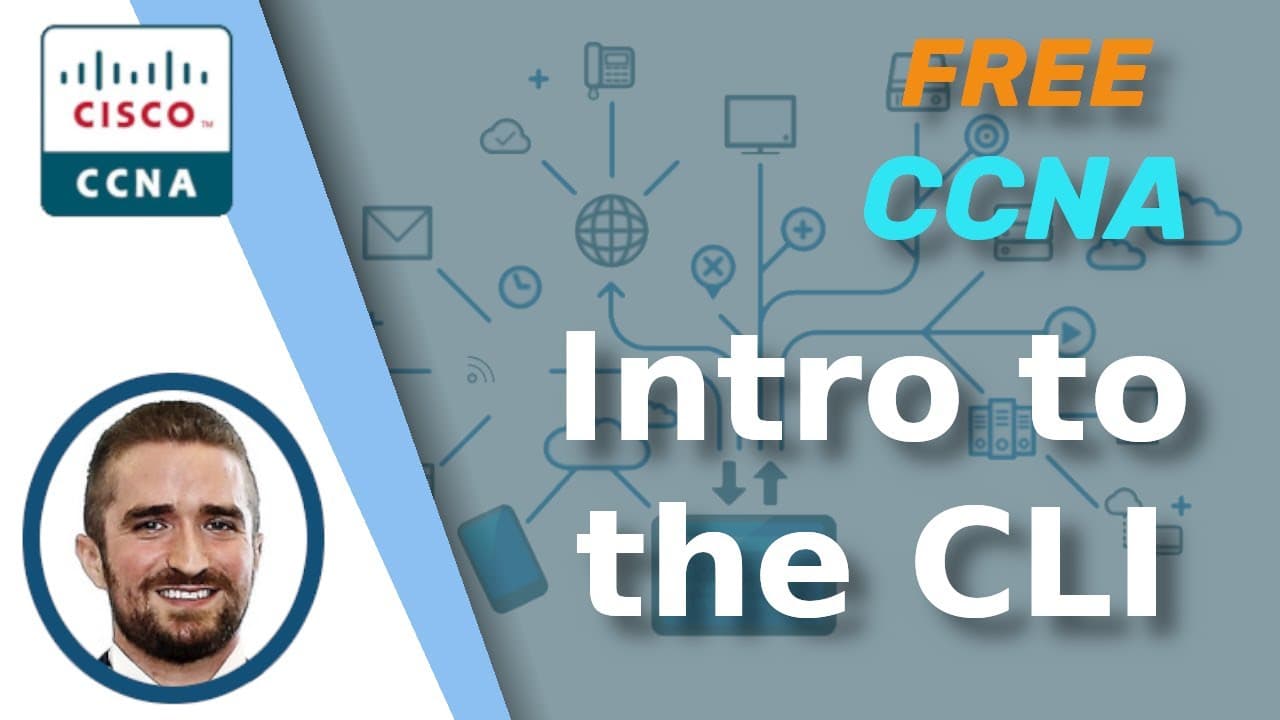
Free CCNA | Intro to the CLI | Day 4 | CCNA 200-301 Complete Course
TL;DR
Learn about the Cisco IOS CLI, a command-line interface used to configure Cisco devices, and discover the basics of connecting to a Cisco device and entering different modes.
Transcript
Welcome to Jeremy’s IT Lab. This is a complete course for the CCNA, including everything you need to pass the exam, all 100% free. Make sure you stay tuned till the end of the video for the quiz to test your knowledge of the material in this video. Also, remember to download and use the Anki flashcards with the link in the description, which will h... Read More
Key Insights
- 🌐 Cisco IOS is the operating system used on Cisco devices, not related to Apple's iOS for iPhones.
- 🖥️ CLI stands for command-line interface, used to configure Cisco devices like routers and switches.
- 🎛️ Most network engineers prefer using CLI over GUI for configuring Cisco devices.
- 💻 Connecting to a Cisco device via the console port involves using a rollover cable and a terminal emulator like PuTTy.
- 🔑 Privileged exec mode provides complete access to view and configure the device's settings, enabled by the "enable" command.
- ⚙️ Global configuration mode allows changes to be made to the device's configuration with the "configure terminal" command.
- 🔐 The "enable password" command sets a password to protect privileged exec mode, while "service password-encryption" encrypts passwords.
- 🚫 "Enable secret" is the more secure option for protecting access to privileged exec mode and overrides "enable password."
Install to Summarize YouTube Videos and Get Transcripts
Explore YouTube Video Summarizer or Get YouTube Transcript Extractor
Questions & Answers
Q: What is the purpose of the Cisco IOS CLI?
The Cisco IOS CLI is used to configure Cisco devices, such as routers and switches, through a command-line interface.
Q: How can you connect to a Cisco device to configure it with the CLI?
One method is to connect to the console port of the device using a rollover cable.
Q: What are the different modes in the Cisco IOS CLI?
The different modes are user EXEC mode, privileged EXEC mode, and global configuration mode.
Q: How can you enter privileged EXEC mode from user EXEC mode?
You can enter privileged EXEC mode by using the "enable" command.
Q: What is the purpose of global configuration mode?
Global configuration mode allows you to make changes to the device's configuration, such as setting passwords or configuring interfaces.
Q: How can you view the running configuration of a Cisco device?
You can use the "show running-config" command in global configuration mode.
Q: How can you save the running configuration as the startup configuration on a Cisco device?
You can use commands like "write" or "copy running-config startup-config" in privileged EXEC mode to save the configuration.
Q: What is the difference between the enable password and enable secret commands?
The enable password command configures a plain-text password, while the enable secret command configures a more secure password that is automatically encrypted.
Summary & Key Takeaways
-
Cisco IOS CLI is the operating system used on Cisco devices, and it is accessed through a command-line interface.
-
To connect to a Cisco device, you can use the console port and a rollover cable.
-
There are different modes in the Cisco IOS CLI, including user EXEC mode, privileged EXEC mode, and global configuration mode.
Read in Other Languages (beta)
Share This Summary 📚
Summarize YouTube Videos and Get Video Transcripts with 1-Click
Try YouTube Summary with ChatGPT & Claude or YouTube Transcript Generator
Explore More Summaries from Jeremy's IT Lab 📚
Summarize YouTube Videos and Get Video Transcripts with 1-Click
Try YouTube Summary with ChatGPT & Claude or YouTube Transcript Generator