Coding an Omegle clone MERN prototype (with Next.js, Mongo, and Agora)
TL;DR
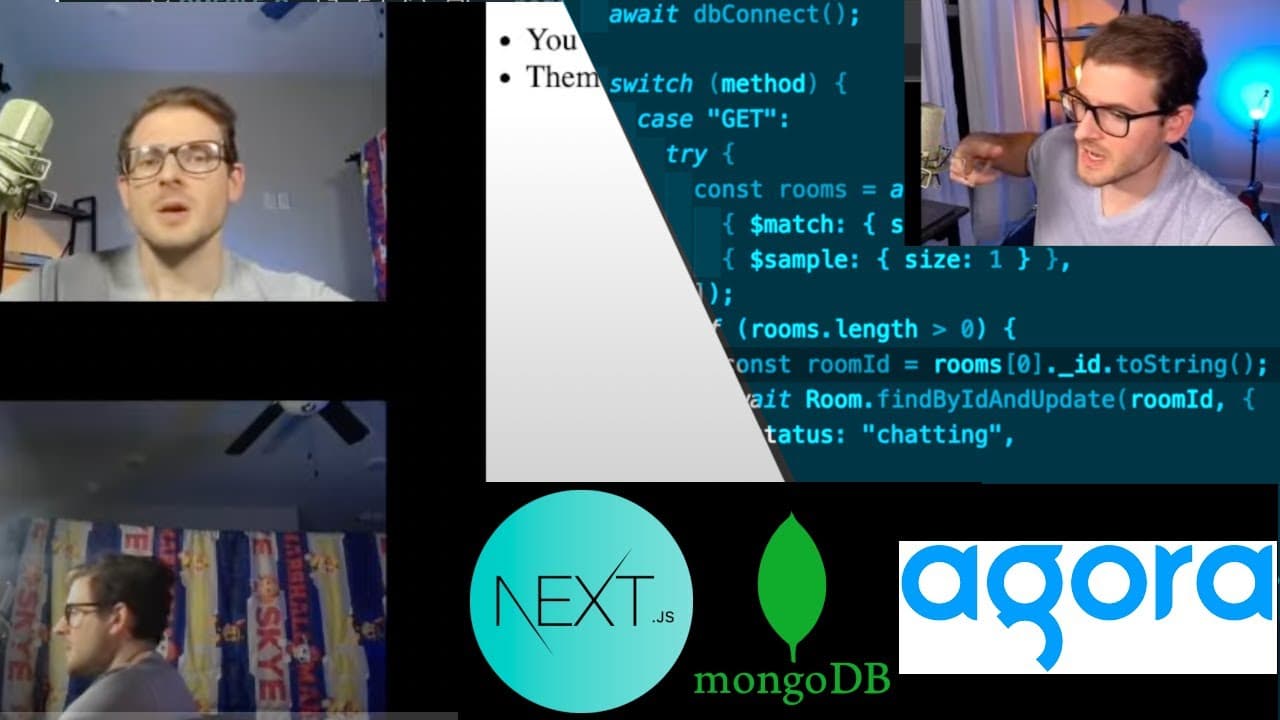
Learn to build a basic Omegle clone using Agora and MongoDB.
Transcript
all right how's it going everyone so I'm back at it with another video where we are going to be building an Omegle or is it a megal I don't know how to say a clone super basic this is like a prototype but it does use some cool technology to basically have different laptops connect to each other um over on my left here I have another laptop set up w... Read More
Key Insights
- 👤 The tutorial showcases the process of combining real-time communication APIs with a user-friendly interface, enhancing social interaction online.
- 🤵 A focus on using MongoDB Atlas emphasizes effective data management, where room states can be easily queried and updated.
- 😒 The use of Next.js simplifies server-rendered applications while enabling easy API routing, efficient state management, and improved performance.
- 👤 Real-time interactions between users are achieved through Agora SDKs, which handle complex communication protocols seamlessly.
- ❓ Developers can leverage community resources and support systems, such as Discord channels, to foster learning and troubleshooting.
- 👋 Best practices in coding, such as modular component design and clear API structures, are crucial for maintainability and collaboration.
- 🎮 The video underscores the importance of accessibility, ensuring features like audio and video streams can be utilized properly by users.
Install to Summarize YouTube Videos and Get Transcripts
Explore YouTube Video Summarizer or Get YouTube Transcript Extractor
Questions & Answers
Q: What technologies are used in building the Omegle clone?
The Omegle clone utilizes Agora for real-time video and audio communication, MongoDB Atlas for data management, and Next.js for server-side rendering and API handling. This combination allows users to connect randomly and chat with each other in a web application.
Q: How does the app handle user connections to chat rooms?
The application creates a unique room ID for each chat session. When users join, they are either connected to an existing waiting room or a new room is created. MongoDB stores the room metadata, and users are paired based on their status in the database.
Q: What coding practices are highlighted in the video?
The video emphasizes the importance of managing application state using React hooks, implementing functionality through reusable components, and maintaining clean and readable code. The developer also notes the significance of error handling and debugging during the coding process.
Q: How does the app manage real-time messaging between users?
Real-time messaging is facilitated through the Agora RTM service, which allows users to send and receive messages instantly. Each user is connected to the same chat room, enabling them to exchange text messages as well as audio and video.
Q: What are some potential challenges when implementing this clone?
Challenges include managing state across multiple components, ensuring that users are matched correctly into rooms, handling connection errors, and maintaining a smooth user experience with video and audio streams. Proper testing and debugging are essential to overcome these issues.
Q: How does the developer suggest deploying the application?
The developer demonstrates how to deploy the application using Vercel, ensuring that all necessary environment variables, such as the Agora App ID and MongoDB connection URI, are configured correctly. This deployment allows the app to be accessible over the internet for users.
Q: What improvements could be made after the prototype?
Future improvements may include adding user authentication, enhancing UI/UX design for better navigation, refining error handling mechanisms, supporting additional features like emoji or file sharing, and optimizing performance for better scalability under heavy load.
Summary & Key Takeaways
-
The video provides a step-by-step guide on creating a basic Omegle clone prototype, focusing on real-time chat and webcam functionality.
-
It demonstrates the use of technologies such as Agora for live communication and MongoDB Atlas for room management, including connecting different users to chat rooms.
-
Viewers can expect to learn about coding in Next.js, managing state with React hooks, and incorporating API endpoints for message handling.
Read in Other Languages (beta)
Share This Summary 📚
Summarize YouTube Videos and Get Video Transcripts with 1-Click
Try YouTube Summary with ChatGPT & Claude or YouTube Transcript Generator
Explore More Summaries from Web Dev Cody 📚





Summarize YouTube Videos and Get Video Transcripts with 1-Click
Try YouTube Summary with ChatGPT & Claude or YouTube Transcript Generator