Creating an inventory system on the dungeon crawl game
TL;DR
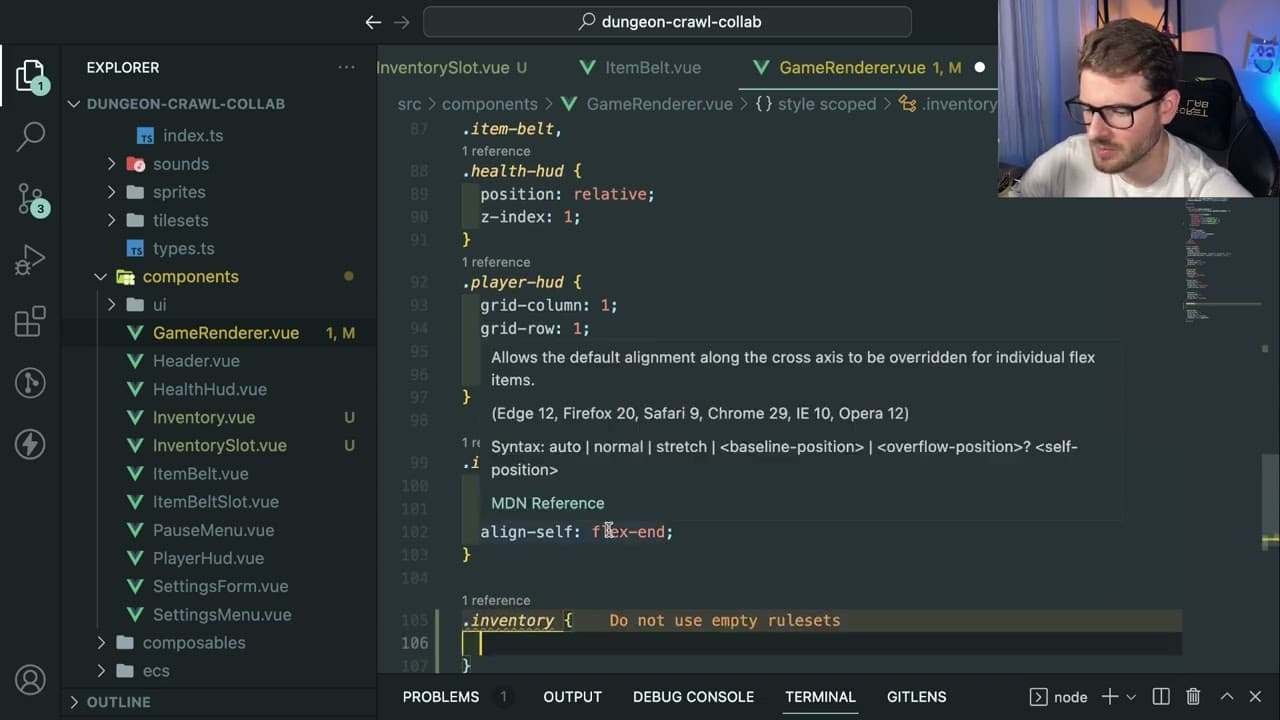
The video demonstrates the creation of an inventory system for a game project.
Transcript
all right um we are going to be trying to work on this little game that I've been kind of making some videos about we're going to try to build an inventory now I don't have too much time tonight I'm kind of tired but I do want to just try to force myself to work going back to that video that I kind of talked about of like how do I allocate my time ... Read More
Key Insights
- 📽️ The creator emphasizes the importance of routine development, aiming to make consistent progress on side projects like the inventory system.
- 🎮 Utilizing Vue for the UI and Pixi JS for HTML canvas rendering allows for a structured approach to game development, providing efficient visuals and gameplay mechanics.
- 💬 Commenting out code that is not currently used helps maintain clarity, making it easier to identify functional elements versus incomplete features.
- 🌱 The design process can vary greatly; some prefer a structured plan while others may prefer a more organic approach, which is seen in the creator's adaptive coding style.
- 💪 The creator’s exploration of CSS grid and flex layouts showcases the current capabilities of modern web development for creating responsive designs.
- 👤 Incorporating user interactions, such as keyboard events, is highlighted as a key aspect of user engagement within game environments.
- 👾 Future enhancements are vital for creating a comprehensive game experience, with plans in place to add item management features and inventory functionality.
Install to Summarize YouTube Videos and Get Transcripts
Explore YouTube Video Summarizer or Get YouTube Transcript Extractor
Questions & Answers
Q: What is the primary focus of the video content?
The video focuses on implementing an inventory system within a gaming project. The creator discusses several steps necessary to set up the system, including displaying an inventory grid and linking it to existing gameplay mechanics, like collecting and managing items.
Q: How does the creator plan to create the inventory slots?
The creator aims to construct the inventory slots using a 2D grid layout, potentially a 4x5 or 5x4 structure. Initially, they plan to use divs for creating slots, allowing for easy styling and future adjustments, while also facilitating the reuse of code from their item belt implementation.
Q: What challenges does the creator face while coding the inventory?
The creator encounters several challenges, including positioning elements on the screen, linking CSS styles, and ensuring the inventory display works seamlessly with the existing item mechanics. They also experience technical issues with code imports and functionality that need troubleshooting and refinement throughout the process.
Q: What future implementations does the creator mention for the inventory system?
The creator discusses several future features for the inventory system, including the ability to click and drag items into different slots, keeping track of the items stored in those slots, and the mechanics for equipping items. These enhancements will contribute to a more interactive gaming experience.
Summary & Key Takeaways
-
The creator explains how to implement a simple inventory system that allows players to manage items within a game environment.
-
They outline the initial setup, showcasing how to display an inventory grid and link it with existing item mechanics.
-
Future improvements discussed include enabling item dragging features and managing game state effectively.
Read in Other Languages (beta)
Share This Summary 📚
Summarize YouTube Videos and Get Video Transcripts with 1-Click
Try YouTube Summary with ChatGPT & Claude or YouTube Transcript Generator
Explore More Summaries from Web Dev Cody 📚





Summarize YouTube Videos and Get Video Transcripts with 1-Click
Try YouTube Summary with ChatGPT & Claude or YouTube Transcript Generator