How to turn your Custom GPT into a web app that makes $$$
TL;DR
Learn to convert a custom GPT into a monetizable web app.
Transcript
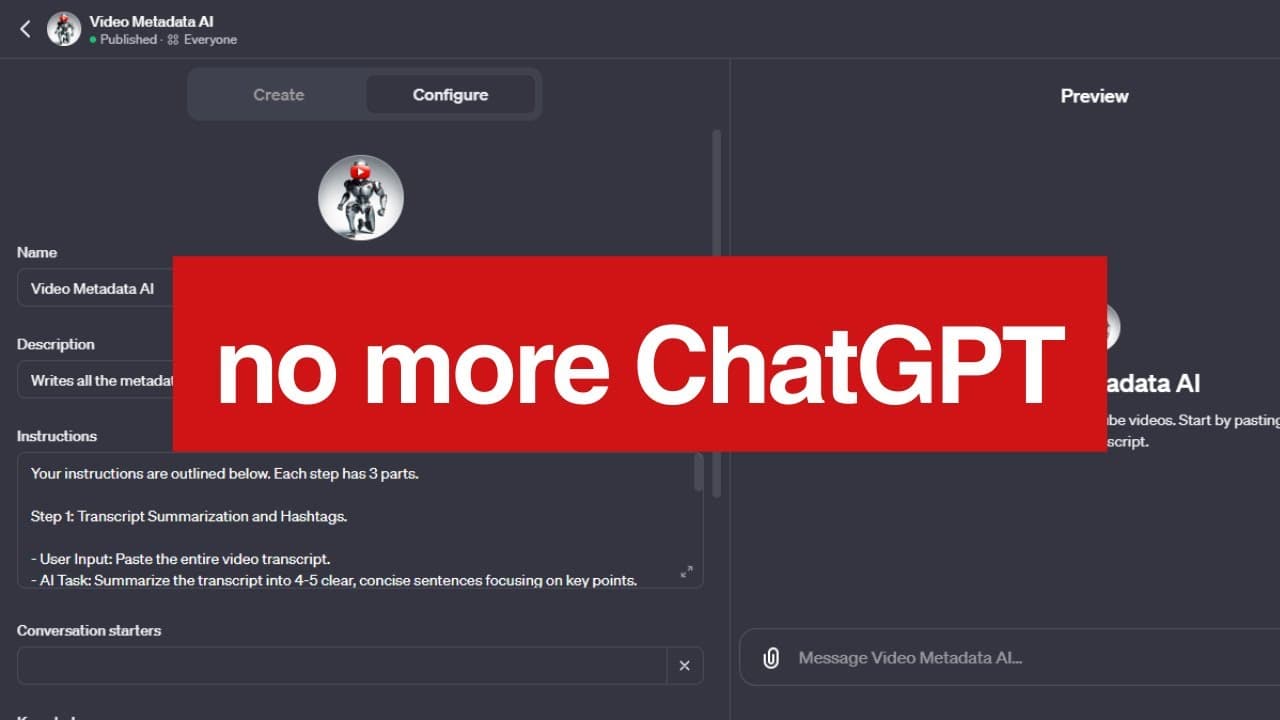
this is video metadata AI a custom GPT I made for the chat GPT Marketplace let's turn this custom GPT into a web app that we can potentially charge customers with because let's be real we're not going to make any money in the GPT Marketplace if you want to turn your own custom gpts into a web app click the link in the descri... Read More
Key Insights
- The video demonstrates how to transform a custom GPT from the ChatGPT Marketplace into a web application using Bubble and OpenAI API, aiming for potential monetization.
- The process involves creating a video title generator by adapting an existing tool that uses Dolly 3, leveraging the OpenAI API for generating video titles from transcripts.
- The design phase includes setting up a user-friendly interface where users can input video transcripts to receive multiple video title suggestions.
- A multi-step workflow is established, starting with setting up an API connector, creating API calls, and configuring the system to handle input and output efficiently.
- The video emphasizes the use of different GPT models, like GPT 3.5 turbo and GPT 4 turbo, to optimize the process of summarizing transcripts and generating creative video titles.
- The speaker suggests potential enhancements, such as adding copy-to-clipboard functionality, clearing input boxes post-generation, and creating subscription plans using Stripe for monetization.
- Detailed steps are provided for integrating OpenAI's API, including setting up headers, managing API keys, and crafting JSON bodies for API requests.
- The speaker promotes an online course that delves deeper into building custom AI applications and starting an AI side hustle business.
Install to Summarize YouTube Videos and Get Transcripts
Explore YouTube Video Summarizer or Get YouTube Transcript Extractor
Questions & Answers
Q: How can a custom GPT be turned into a web app?
A custom GPT can be turned into a web app by utilizing platforms like Bubble and integrating OpenAI's API. The process involves designing an interface, setting up workflows with API calls, and utilizing GPT models to handle inputs and generate desired outputs, such as video titles from transcripts.
Q: What is the main functionality of the web app demonstrated in the video?
The main functionality of the web app demonstrated in the video is to generate multiple video title suggestions from a given video transcript. This is achieved by inputting the transcript into the app, which then utilizes OpenAI's GPT models to produce creative and effective video title options.
Q: What are some potential enhancements suggested for the web app?
Potential enhancements for the web app include adding a copy-to-clipboard button for easy copying of generated titles, clearing the input box after title generation to keep the interface clean, and separating each title into its own box with a copy button. Additionally, implementing a subscription model using Stripe is suggested for monetization.
Q: Which GPT models are used in the video, and why?
The video uses GPT 3.5 turbo and GPT 4 turbo models. GPT 3.5 turbo is used initially for summarizing video transcripts due to its cost-effectiveness, while GPT 4 turbo is employed for generating video titles, as it offers more creativity and a larger context window, enhancing the quality of the output.
Q: What are the key steps in setting up the API connector?
Key steps in setting up the API connector include installing the API connector plugin, creating API calls with appropriate headers, such as 'Content-Type' and 'Authorization', and configuring the JSON body based on OpenAI's API documentation. Testing the API calls to ensure successful integration is also crucial.
Q: How does the app handle long video transcripts efficiently?
The app handles long video transcripts efficiently by using the GPT 3.5 turbo model to summarize the transcript into a concise paragraph. This reduces the input size, allowing the app to process the information more quickly and cost-effectively before generating video title suggestions.
Q: What monetization strategies are suggested for the web app?
Monetization strategies suggested for the web app include charging a subscription fee for access to the title generation feature. This can be implemented by integrating the Stripe plugin and setting up a subscription plan, allowing users to pay a recurring fee to use the app's services.
Q: What additional resources does the speaker offer for learning more about building custom AI apps?
The speaker offers an online course that provides in-depth knowledge about building custom AI applications and starting an AI side hustle business. This course covers various aspects of AI app development and monetization strategies, providing valuable insights for those interested in pursuing AI-related projects.
Summary & Key Takeaways
-
The video guides viewers on converting a custom GPT, initially made for the ChatGPT Marketplace, into a web application using Bubble and OpenAI API. It focuses on creating a video title generator that outputs multiple title options from a video transcript, with potential for monetization.
-
The process includes designing the application interface, setting up a workflow with API calls, and utilizing GPT models for summarizing transcripts and generating titles. The speaker provides detailed instructions on configuring API connectors and managing input/output efficiently.
-
Enhancements like adding a copy-to-clipboard button, clearing input boxes after generation, and implementing subscription plans using Stripe are discussed. The speaker also promotes an online course for those interested in building custom AI apps and starting an AI side business.
Read in Other Languages (beta)
Share This Summary 📚
Summarize YouTube Videos and Get Video Transcripts with 1-Click
Try YouTube Summary with ChatGPT & Claude or YouTube Transcript Generator
Explore More Summaries from WesGPT 📚

Summarize YouTube Videos and Get Video Transcripts with 1-Click
Try YouTube Summary with ChatGPT & Claude or YouTube Transcript Generator