What Are the Best Apps for Instagram Growth?
TL;DR
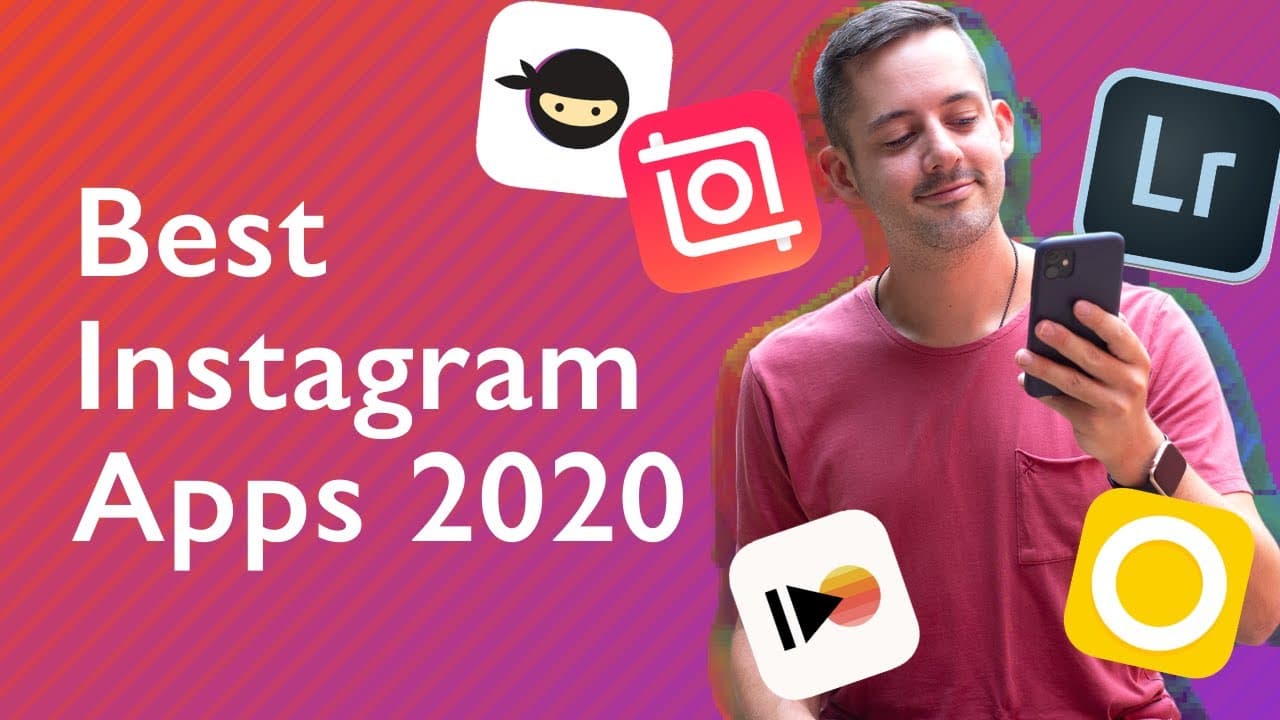
The best apps for Instagram growth include Preview for feed planning, Lightroom for photo editing, Canva for graphic design, InShot for video editing, and NinjaLytics for analytics. These tools help streamline content creation, improve aesthetic quality, and measure performance, enhancing your overall brand strategy on the platform.
Transcript
there are so many great apps for instagram and in this video i'm gonna give you the best ones from feed posts to scheduling your stories to reels i've got the best instagram apps for you to try on this channel i talk a lot about instagram personal branding and other social media platforms practical advice to look good online if those topics interes... Read More
Key Insights
- 😀 Utilize the Preview app for efficient feed planning and visual consistency.
- 📷 Lightroom by Adobe maintains photo quality and offers presets for aesthetic editing.
- 🎨 Canva democratizes graphic design for Instagram creators of all levels.
- 🥶 InShot provides a user-friendly, watermark-free video editing experience for Instagram reels.
- ❓ NinjaLytics offers comprehensive analytics to measure success on Instagram.
- 😀 Explore alternative apps like Later, VSCO, Over, Film, and Scroll for varied creative needs.
- 😀 Optimize brand strategy on Instagram with tailored apps for content creation and performance tracking.
Install to Summarize YouTube Videos and Get Transcripts
Explore YouTube Video Summarizer or Get YouTube Transcript Extractor
Questions & Answers
Q: What is the primary purpose of the Preview app in Instagram strategy?
The Preview app allows users to plan their Instagram feed ahead of time, saving time and ensuring a cohesive visual aesthetic. Users can move feed design elements around until satisfied, enhancing brand consistency.
Q: Why is Lightroom by Adobe preferred for photo editing in Instagram content creation?
Lightroom is favored for maintaining photo quality while offering presets and filters for achieving desired looks. Its mobile version enables on-the-go editing, while the app keeps the integrity of the original image.
Q: How does Canva democratize graphic design and benefit Instagram creators?
Canva provides a browser-based platform for creating graphics, templates, and designs for Instagram posts. Offering customization options and access to brand colors and fonts, Canva simplifies graphic design for creators of all levels.
Q: How does InShot revolutionize video editing for Instagram content?
InShot is a powerful, watermark-free video editing app that simplifies the editing process on mobile devices. With features like volume control, text overlays, and music integration, InShot empowers creators to produce engaging video content for Instagram.
Summary & Key Takeaways
-
Explore five top Instagram apps for feed planning, photo editing, graphic design, video editing, and analytics.
-
Preview for feed planning, Lightroom for photo editing, Canva for graphic design, InShot for video editing, and NinjaLytics for analytics.
-
These apps offer essential tools to enhance your Instagram presence and brand strategy.
Read in Other Languages (beta)
Share This Summary 📚
Summarize YouTube Videos and Get Video Transcripts with 1-Click
Try YouTube Summary with ChatGPT & Claude or YouTube Transcript Generator
Explore More Summaries from Phil Pallen 📚






Summarize YouTube Videos and Get Video Transcripts with 1-Click
Try YouTube Summary with ChatGPT & Claude or YouTube Transcript Generator